30-second AI rescue video workflow: realistic emergency scene
A repeatable scene-by-scene workflow prompt for generating a realistic 30-second AI rescue video: setup, tension, arrival, and resolution beats.
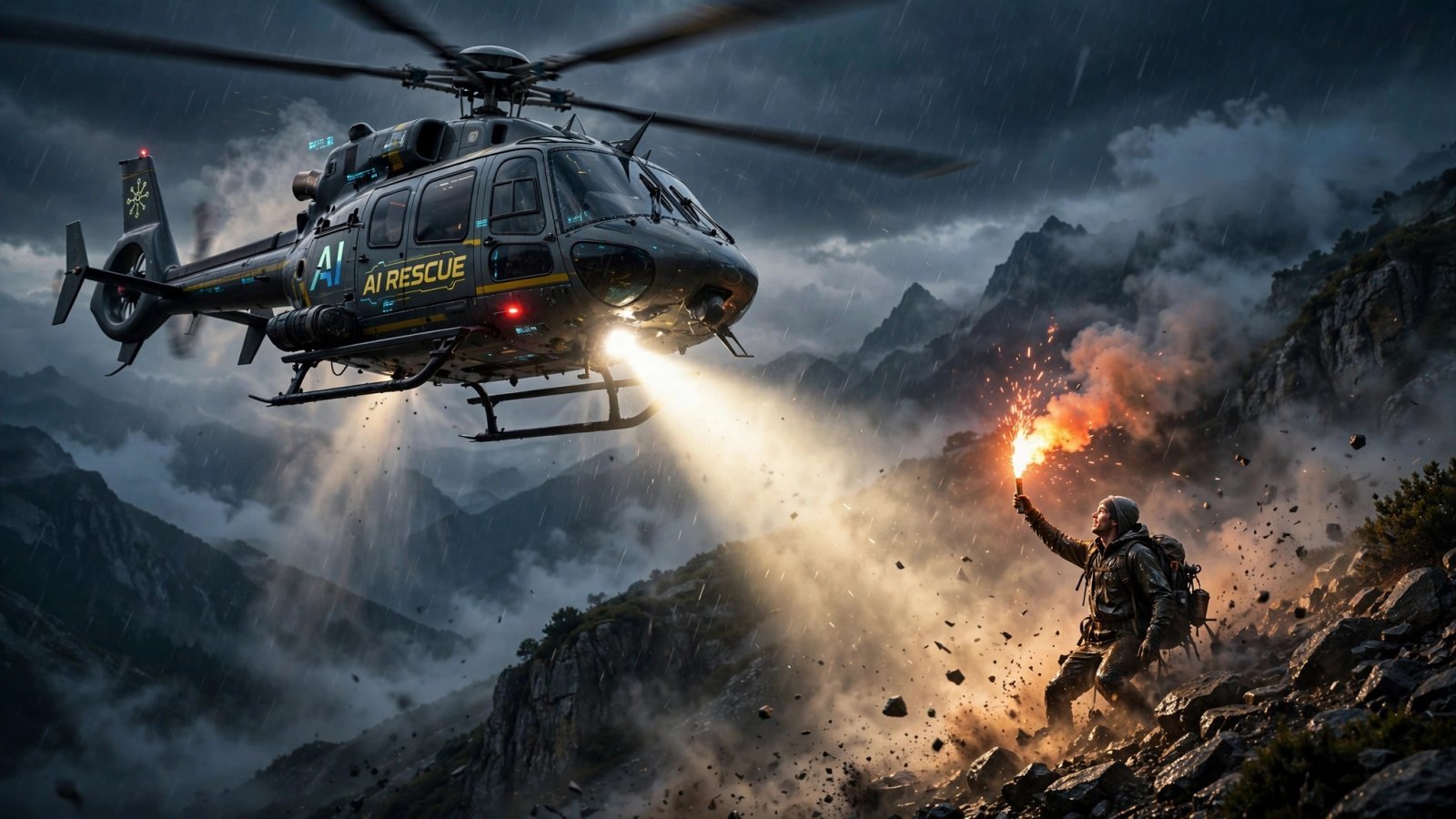
Customize this prompt
Fill in the fields below — the prompt text updates automatically. [BRACKETED] words are placeholders you replace.
The prompt
Build a realistic 30-second AI rescue video in 4 beats totaling exactly ~30 seconds. SCENE: [RESCUE_SCENARIO] (default: mountain hikers trapped by a landslide at dusk, helicopter rescue). Style: handheld documentary realism, [WEATHER] (default: clearing storm), natural color grade, no slow-motion gimmicks, no text overlays. Beat 1 (0:00-0:07, tension): shaky close-ups of stranded people, wind and dust, worried faces, distant sirens. Beat 2 (0:07-0:14, arrival): helicopter rotor wash scattering debris, searchlight sweeping the slope, camera pans with the aircraft. Beat 3 (0:14-0:23, the rescue): winch lowers a rescuer, secure harness moment, the lift-off with a long slow pull-back. Beat 4 (0:23-0:30, resolution): wide aerial of the empty slope, calm faces inside the cabin, warm interior light, fade to dusk sky. Constraints: consistent characters and clothing across all beats; realistic physics (no flying people, no impossible camera moves); natural sound design implied (rotor, wind, voices); NO dialogue subtitles, NO logos, NO cartoonish effects. Generate each beat separately with a seed lock for character consistency, then stitch. Aspect: 16:9, cinematic 24fps feel.
How to use it
- Define your [RESCUE_SCENARIO] and [WEATHER], or use the landslide defaults.
- Generate each of the 4 beats separately, locking the character seed between them.
- Trim and stitch the beats to exactly ~30 seconds with natural sound design.
- Export in 16:9 and add a thumbnail frame from the helicopter arrival beat.
Customization tips
Swap [RESCUE_SCENARIO] for flood, fire, or sea rescue; tune [WEATHER] from fog to blizzard for different moods.
Example use case
Create gripping, realistic rescue clips for short-form video, training simulations, or storytelling reels.
Frequently asked questions
How do I keep the same people across all 4 beats?
Lock the character seed or reference image when generating each beat; the prompt instructs consistent clothing and faces.
Which AI video models work best for this?
Realistic-physics models like Seedance, Kling, or Runway handle the helicopter and crowd physics best — listed in the models field.
Share
Tags: video rescue emergency documentary realism 30 seconds scene breakdown workflow
Reviewed by the PromptVault editorial team on October 12, 2026.
Source notes: Daily pipeline 20261012 batch 2