AI Image Model Shootout for Product Briefs
Run a fair shootout between AI image models on product photography briefs: shared prompts, hard pass/fail criteria, and a decision table.
Customize this prompt
Fill in the fields below — the prompt text updates automatically. [BRACKETED] words are placeholders you replace.
The prompt
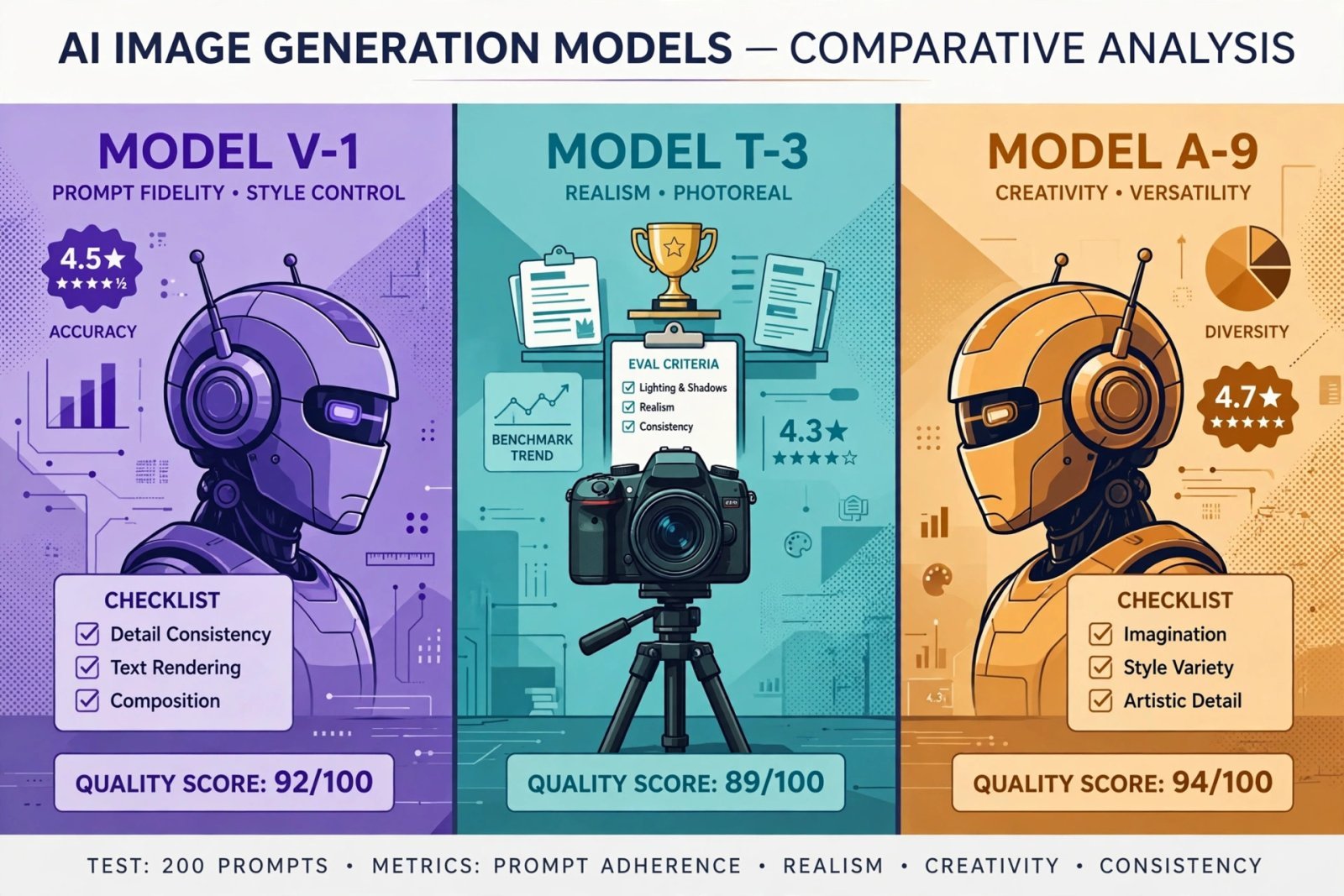
Run a structured shootout to find the best AI image model for [PRODUCT_TYPE] photography briefs. First, draft a fixed reference briefing paragraph describing the shoot: a [PRODUCT_TYPE] photographed in [STUDIO_STYLE] studio light, [BACKGROUND_TYPE] background, shot on a [CAMERA_LENS]-style lens, with [MATERIAL_DETAIL] material detail visible. Then define three evaluation criteria with hard pass/fail lines: [CRITERION_ONE] (pass = [PASS_ONE]), [CRITERION_TWO] (pass = [PASS_TWO]), [CRITERION_THREE] (pass = [PASS_THREE]). Next, produce an identical three-shot prompt list for every model: (1) hero studio shot, (2) extreme close-up of [MATERIAL_DETAIL], (3) lifestyle scene in [LIFESTYLE_SETTING]. For each of [MODEL_A], [MODEL_B], and [MODEL_C], score every shot 1-5 per criterion and write a one-sentence failure note where a shot fails. Finally, output a decision table: winner per criterion, overall winner with a two-sentence justification, and a 'when to use the runner-up' line. Keep all language neutral — describe output quality only, never claim any model was 'tested' by me.
How to use it
- Fix the reference briefing paragraph every model will share.
- Define three criteria, each with a hard pass/fail line.
- Write an identical three-shot prompt list for all models.
- Score each model's shots 1-5 per criterion with failure notes.
- Build the decision table: winner per criterion and overall.
- Write the 'when to use the runner-up' line and save the log.
Customization tips
Swap [PRODUCT_TYPE] for any niche — sneakers need sole and texture close-ups, handbags need hardware and stitching checks, and each swaps the evaluation criteria accordingly. Add or remove candidate models to match whatever generators you actually have access to.
Example use case
Decide which AI image generator to standardize on for product photography briefs with a fair, repeatable test.
Frequently asked questions
How many models and criteria should the shootout use?
Three criteria maximum, each with a hard pass/fail line — like 'logo legible at 400px width'. Fifteen models and ten criteria will bury you in comparisons that don't map to a decision.
Should all models get the same input prompt?
Yes — give every model the same reference briefing paragraph and the same three-shot prompt list. Different briefs make the comparison meaningless.
Share
Tags: ai models model comparison product photography prompt engineering evaluation image generation workflow benchmarking
Reviewed by the PromptVault editorial team on October 10, 2026.
Source notes: Daily pipeline 20261010 batch 7