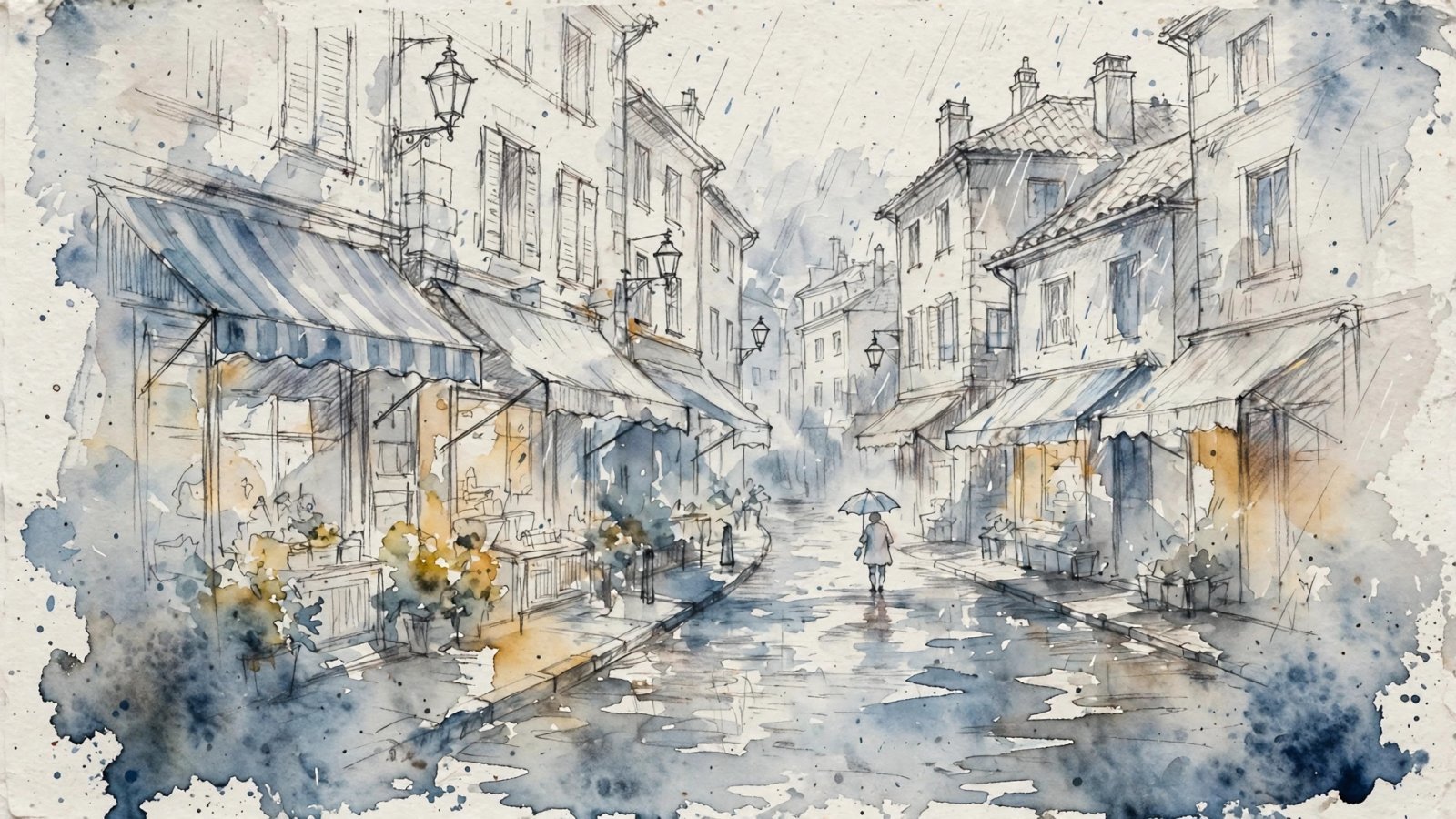
Animate a Hand-Drawn Map So the Route Draws Itself in Motion
An image-to-video prompt that turns a hand-drawn map into a living clip: the ink route draws itself across hills, rivers and tiny landmarks.

Customize this prompt
Fill in the fields below — the prompt text updates automatically. [BRACKETED] words are placeholders you replace.
The prompt
Animate this hand-drawn map image into a [DURATION]-second video. The map shows [REGION_NAME] in ink and watercolour, with [LANDMARK_ONE], [LANDMARK_TWO] and a winding dashed route between them. Begin on the full map, still and quiet. Then a pen line begins to draw itself along the dashed route, moving at a calm walking pace from the starting point to the destination. As the line passes each landmark, that landmark gently animates: the lighthouse beam sweeps once, the windmill sails turn, the little boat bobs on the river. Keep the paper texture, ink colour and hand-drawn style of the original image exactly; add only subtle motion, soft shadows and a warm paper glow. Camera: a slow, steady zoom from the full map toward the destination as the line arrives. End with the completed route glowing softly and a small ink flag marking the end.
How to use it
- Start from a clean, high-contrast scan or photo of the hand-drawn map.
- Mark the route's start, end and each landmark that should animate.
- Generate the clip with a slow zoom and the self-drawing line as the only fast motion.
- Check that the ink style, paper texture and colours match the source image.
- Regenerate if the line jumps, the landmarks move too much, or the map warps.
- Trim the clip so the line finishes drawing exactly as the camera settles on the destination.
Customization tips
Swap the region and landmarks, or change the route to a treasure trail, a road trip or a hiking path.
Example use case
Travel creators and educators animating illustrated maps for videos and presentations.
Frequently asked questions
What makes a good source map for this prompt?
A clean scan with strong ink lines, clear landmarks and a dashed route the model can follow without guessing.
How do I stop the map from warping during the animation?
Keep the camera move slow and the motion prompts subtle; heavy motion is what bends paper textures and ink lines.
Share
Tags: image to video hand-drawn map animation travel motion watercolour map animation
Reviewed by the PromptVault editorial team on November 21, 2026.
Source notes: Daily pipeline 20261121 batch 5