Animate a Vintage Mountain Train Postcard in Motion
Bring a vintage postcard of a mountain train to life with drifting steam, swaying pines, and rolling clouds.
Customize this prompt
Fill in the fields below — the prompt text updates automatically. [BRACKETED] words are placeholders you replace.
The prompt
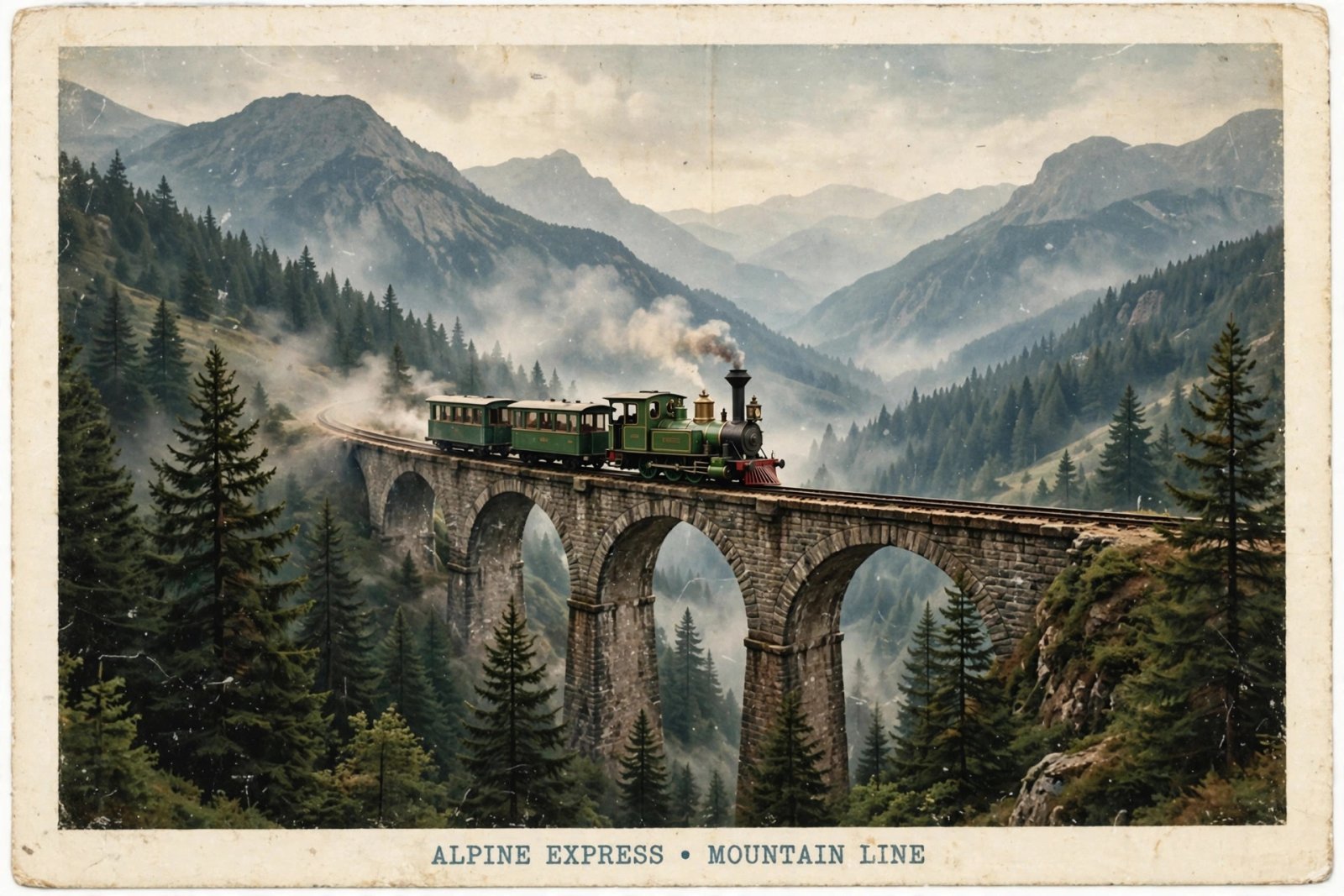
Animate this vintage postcard image: a small [TRAIN_COLOUR] steam train crossing a mountain viaduct above a pine valley, printed in faded [POSTCARD_STYLE] colours with a [BORDER_STYLE] border. Add gentle period motion while keeping the postcard look: steam drifts from the chimney and dissolves, the train glides slowly across the viaduct, pine trees sway in the valley breeze, clouds roll over the peaks, and a flock of birds crosses the sky. Preserve the paper texture, faded colours, and border of the original postcard; add motion only inside the scene, never to the frame itself. Style: nostalgic image-to-video, soft film grain, gentle ambient motion, [DURATION] seconds, no on-screen text, no modern elements.
How to use it
- Scan or photograph the postcard flat, with the full border visible.
- Upload it as the image-to-video source frame.
- Apply the prompt with motion kept gentle to protect the print texture.
- Check the train stays on the viaduct and the border stays still.
- Export and pair with soft period music if desired.
Customization tips
Swap the train, valley, and postcard style for any vintage card in your collection, keeping the border still.
Example use case
Collectors and creators animating vintage postcards into short nostalgic clips.
Frequently asked questions
How do I keep the postcard border from moving?
Describe the border as a static frame and keep camera motion at zero. If the edges warp, lower the motion strength and regenerate.
Can I animate a black-and-white postcard?
Yes. Keep the prompt's colour language neutral and let the original monochrome print set the palette; motion reads just as well in grey.
Share
Tags: image-to-video vintage postcard train nostalgia animation ai video
Reviewed by the PromptVault editorial team on October 16, 2026.
Source notes: Daily pipeline 20261016 batch 5