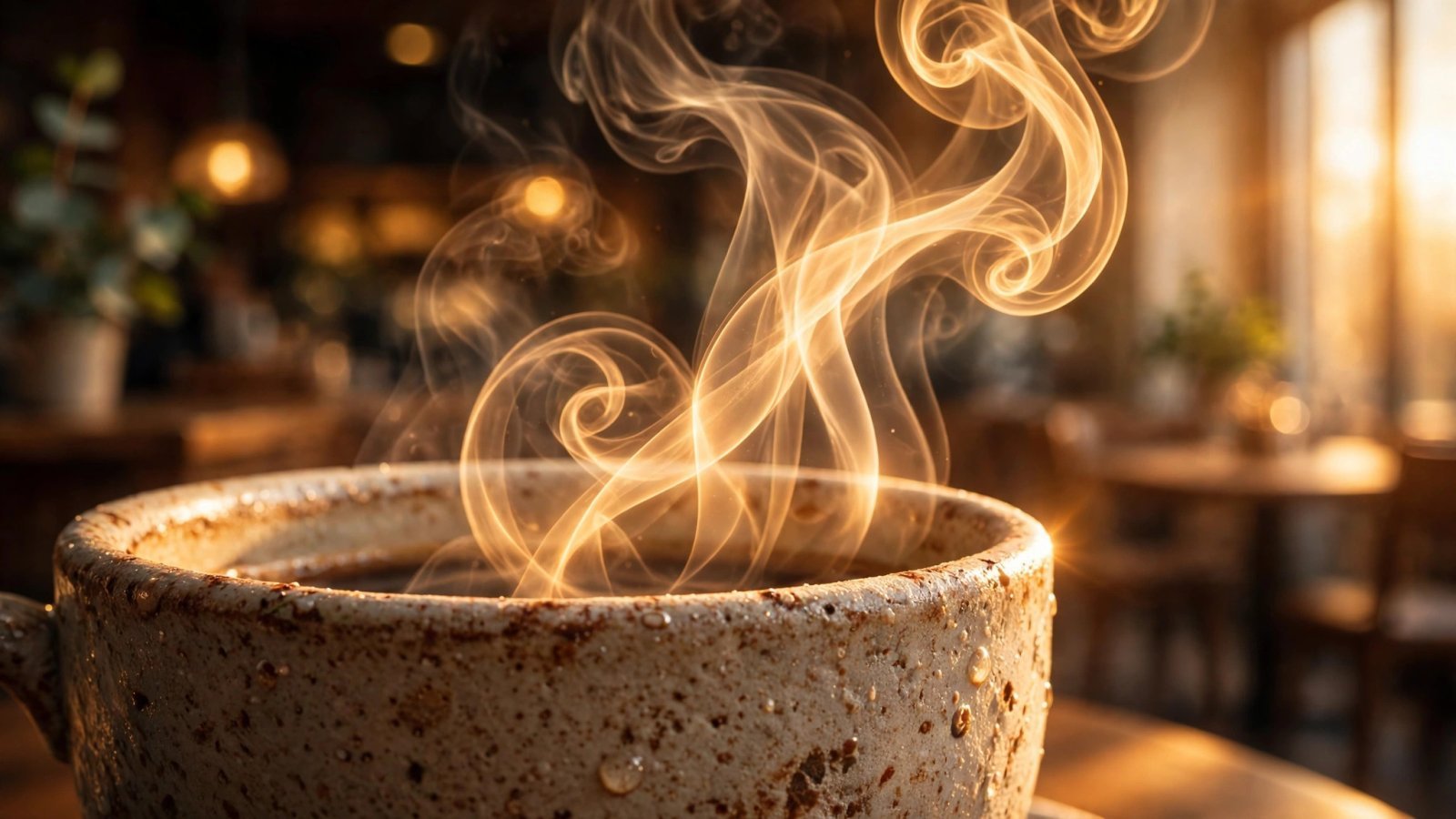
Bark-to-Art Metamorphosis: A Complete AI Video Pipeline
Turn a close-up of tree bark into a living painted mural with a four-stage AI video pipeline, from still to cinematic reveal.

Customize this prompt
Fill in the fields below — the prompt text updates automatically. [BRACKETED] words are placeholders you replace.
The prompt
Produce a [DURATION]-second cinematic transformation video: a close-up of rugged [TREE_TYPE] bark fills the frame, and its cracks and ridges slowly morph into a painted mural of [MURAL_SCENE]. Stage 1 (0-25%): macro shot of bark texture, subtle camera drift, morning light raking across ridges. Stage 2 (25-55%): bark grain begins to bloom with color — paint strokes spread along the cracks like ink in water. Stage 3 (55-85%): the texture fully resolves into [MURAL_SCENE] rendered in [PAINT_STYLE], painted across a living forest wall. Stage 4 (85-100%): slow pullback revealing the mural as a monumental forest artwork with light rays and drifting pollen. Camera: smooth dolly throughout, shallow depth of field early, wide and crisp at the reveal. Mood: meditative and magical, [COLOR_GRADE] color grade, gentle ambient pacing, no text overlays, no hard cuts between stages.
How to use it
- Fill the placeholders: duration, tree species, mural scene, paint style, and color grade.
- Generate the four stages as separate clips for finer control over each transition.
- Stitch the stages with cross-dissolves so the morph feels continuous.
- Add ambient forest sound and a soft musical swell timed to the stage-4 pullback.
- Export in 9:16 for Shorts and 16:9 for YouTube from the same master timeline.
Customization tips
Set [DURATION] to 5-30 seconds depending on the platform; swap [TREE_TYPE] for oak, pine, or birch; [MURAL_SCENE] for a phoenix, a forest spirit, or a celestial map; [PAINT_STYLE] for watercolor, fresco, or street-art; [COLOR_GRADE] for teal-gold or mossy greens.
Example use case
Nature-art YouTube Shorts, gallery installation loops, relaxing ambient video content, portfolio showpieces.
Frequently asked questions
How do I keep the bark and mural consistent?
Generate stage 1 and stage 3 first, then create the morph stages by referencing both endpoint frames as start and end images.
Which model is best for the texture morph?
Models with strong image-to-video control handle the bark-to-paint transition most cleanly; run stage 2 as an img2vid pass with low motion strength.
Share
Tags: video generation transformation nature art pipeline cinematic macro
Reviewed by the PromptVault editorial team on October 11, 2026.
Source notes: Daily pipeline 20261011 batch 2