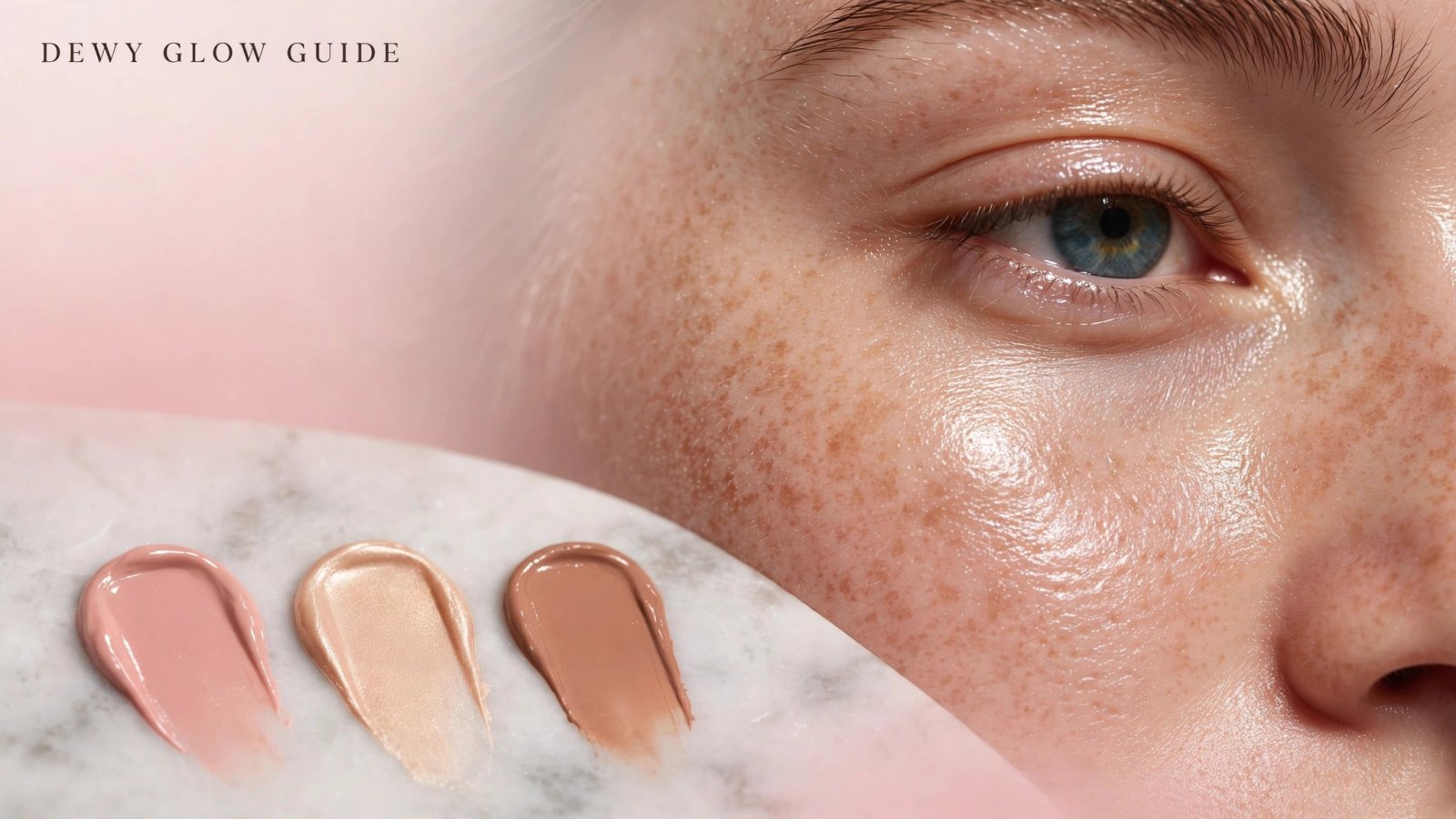
Beauty tutorial thumbnail: glowing skin close-up with product swatches
A radiant beauty thumbnail pairing a luminous skin close-up with neat product swatches.
Customize this prompt
Fill in the fields below — the prompt text updates automatically. [BRACKETED] words are placeholders you replace.
The prompt
YouTube thumbnail design, 1280x720: Extreme close-up of luminous, dewy cheek and eye area with a soft-focus glow, beside three neat swatches of [PRODUCT_TYPE] in shades [SHADE_1], [SHADE_2], [SHADE_3] on a clean marble surface. Text '[TUTORIAL_HOOK]' in a chic thin serif, dark charcoal, top-left. Background: soft blush-pink gradient. Style: clean beauty aesthetic, high-end cosmetics advertising look, fresh and radiant, no harsh shadows.
How to use it
- Shoot or select a close-up with visibly glowing, healthy skin.
- Arrange swatches of the exact shades featured in the tutorial.
- Set the blush gradient background and place the hook text top-left.
- Soften, brighten, and export at 1280x720, checking text legibility.
Customization tips
Change the shade names, product type, and hook text to match each tutorial while keeping the blush aesthetic.
Example use case
Perfect for beauty creators whose thumbnails must promise a visible, aspirational result.
Frequently asked questions
What text works best on beauty thumbnails?
Short benefit hooks like shade names, skin concerns solved, or 'no filter' claims. Keep it under 4 words.
Should the swatches match the video exactly?
Yes. Mismatched shades erode trust fast in beauty content; swatch the exact products you use on camera.
Share
Tags: youtube thumbnail beauty makeup tutorial skincare thumbnail design
Reviewed by the PromptVault editorial team on October 12, 2026.
Source notes: Daily pipeline 20261012 batch 107