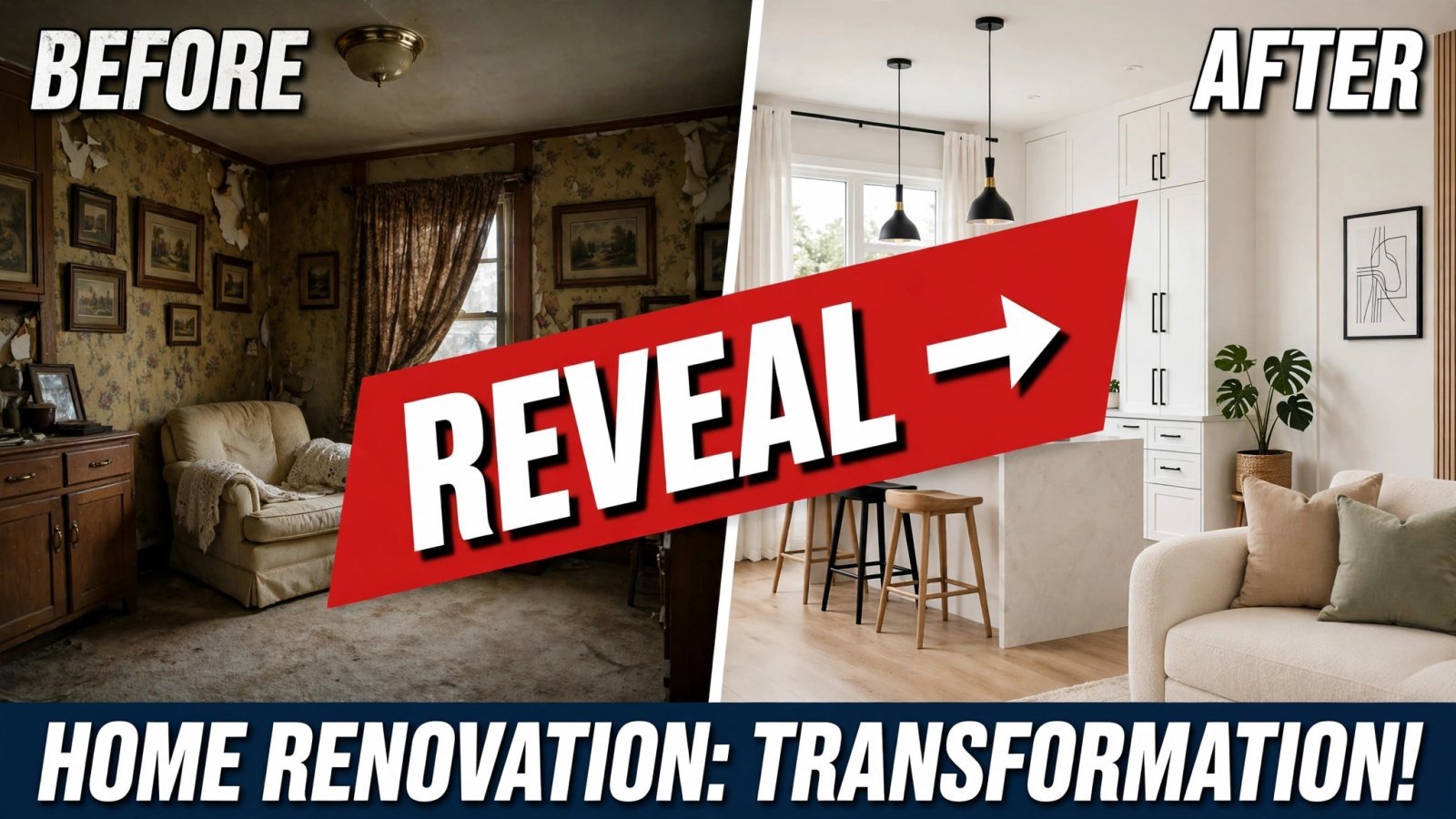
Before and After Home Renovation Reveal Thumbnail in Split Screen
A dramatic split-screen renovation thumbnail contrasting a dated room with its bright remodel, plus a bold reveal headline.
Customize this prompt
Fill in the fields below — the prompt text updates automatically. [BRACKETED] words are placeholders you replace.
The prompt
Create a YouTube thumbnail for a home renovation reveal video about transforming a [ROOM_TYPE]. Layout: a vertical split down the middle — the left half shows the dated 'before' room in dull [BEFORE_TONE] tones, the right half shows the finished 'after' room in bright [AFTER_TONE] tones with new [FEATURE_DETAIL]. A bold diagonal banner across the center reads [REVEAL_WORD] in chunky sans-serif, with a small paint-roller icon in the corner. Add crisp edges, matching camera angles on both sides, and a slight glow on the renovated half. Keep text to one punchy word. Style: clean photographic comparison graphic, high contrast, 16:9 composition.
How to use it
- Choose [ROOM_TYPE] and [FEATURE_DETAIL] to match the renovation you filmed.
- Set dull [BEFORE_TONE] colours for the left half and bright [AFTER_TONE] colours for the right.
- Match the camera angle on both sides so the comparison reads instantly.
- Write a one-word [REVEAL_WORD] banner and add the paint-roller icon.
- Check the split at small size, then export in 16:9.
Customization tips
Swap [ROOM_TYPE] per project, [REVEAL_WORD] per reveal style, and the colour tones to suit each room.
Example use case
DIY and home creators making renovation reveal thumbnails with instant visual contrast.
Frequently asked questions
Does the split work if my before photo is low quality?
Yes — matching the angle and brightening the after side makes the contrast clear even when the before photo is older.
Can I use this for a garden makeover?
Yes: describe the garden as [ROOM_TYPE] and swap the feature detail for a patio, lawn, or planting scheme.
Share
Tags: youtube thumbnail renovation before and after home improvement graphic design
Reviewed by the PromptVault editorial team on October 31, 2026.
Source notes: Daily pipeline 20261031 batch 6