Black and White to Color Photo
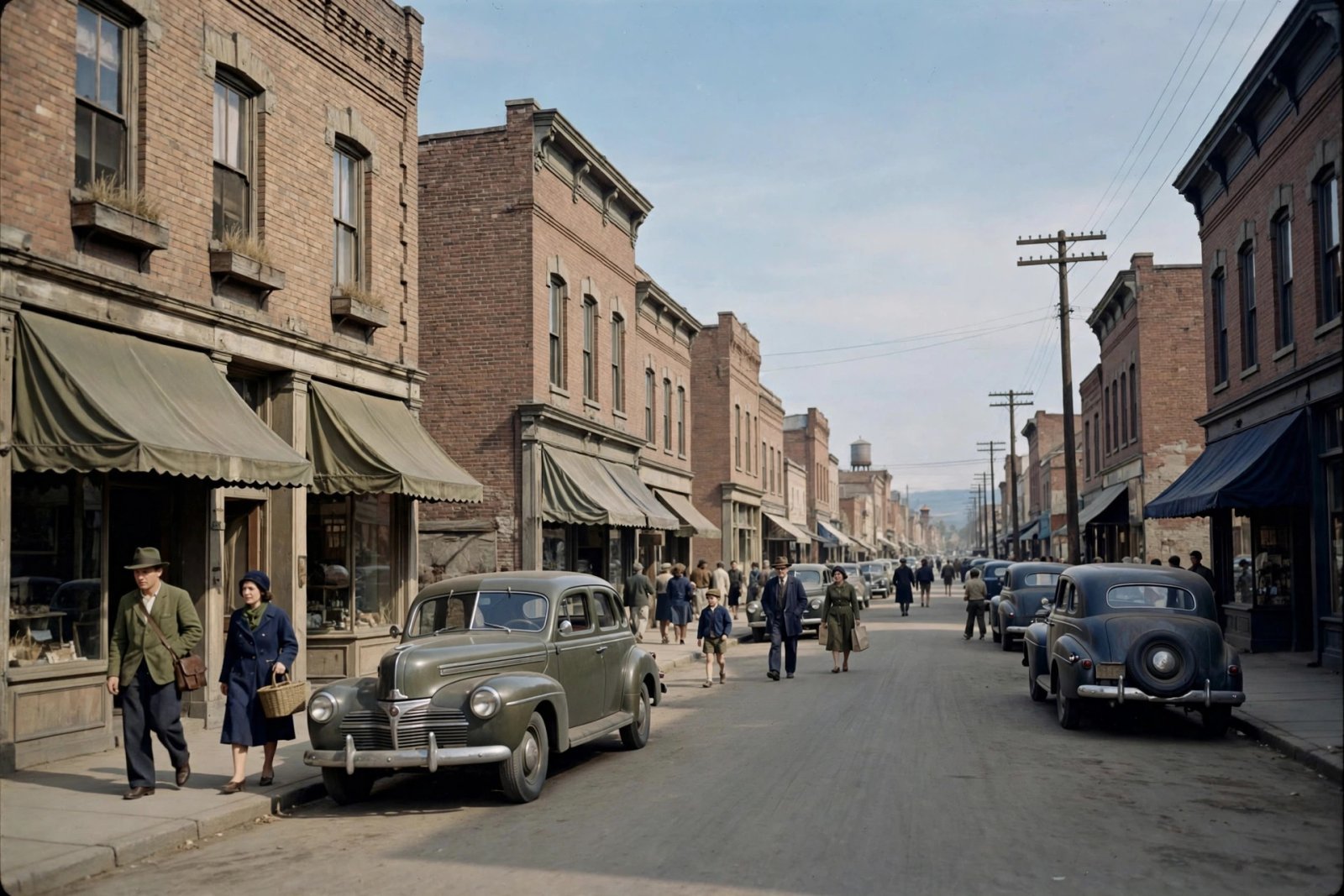
Convert a black-and-white photo to realistic full color with historically accurate tones and natural shading.
Customize this prompt
Fill in the fields below — the prompt text updates automatically. [BRACKETED] words are placeholders you replace.
The prompt
Colorize the black-and-white photograph from [ERA] with historically accurate, natural color. Research-correct palette: [SETTING] environment colors, period-accurate clothing tones for [ERA], realistic skin tones with subtle variation, natural sky and foliage. Technique: keep the original lighting, shadows, and contrast intact — add color as translucent layers, never flat fills. Avoid oversaturation; aim for the muted, authentic look of real color film from the era. Preserve all faces, textures, and grain. Output should feel like a genuine color photograph from [ERA], not a modern recolor. No text, no watermark, no added elements.
How to use it
- Identify the era and setting of the photo.
- Set [ERA] and [SETTING], e.g. '1940s' and 'a small-town street'.
- Note any known colors: uniforms, car paint, signage.
- Generate and check skin tones look natural, not orange.
- Compare with the original to confirm nothing was altered.
Customization tips
Supply era and setting details for authentic period-correct color.
Example use case
Fascinating for history buffs and families bringing old photos to life.
Frequently asked questions
How accurate are the colors?
Provide era details and known colors for the most historically faithful result.
Can it colorize a whole album?
Yes, process photos one by one with consistent era settings for a uniform album.
Share
Tags: colorize black and white photo restoration vintage history color memories
Reviewed by the PromptVault editorial team on October 12, 2026.
Source notes: Daily pipeline 20261012 batch 103

