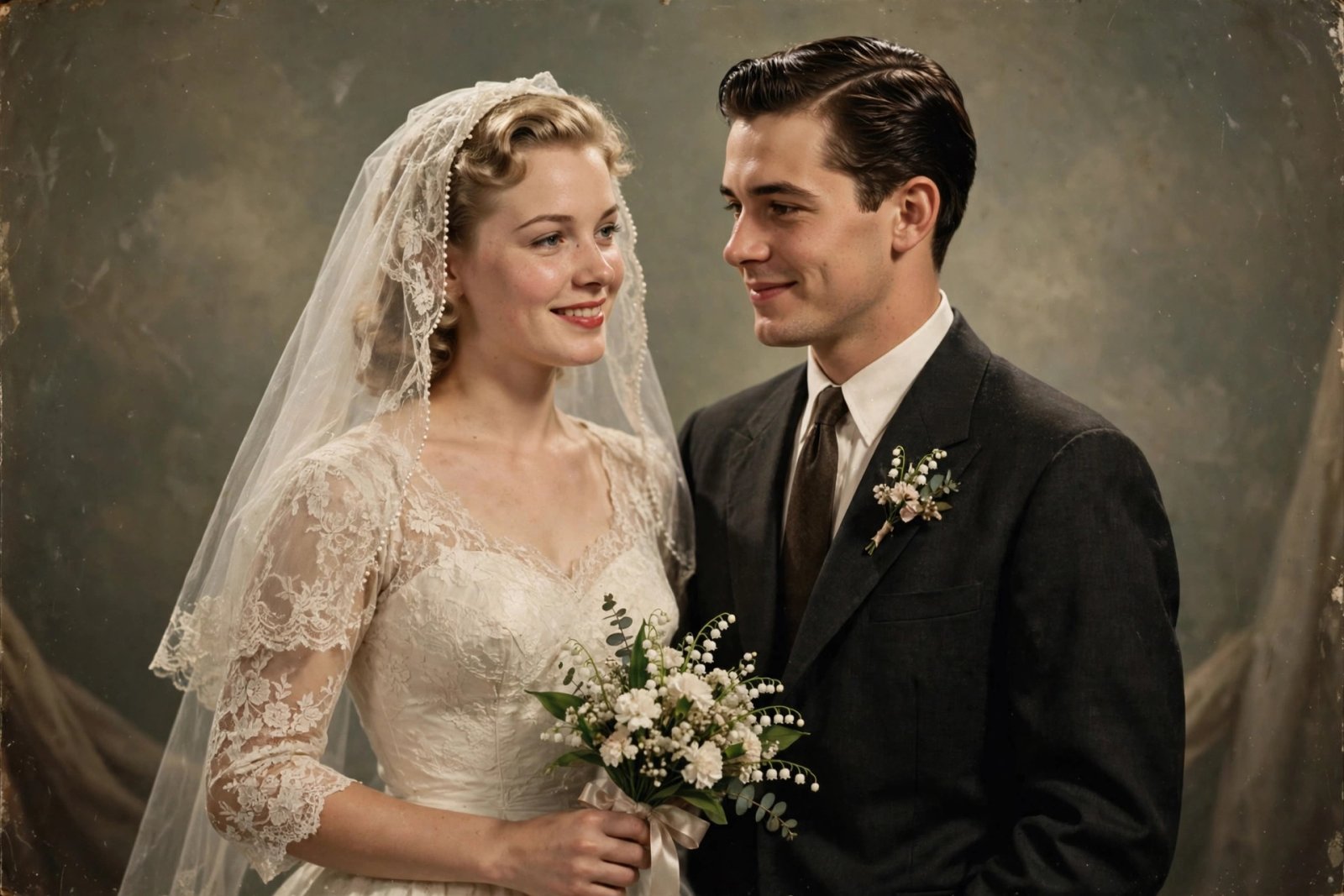
Bring Back the Faded Wedding Portrait: A Vintage Photo Restoration Prompt
Restore a faded vintage wedding portrait with AI: recover faces, rebuild contrast and gently revive the original colours.

Customize this prompt
Fill in the fields below — the prompt text updates automatically. [BRACKETED] words are placeholders you replace.
The prompt
Restore this faded vintage wedding photograph with careful AI enhancement. First, describe the damage: the image is a [DECADE] wedding portrait with [DAMAGE_TYPE] fading, soft focus and yellowed paper tones. Rebuild the couple's faces with natural skin texture and clear eyes, keeping their real features and expressions untouched rather than beautified. Restore the wedding dress to crisp [DRESS_DETAIL] detail and the suit to clean dark tones. Gently revive the original colours in a muted vintage palette, remove dust, scratches and stains, and sharpen edges without adding a plastic or over-smoothed look. Keep the original composition, background and [BACKGROUND_DETAIL] exactly as they were, and deliver a clean print-ready result that still feels like a photograph from [DECADE], not a modern digital image.
How to use it
- Scan the original at the highest resolution you can, at least 600 dpi.
- Note the damage type and decade so the restoration matches the era.
- Run the restoration and zoom into the faces to check features stayed true.
- Compare side by side with the original to confirm the composition is unchanged.
- Print a test copy before ordering a large framed print.
Customization tips
Adjust for other eras, from 1920s sepia to 1970s colour prints, or target specific damage like torn corners or water spots.
Example use case
Family history projects, anniversary gifts, framed keepsakes, and archive digitisation.
Frequently asked questions
Will restoration change how my grandparents look?
A careful restoration keeps real features and expressions intact. Ask for natural texture and avoid beautifying filters so the people still look like themselves.
What scan quality do I need for a good restoration?
Scan at 600 dpi or higher. A high-resolution scan gives the AI enough detail to rebuild faces and fabric instead of guessing.
Share
Tags: photo restoration vintage photo wedding old photos AI restore family history print
Reviewed by the PromptVault editorial team on November 18, 2026.
Source notes: Daily pipeline 20261118 batch 2