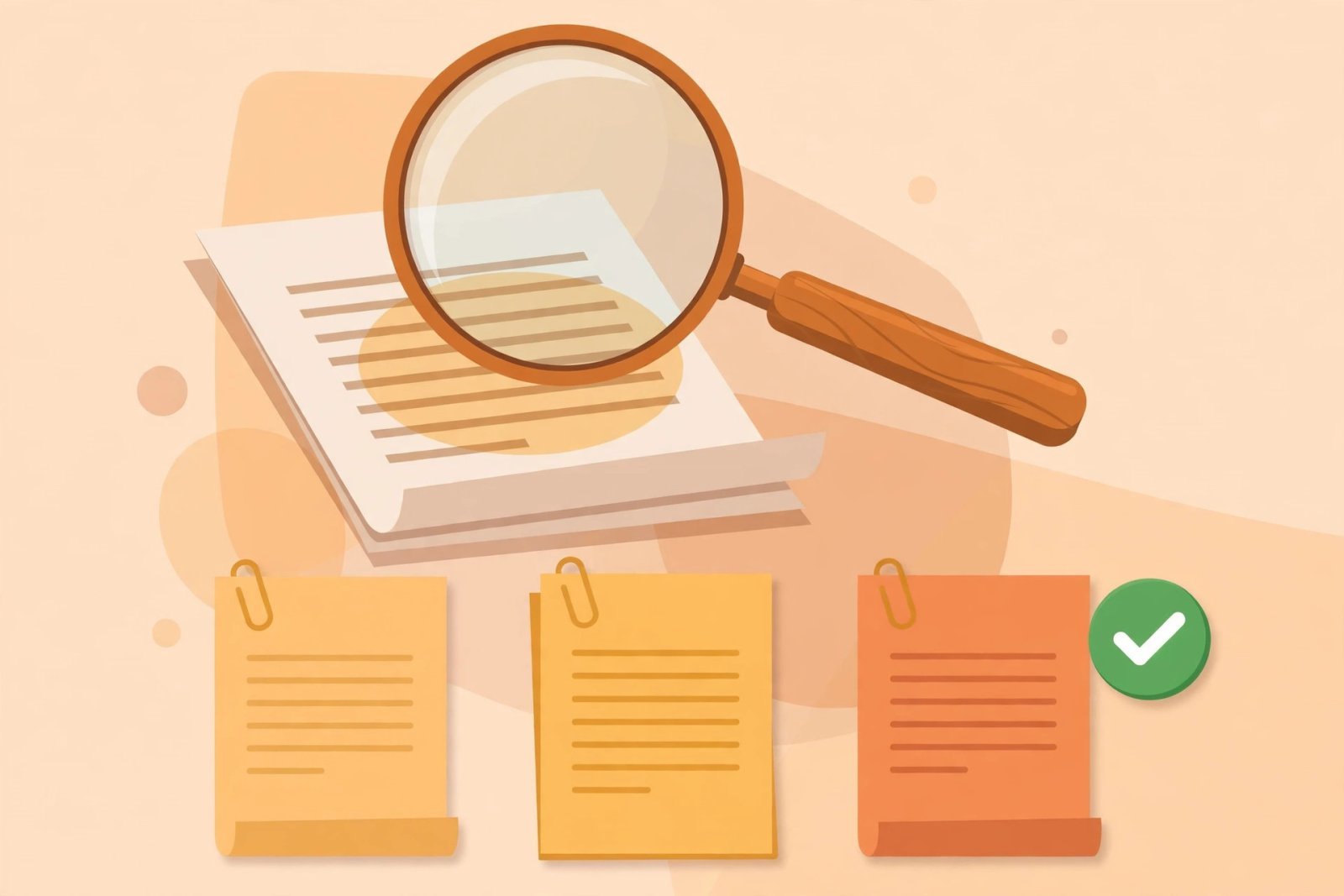
Build a Fact-Checking Checklist for Claims You Find Online
Build a reusable fact-checking checklist that helps you verify online claims before you share or cite them.

Customize this prompt
Fill in the fields below — the prompt text updates automatically. [BRACKETED] words are placeholders you replace.
The prompt
Act as a fact-checking coach helping a [WRITER_OR_RESEARCHER] build a reusable checklist for claims found online about [TOPIC]. First, ask me for the kinds of claims I meet most, the [NUMBER] sources I trust, and how much time I can spend checking each claim. Then build a checklist with: five quick questions to ask of any claim before sharing it, a source-tracing step that finds where the claim first appeared, a three-level verdict scale of verified, partly true and unverified, a short list of red flags that mean slow down, and a simple log format with columns for claim, source, verdict and date checked. Keep the whole checklist under [WORD_COUNT] words, use plain language, and make every step something I can actually do in under [MINUTES] minutes.
How to use it
- List the claim types you meet most and the sources you trust.
- Write five quick questions to ask of any claim.
- Add a source-tracing step to find where the claim began.
- Define a three-level verdict scale: verified, partly true, unverified.
- Add red flags and a simple log format for checked claims.
Customization tips
Swap in your topic, the claim types you meet most and the sources you trust.
Example use case
A writer or researcher who cites online claims and wants a quick, honest way to check them first.
Frequently asked questions
Which check should I run first?
Start with the source. A claim from a primary source or a named expert beats a screenshot of a screenshot every time.
What if I cannot verify a claim either way?
Then it stays unverified. Note it as unverified and do not repeat it as fact, no matter how often it is shared.
Share
Tags: fact-checking research media literacy verification critical thinking
Reviewed by the PromptVault editorial team on November 23, 2026.
Source notes: Daily pipeline 20261123 batch 10