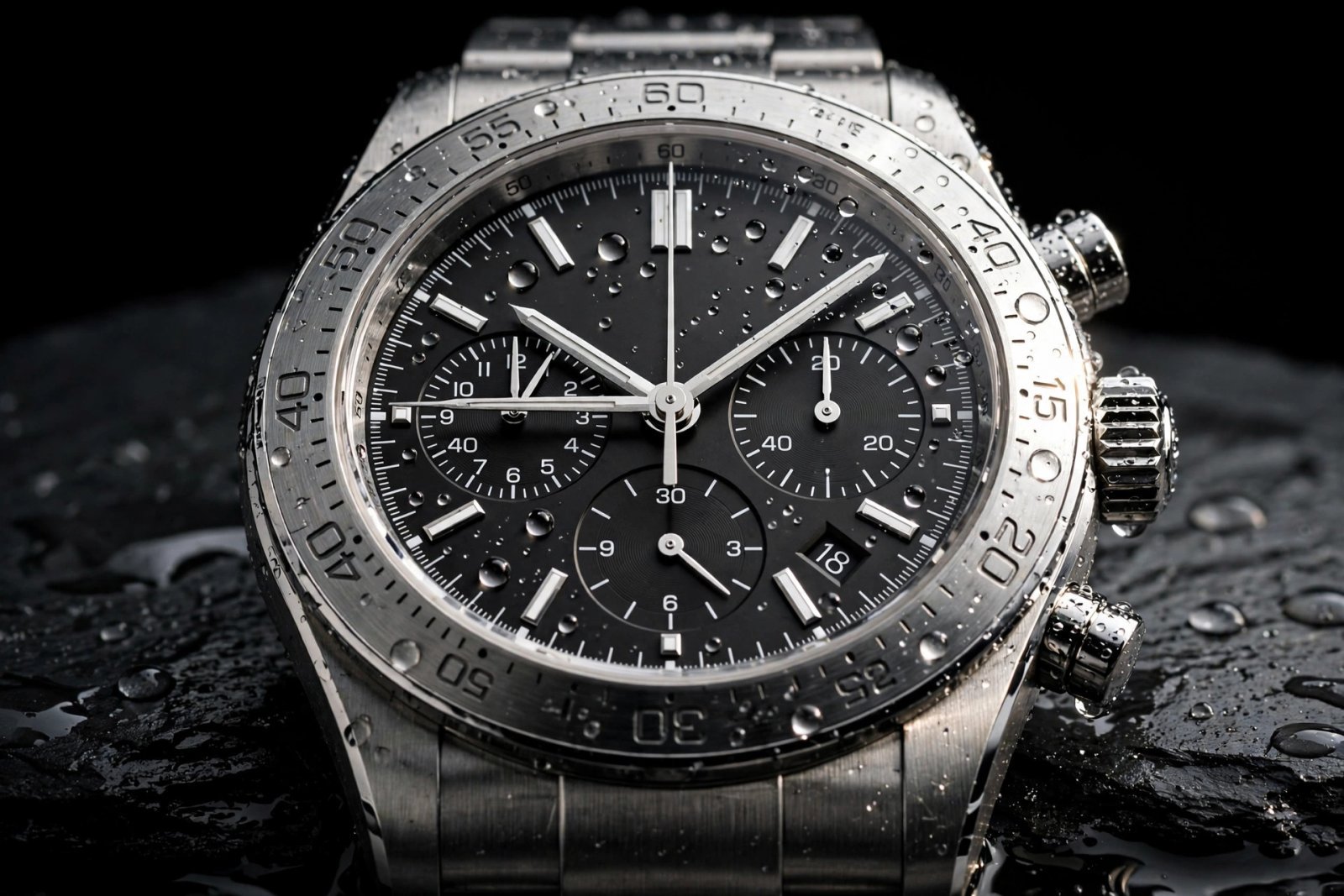
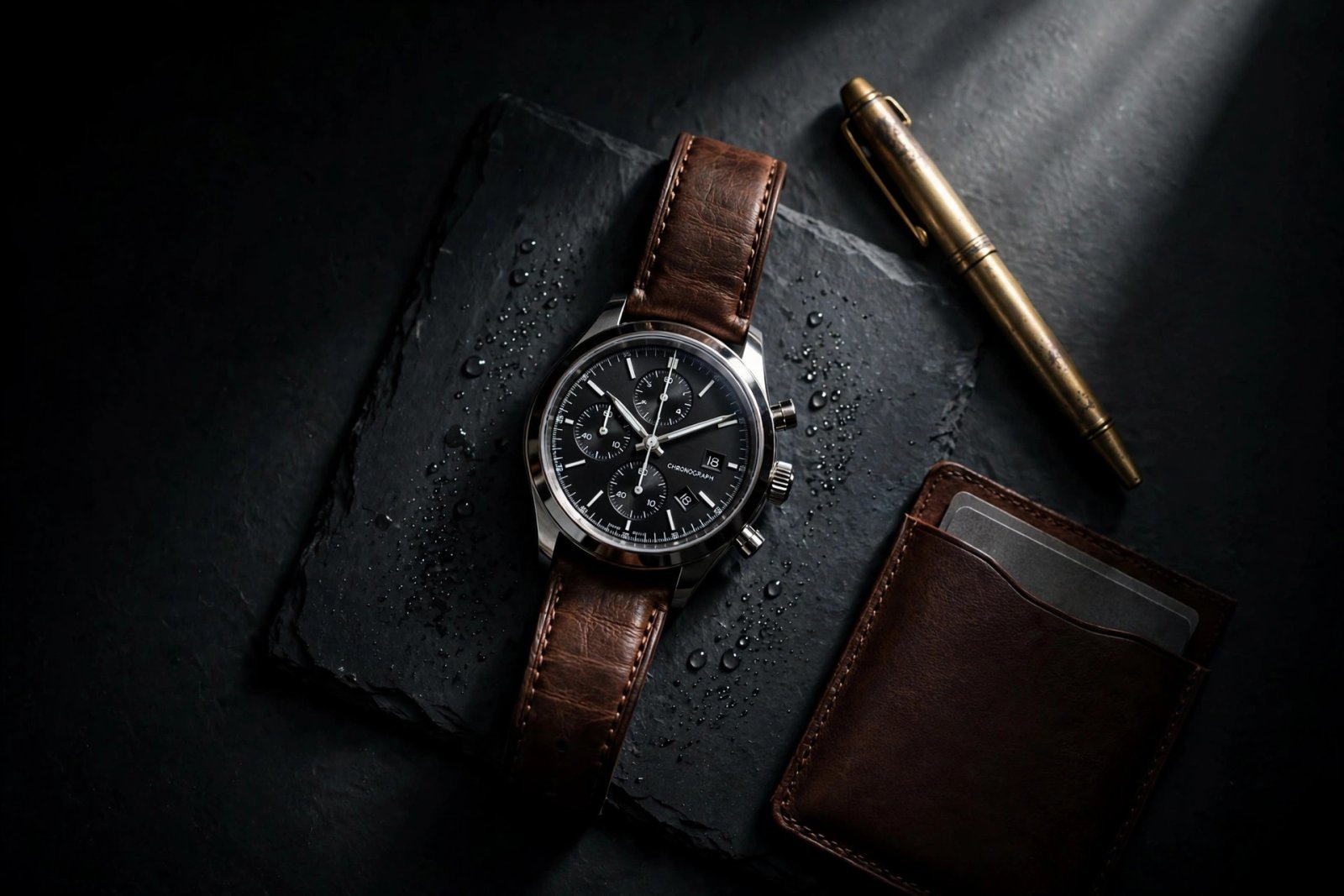
Chronograph Watch Resting on Charcoal Slate, Studio Flat Lay
A luxury chronograph watch in a moody studio flat lay on charcoal slate, with dramatic side light and crisp detail.
Customize this prompt
Fill in the fields below — the prompt text updates automatically. [BRACKETED] words are placeholders you replace.
The prompt
Photograph a luxury chronograph watch in a moody studio flat lay. The watch, with a [DIAL_COLOUR] dial, [STRAP_MATERIAL] strap, and polished steel case, rests on a slab of charcoal slate, angled so the dial catches a beam of dramatic side light. Around it, arrange [STYLING_PROPS] with generous space between objects, and scatter a few fine water droplets on the slate for texture. Shoot from directly above with a [LENS] lens feel, tack-sharp focus on the dial, and deep shadows that fade to black at the edges of the frame. The colour palette should stay dark and restrained, with the dial and steel highlights as the only bright elements. Include fine detail: the texture of the slate, the stitching on the strap, and the crisp numerals on the dial.
How to use it
- Choose the dial colour and strap material for the watch.
- Pick minimal styling props, such as a brass pen or a leather card holder.
- Generate the flat lay and check the dial is sharp and readable.
- If the dial text is garbled, regenerate and keep the dial description simple.
- Use the result as a product listing hero, a social post, or a catalogue image.
Customization tips
Change [DIAL_COLOUR] to deep green or ivory, and swap [STYLING_PROPS] for a notebook and reading glasses.
Example use case
Watch listings, luxury brand social posts, and catalogue hero images.
Frequently asked questions
How do I keep the watch dial readable?
Describe the dial simply, such as a black dial with white markers, and avoid asking for tiny brand text.
Can I brighten the mood?
Yes. Swap the charcoal slate for light marble and soften the side light for an airy luxury look.
Share
Tags: product photography watch flat lay luxury studio lighting dark slate
Reviewed by the PromptVault editorial team on November 24, 2026.
Source notes: Daily pipeline 20261125 batch 0