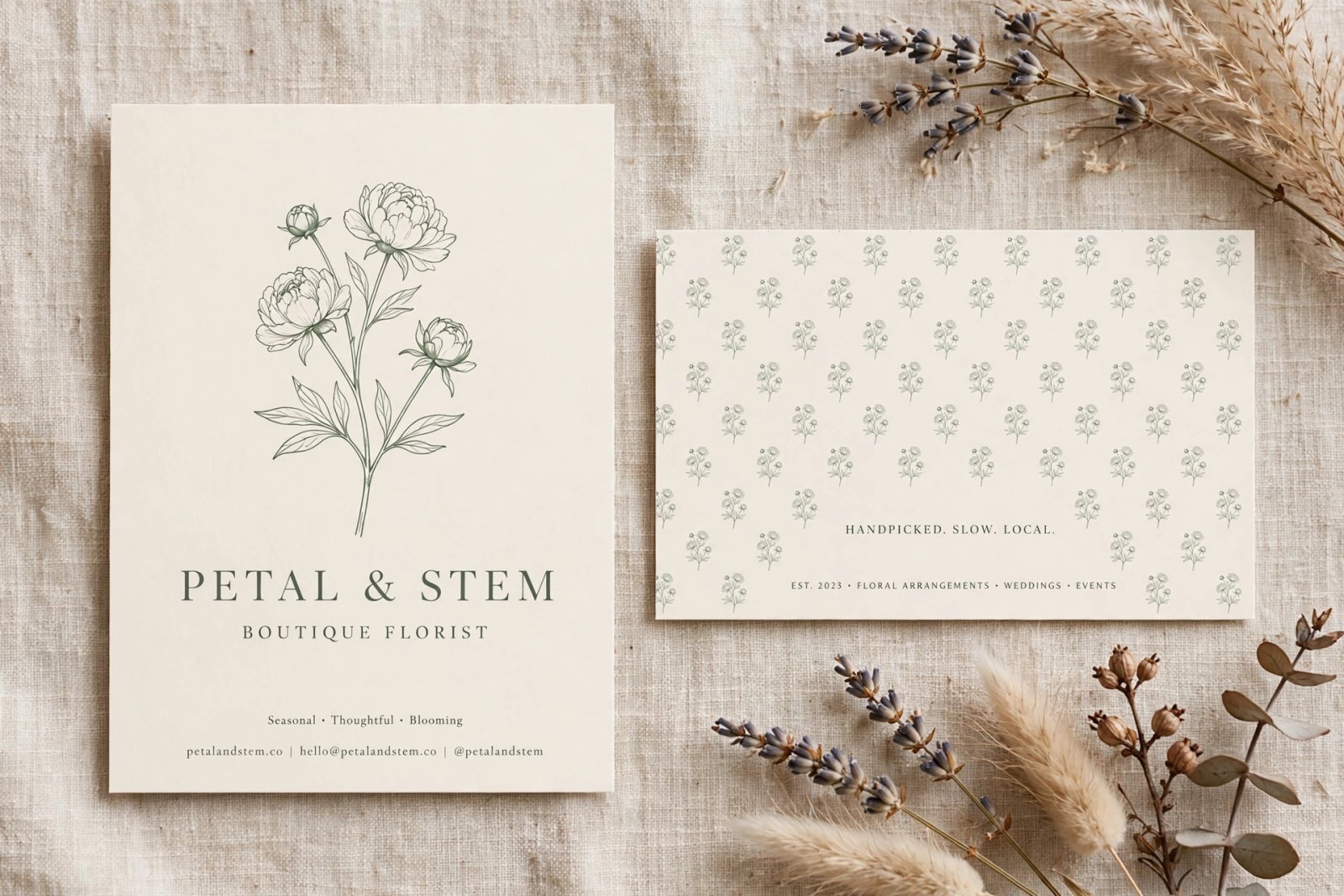
Clean Minimal Business Card Prompt with Smart Layout Rules
Design a clean minimal business card with a strong logo mark, perfect spacing and print-ready hierarchy.

Customize this prompt
Fill in the fields below — the prompt text updates automatically. [BRACKETED] words are placeholders you replace.
The prompt
Design a clean minimal business card for [PERSON_NAME], a [ROLE] at [COMPANY]. The front shows a simple [LOGO_STYLE] logo mark in [BRAND_COLOUR] on a [CARD_COLOUR] background, with the name in elegant [FONT_STYLE] type and the role in smaller letter-spaced capitals. The back carries [CONTACT_LINE_ONE] and [CONTACT_LINE_TWO] in a tidy left-aligned column, plus a small [WEBSITE_OR_QR] detail in the corner. Use generous white space, a strict grid, and only two fonts. The style is [MOOD] and professional, with crisp lines, no gradients and no clutter. Standard business card size, print-ready with safe margins.
How to use it
- Decide the single logo mark and the one brand colour to feature.
- Lay out the front: logo, name, role — nothing else.
- Lay out the back: contact lines in one tidy column.
- Keep fonts to two and sizes to three at most.
- Check the card at real size for spacing and readability.
- Export a print-ready file with bleed and safe margins.
Customization tips
Swap [PERSON_NAME], [ROLE] and [BRAND_COLOUR] to generate a matching card for every team member.
Example use case
Business cards for freelancers, startups and professionals who want a clean, print-ready identity.
Frequently asked questions
What should go on the front of a minimal business card?
Logo, name and role only — contact details belong on the back so the front stays clean and memorable.
Which models render small card text accurately?
Ideogram handles short, exact text best; keep every line short and spell names and numbers character by character.
Share
Tags: business card minimal design branding print design ideogram logo
Reviewed by the PromptVault editorial team on November 20, 2026.
Source notes: Daily pipeline 20261120 batch 5