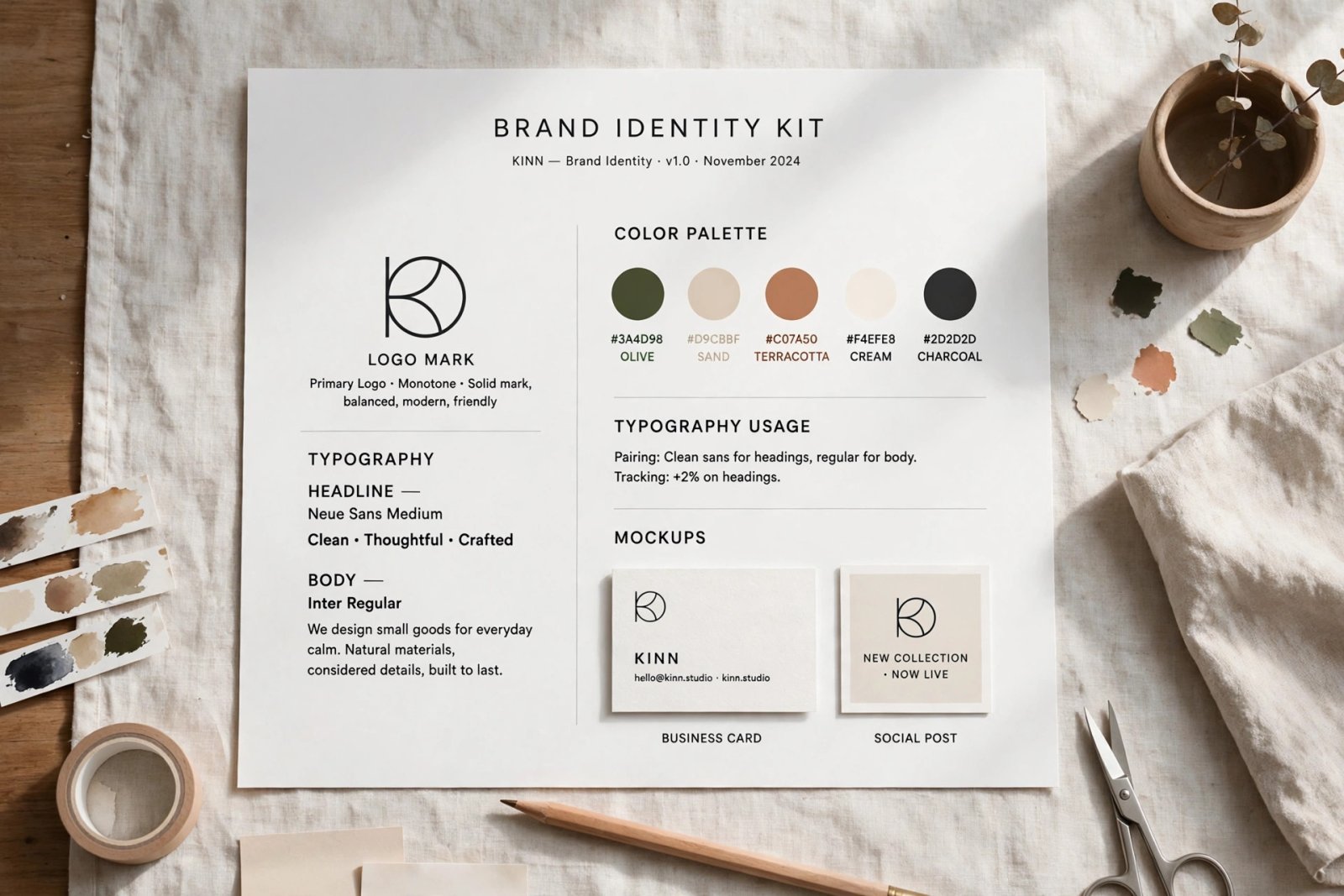
Complete YouTube Channel Rebrand Design Pack
Generate a matching YouTube banner, profile logo and three thumbnail styles so your whole channel looks professionally rebranded at once.

Customize this prompt
Fill in the fields below — the prompt text updates automatically. [BRACKETED] words are placeholders you replace.
The prompt
Design a complete rebrand kit for a [CHANNEL_NICHE] YouTube channel named [CHANNEL_NAME]. Brand personality: [BRAND_ADJECTIVES]; core palette [COLOR_PALETTE]; accent [ACCENT_COLOR]. Create three coordinated assets: (1) a channel banner with the name in [TYPOGRAPHY_STYLE] and a [BANNER_MOTIF] motif, safe for all screen crops; (2) a clean profile logo mark built from [LOGO_CONCEPT]; (3) three thumbnail style templates for [CONTENT_TYPES] using big [THUMBNAIL_TEXT_STYLE] text and the [BANNER_MOTIF] motif. All assets must share one unmistakable visual identity.
How to use it
- Define your [CHANNEL_NICHE], [CHANNEL_NAME] and brand adjectives
- Set a tight [COLOR_PALETTE] with one [ACCENT_COLOR]
- Generate the banner, then the logo mark, then thumbnail styles
- Check all assets side by side for visual consistency
- Export and apply banner, icon and thumbnails to the channel
Customization tips
Adapt [CONTENT_TYPES] to your upload cadence; restyle [LOGO_CONCEPT] for seasonal refreshes.
Example use case
YouTubers and channel managers doing a full visual rebrand.
Frequently asked questions
How do I keep the banner, logo and thumbnails visually consistent?
Reuse the exact same [COLOR_PALETTE], [TYPOGRAPHY_STYLE] and [BANNER_MOTIF] across all three prompts — shared elements are what make a kit feel unified.
What sizes should the final assets be?
Export the banner at 2560x1440 (safe area 1546x423), the icon at 800x800, and thumbnails at 1280x720.
Share
Tags: youtube branding banner design logo design thumbnails channel rebrand brand kit
Reviewed by the PromptVault editorial team on October 22, 2026.
Source notes: Daily pipeline 20261022 batch 5