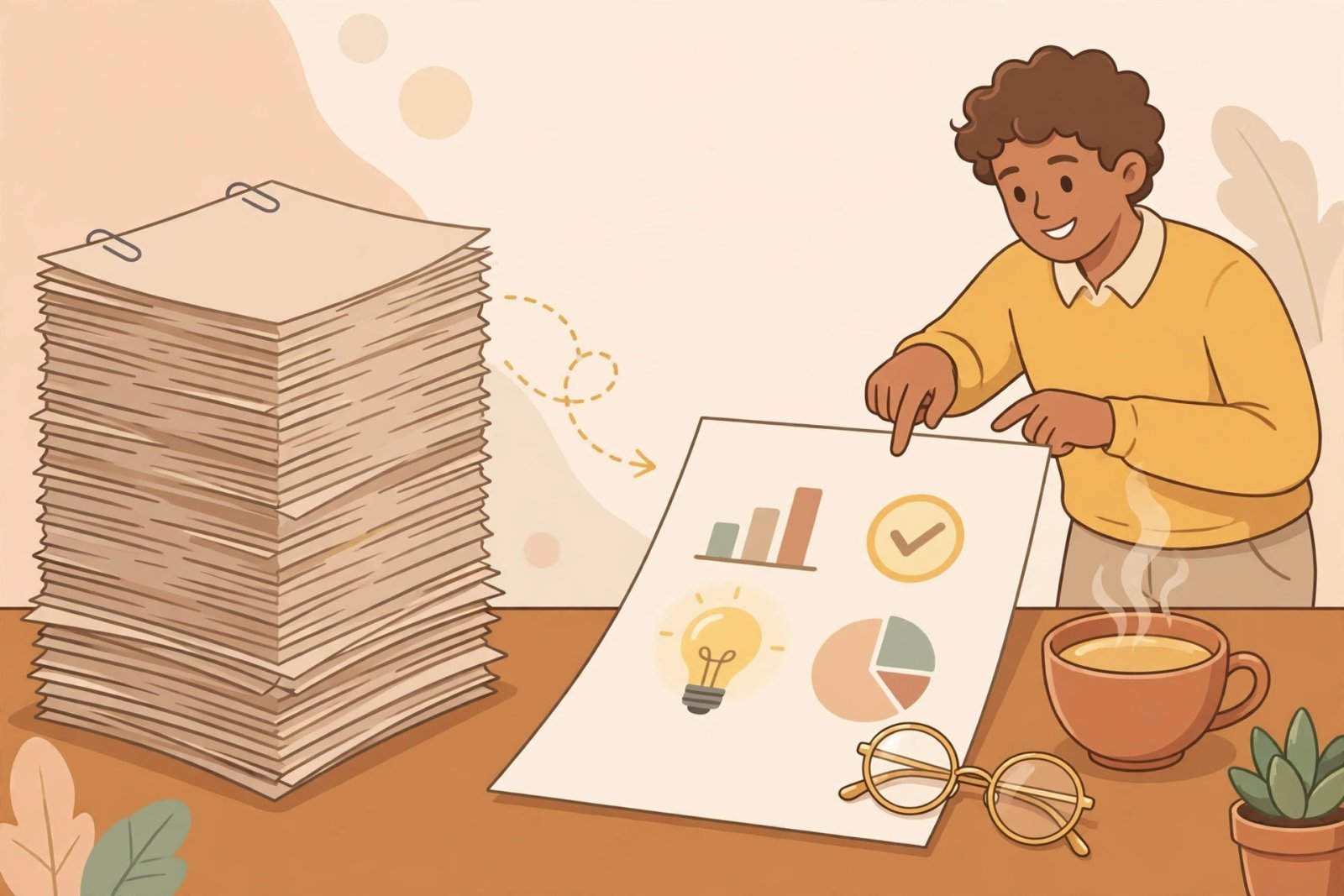
Condense a Lengthy Report Into a Decision-Maker's Briefing Sheet
Turn a long report into a one-page brief with the decision, the evidence, the risks and the recommended next step.

Customize this prompt
Fill in the fields below — the prompt text updates automatically. [BRACKETED] words are placeholders you replace.
The prompt
Act as an executive briefing writer. I need to condense this report into a one-page briefing for [DECISION_MAKER_ROLE] who has five minutes: [PASTE_REPORT_OR_SUMMARY]. The decision this brief must support is [DECISION_NEEDED]. Produce a briefing with exactly these sections: the decision in one sentence, the three most important findings with one supporting fact each, the two biggest risks or unknowns, the recommended action with a deadline of [DEADLINE], and a short 'if you read nothing else' paragraph of under 60 words. Keep the whole brief under 400 words, use plain language, name every number's source, and flag anything you could not verify from the report as 'unverified'. Do not add opinions that are not in the report.
How to use it
- Paste the report and name the decision and the reader.
- Ask for the one-page brief in the five-section structure.
- Check every number against the report before sharing it.
- Send the brief with the full report attached for reference.
Customization tips
Change the decision-maker, the deadline and the word limit, and add a section for costs if the decision involves a budget.
Example use case
Use when a busy manager or client needs the heart of a long report before a meeting or a decision.
Frequently asked questions
What if the report is too long to paste in full?
Paste the executive summary, key tables and conclusions. Tell the AI what you left out so it flags gaps as unverified instead of guessing.
Should a briefing include the AI's own recommendations?
Only if you ask for them and label them clearly as the AI's suggestion, separate from what the report itself recommends.
Share
Tags: research executive summary briefing report writing decision making
Reviewed by the PromptVault editorial team on November 18, 2026.
Source notes: Daily pipeline 20261118 batch 10