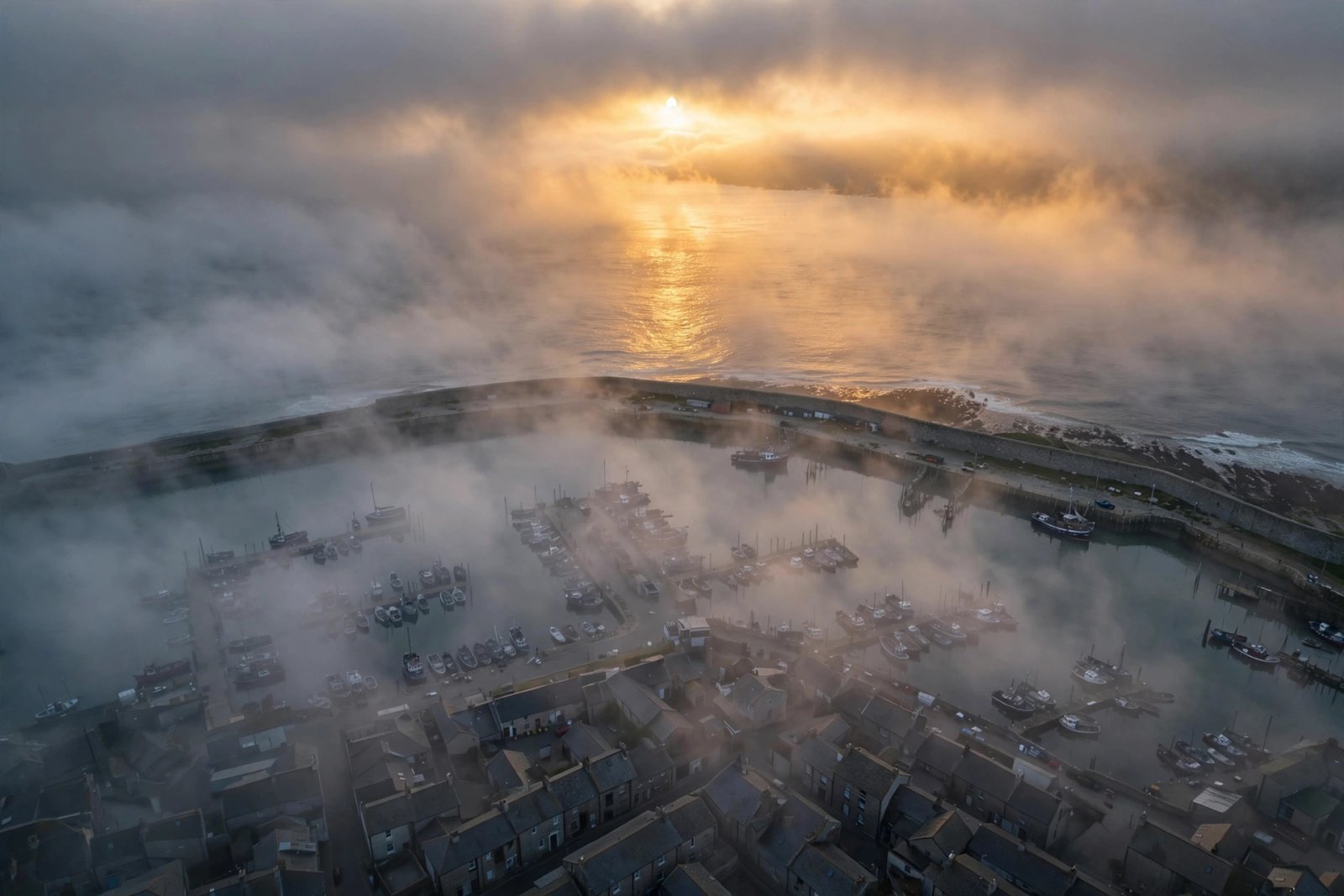
Crane Shot Reveal: From Rooftop to Street in One Move
One unbroken crane shot drops from a city rooftop past balconies and laundry lines to land in a busy street below.

Customize this prompt
Fill in the fields below — the prompt text updates automatically. [BRACKETED] words are placeholders you replace.
The prompt
Create a single unbroken crane-shot reveal for [SUBJECT] in [LOCATION]. The shot opens high above the rooftops at [TIME_OF_DAY], looking across chimneys and water towers, then descends smoothly past balconies, laundry lines, and open windows. It keeps falling until it lands at street level, where [SUBJECT] walks into frame and the camera settles into a gentle follow. The movement is slow, steady, and weightless, the light is [LIGHTING], and the mood is [MOOD]. No cuts, no speed ramps, just one graceful vertical journey. Duration [DURATION], aspect ratio 16:9.
How to use it
- Pick the subject, the location, and the time of day for the reveal.
- Paste the prompt into your video model and generate the full descent in one clip.
- If the model splits the move, generate the top and bottom halves and blend the join.
- Check the join frame by frame so the descent feels unbroken.
- Add subtle city ambience and let the subject's entrance land the shot.
Customization tips
Change [SUBJECT], [LOCATION], and [TIME_OF_DAY] to stage the reveal anywhere, from a village to a film set.
Example use case
Filmmakers, cinematography students, travel films, and real-estate videos.
Frequently asked questions
Which models handle long crane moves best?
Kling and Runway both manage smooth vertical moves; describe the descent in one continuous sentence so the model treats it as a single motion.
What if the clip breaks the move into two shots?
Generate the top half and bottom half separately with a matching mid-frame, then crossfade over the shared balcony or window.
Share
Tags: camera movement crane shot reveal one-shot cinematography city
Reviewed by the PromptVault editorial team on November 21, 2026.
Source notes: Daily pipeline 20261121 batch 4