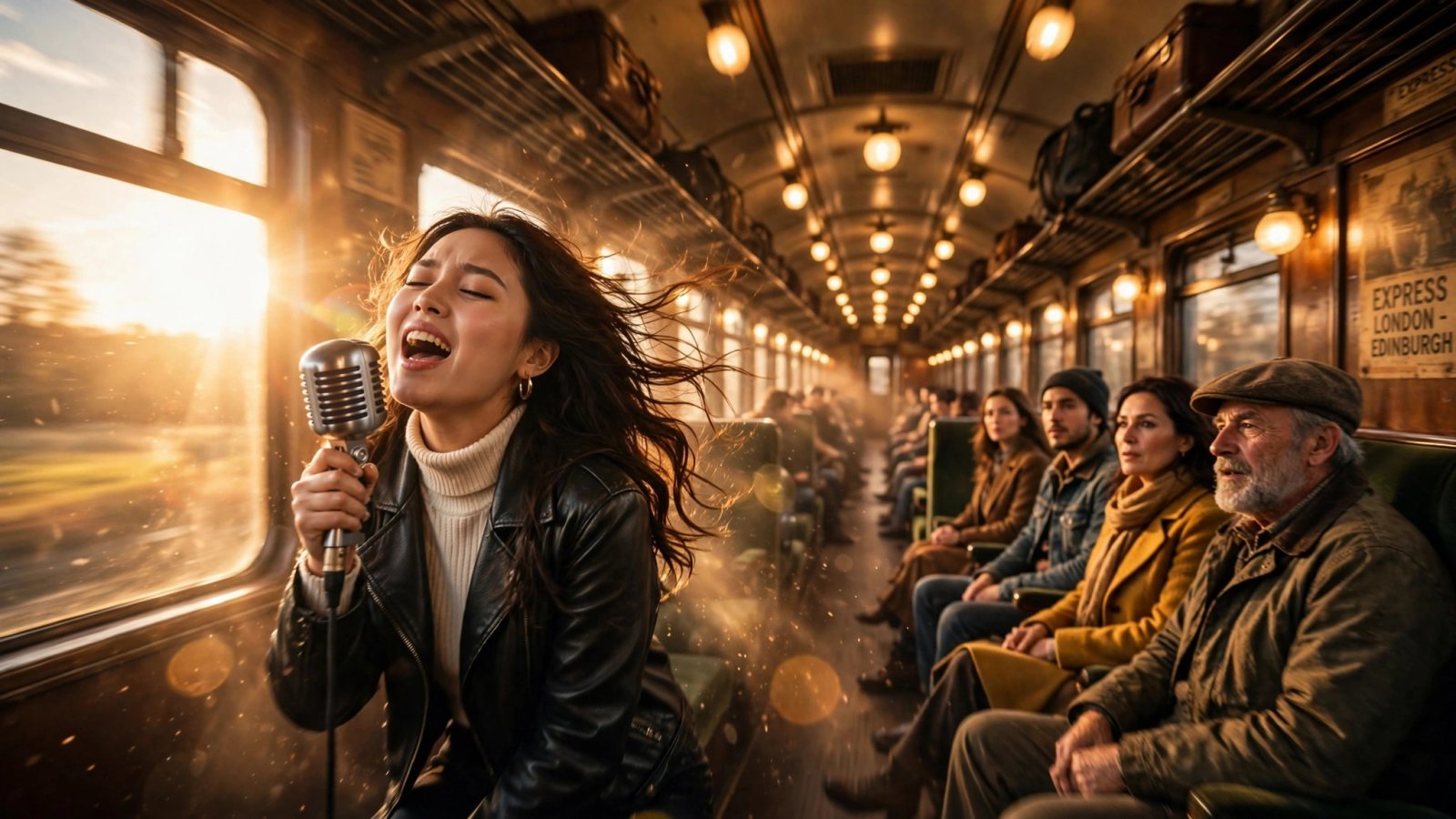
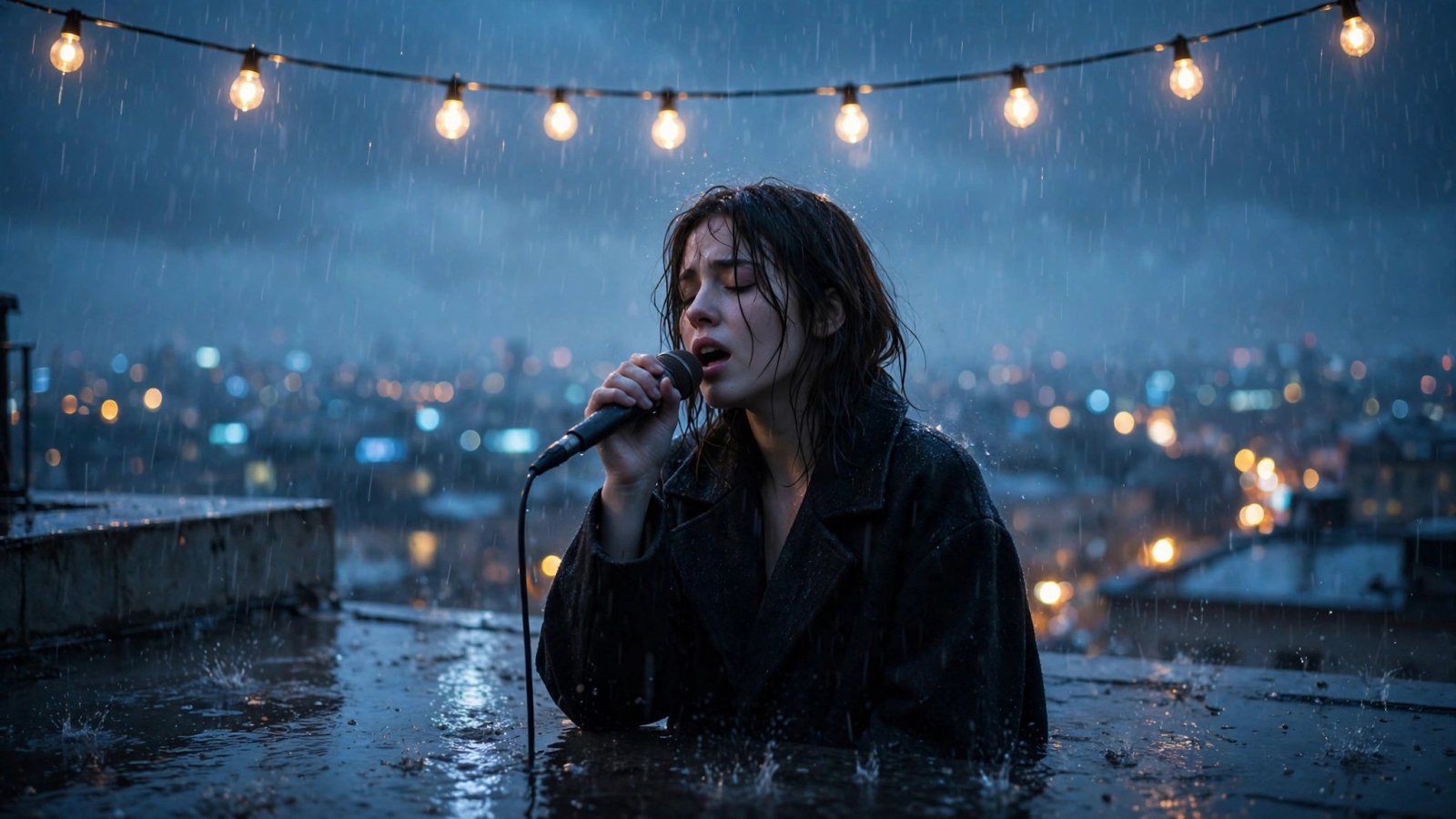
Dancing in the Rain: A One-Take Music Video for a Breakup Ballad
Shoot a single unbroken take of a dancer in the rain as a breakup ballad builds — a one-take music video plan with choreography, light and timing.
Customize this prompt
Fill in the fields below — the prompt text updates automatically. [BRACKETED] words are placeholders you replace.
The prompt
You are a music video director planning a one-take video for an AI video generator. Create a complete production plan for a [DURATION]-minute video for the song "[SONG_TITLE]" by [ARTIST_NAME], a [GENRE] breakup ballad about [SONG_THEME], filmed in a single unbroken take.

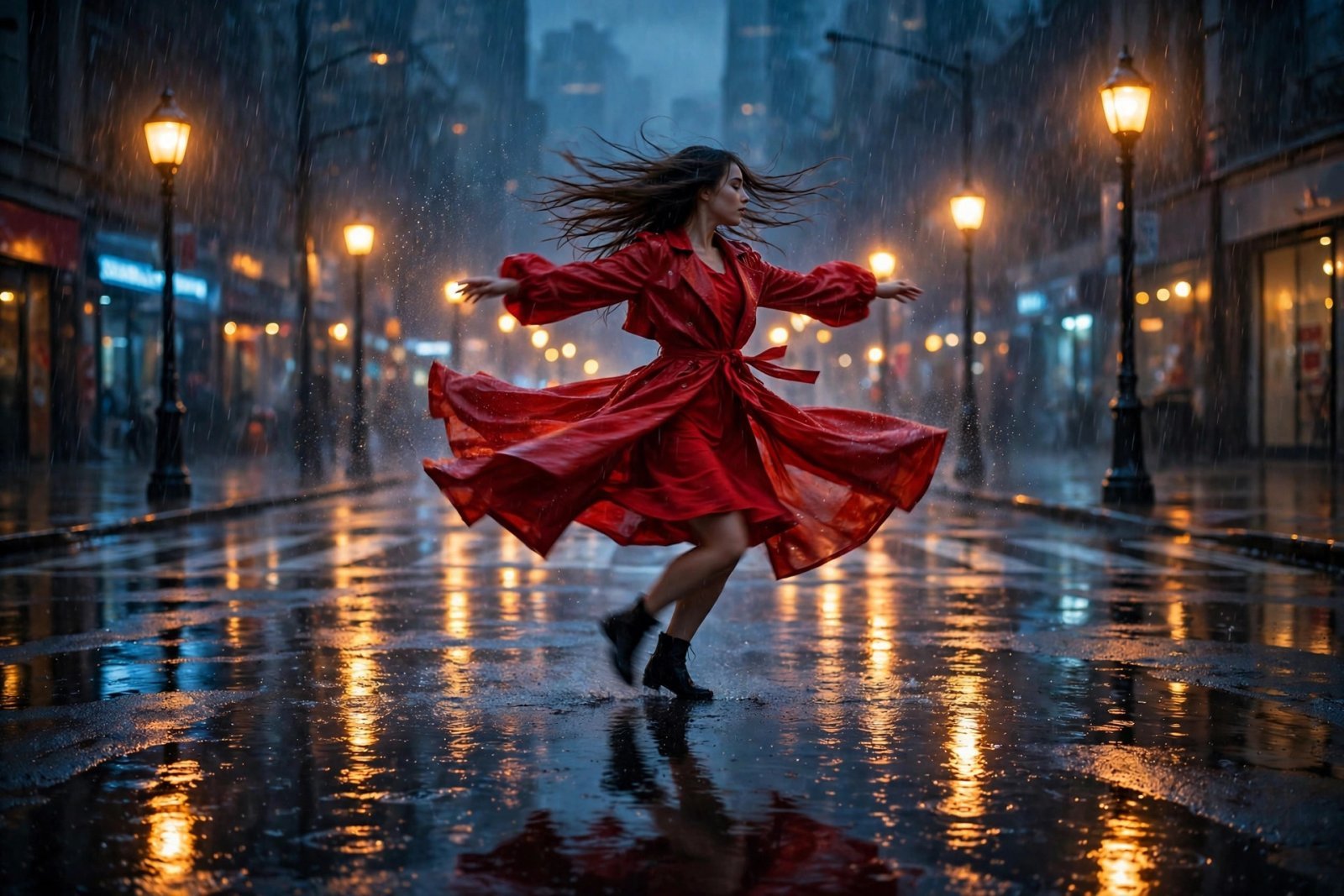
Lock the concept first: one dancer, one street, one rain machine, and a camera that never cuts — starting wide on [LOCATION] at dusk and ending in a tight close-up as the final note fades. Define the look: a [PALETTE] palette (wet asphalt blue, streetlamp amber, the dancer's [OUTFIT_COLOR] outfit), practical rain, and a slow [CAMERA_MOVE] that follows the choreography.

Choreograph the take beat by beat: the first verse walking, the pre-chorus spin, the chorus release, the bridge collapse and the final stillness — and write a shot-by-shot timing sheet of [BEAT_COUNT] beats, each matched to a lyric line, a camera position, and the dancer's exact movement. Describe how the rain catches the light, how puddles mirror the streetlamps, and how the dancer's breath fogs in the cold air.

Write the final master prompt for an AI video generator that captures the one-take flow, the rain and the emotion in [STYLE_DESCRIPTOR] detail, plus a rehearsal plan so the dancer and camera move as one. End with a sound plan: the song's mix, the rain as a layer, and the silence at the end.
How to use it
- Lock the one-take concept, location and palette first.
- Choreograph the take beat by beat against the song's structure.
- Write the timing sheet with lyric, camera and movement per beat.
- Describe rain, puddle reflections and breath as visual details.
- Generate a master AI prompt plus a camera-dancer rehearsal plan.
Customization tips
Swap the song, location and outfit to shoot your own one-take video.
Example use case
Direct a music video that never cuts, timed to the song's heartbeat.
Frequently asked questions
How do I keep a one-take feel in AI video?
Describe the camera as one continuous move with no cuts, and map every lyric beat to a camera position so the motion reads as a single take.
Can this work for an upbeat song instead?
Yes — keep the single take and swap the slow walk for a run, the rain for confetti or light, and the still ending for a final jump.
Share
Tags: music video one take choreography ballad ai video rain
Reviewed by the PromptVault editorial team on November 18, 2026.
Source notes: Daily pipeline 20261118 batch 4