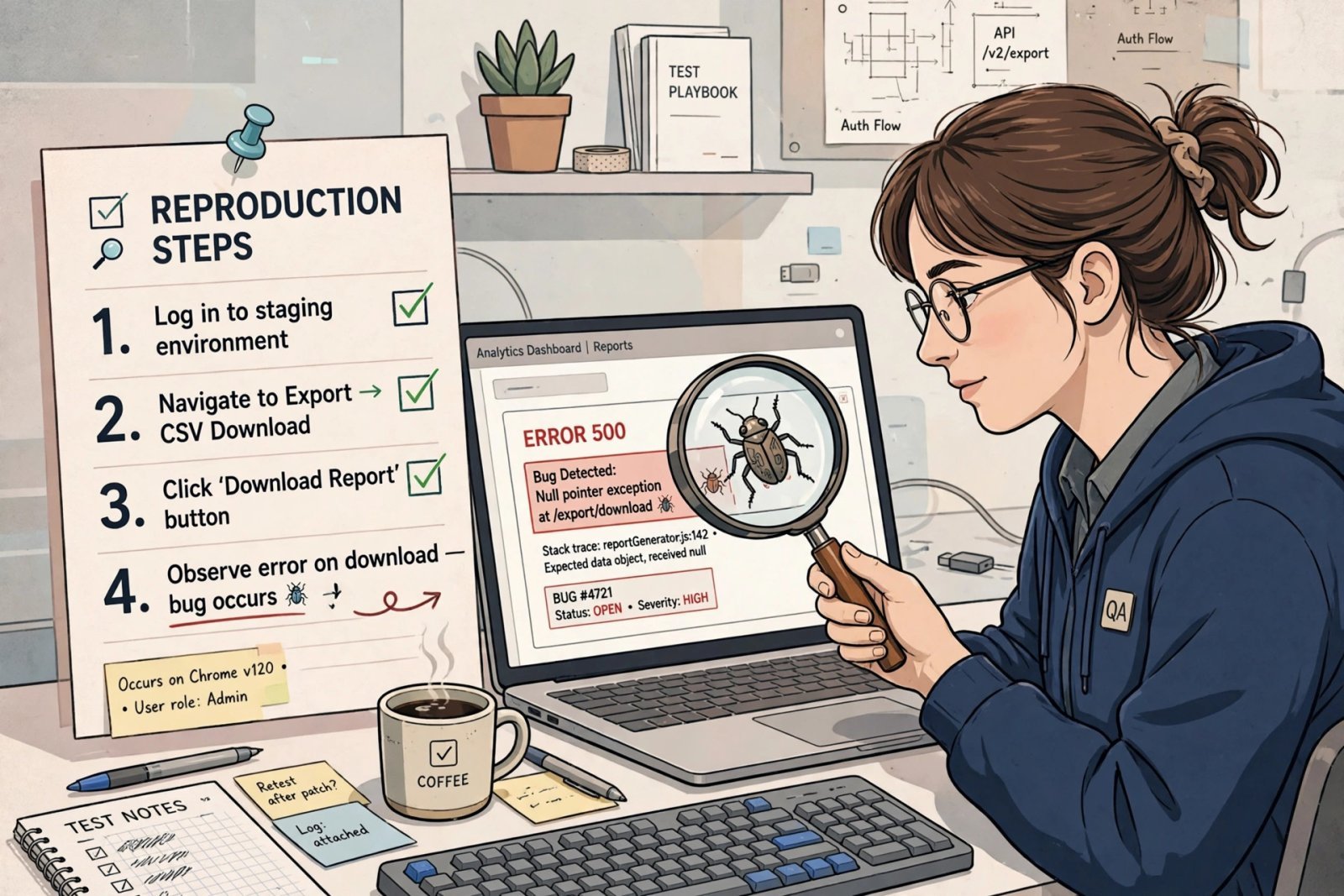
Debug a Failing Function With a Structured AI Workflow
Work through a broken function step by step: reproduce it, isolate the fault, fix it, and prove the fix with a test.

Customize this prompt
Fill in the fields below — the prompt text updates automatically. [BRACKETED] words are placeholders you replace.
The prompt
Act as a senior developer helping me debug [FUNCTION_NAME] in [LANGUAGE] inside [PROJECT_CONTEXT]. The failure is: [ERROR_MESSAGE], and it happens when [REPRO_STEPS]. First, ask me to confirm the smallest reproduction case and state what the function should do instead. Second, read [CODE_SNIPPET] and list three most likely fault locations, ranked, with the evidence for each. Third, propose one minimal fix for the top suspect only, and explain what would change in the output if you are right. Fourth, write a regression test that fails before the fix and passes after it, plus two edge cases worth checking. Do not rewrite the whole function, and do not suggest a fix you cannot justify from the code I pasted.
How to use it
- Paste [CODE_SNIPPET] and the exact [ERROR_MESSAGE].
- Write [REPRO_STEPS] someone else could follow.
- Apply only the top-suspect fix first and test it.
- Add the regression test before moving on.
Customization tips
Set [LANGUAGE] and [PROJECT_CONTEXT] to your stack, and add your test framework for the regression test step.
Example use case
Developers stuck on a bug who want a disciplined fix, not a blind rewrite.
Frequently asked questions
What if the AI's top suspect is wrong?
That is useful information: the failed prediction narrows the fault, so move to suspect two with the same one-fix-at-a-time rule.
Should I paste my whole codebase?
No: paste the failing function and its direct callers only, so the analysis stays focused on the real fault.
Share
Tags: debugging code review software development error fixing regression testing
Reviewed by the PromptVault editorial team on November 2, 2026.
Source notes: Daily pipeline 20261102 batch 11