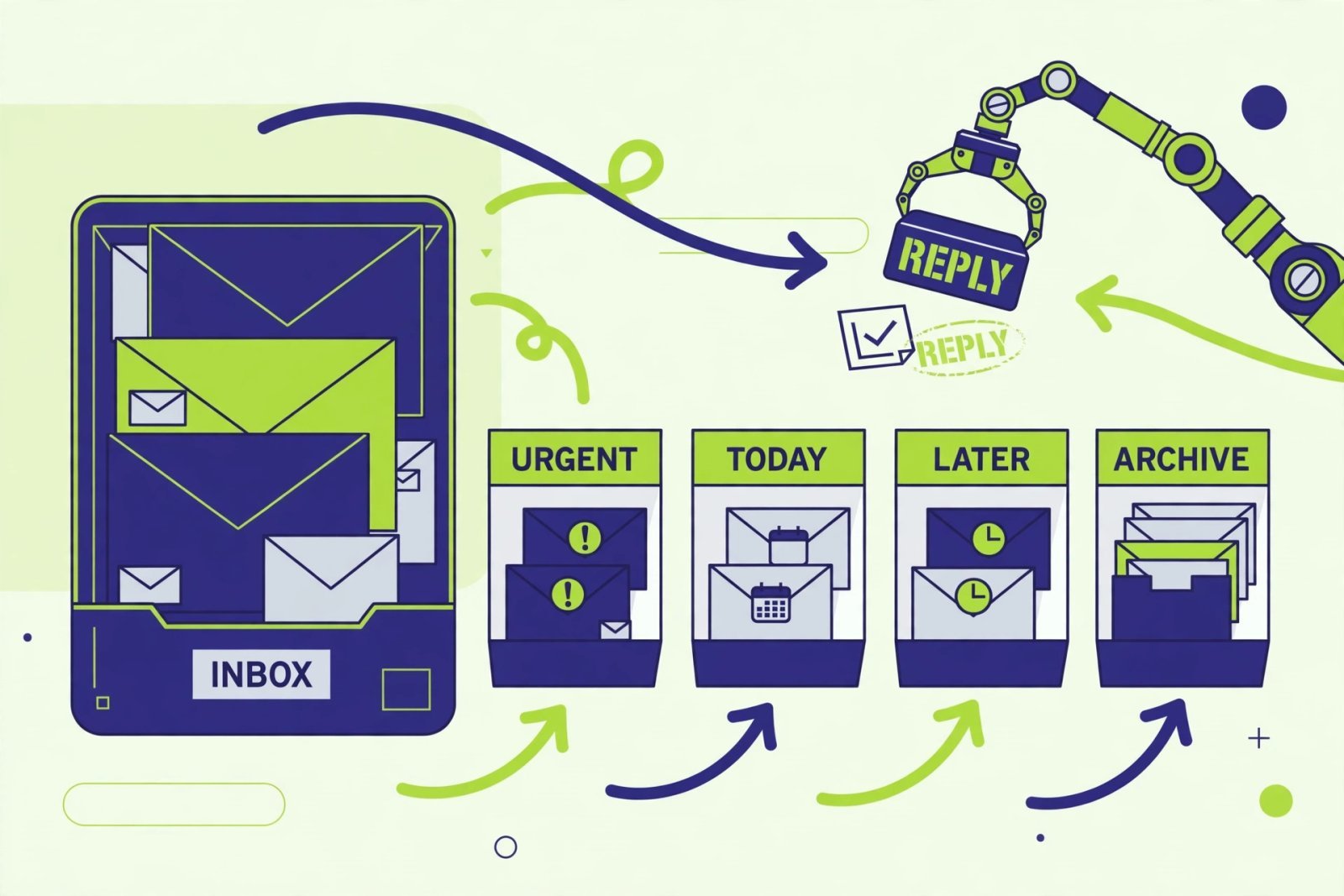
Email Template Auto-Drafter for Repetitive Messages
Turn your most-sent emails into polished reusable templates with smart placeholder slots.
Customize this prompt
Fill in the fields below — the prompt text updates automatically. [BRACKETED] words are placeholders you replace.
The prompt
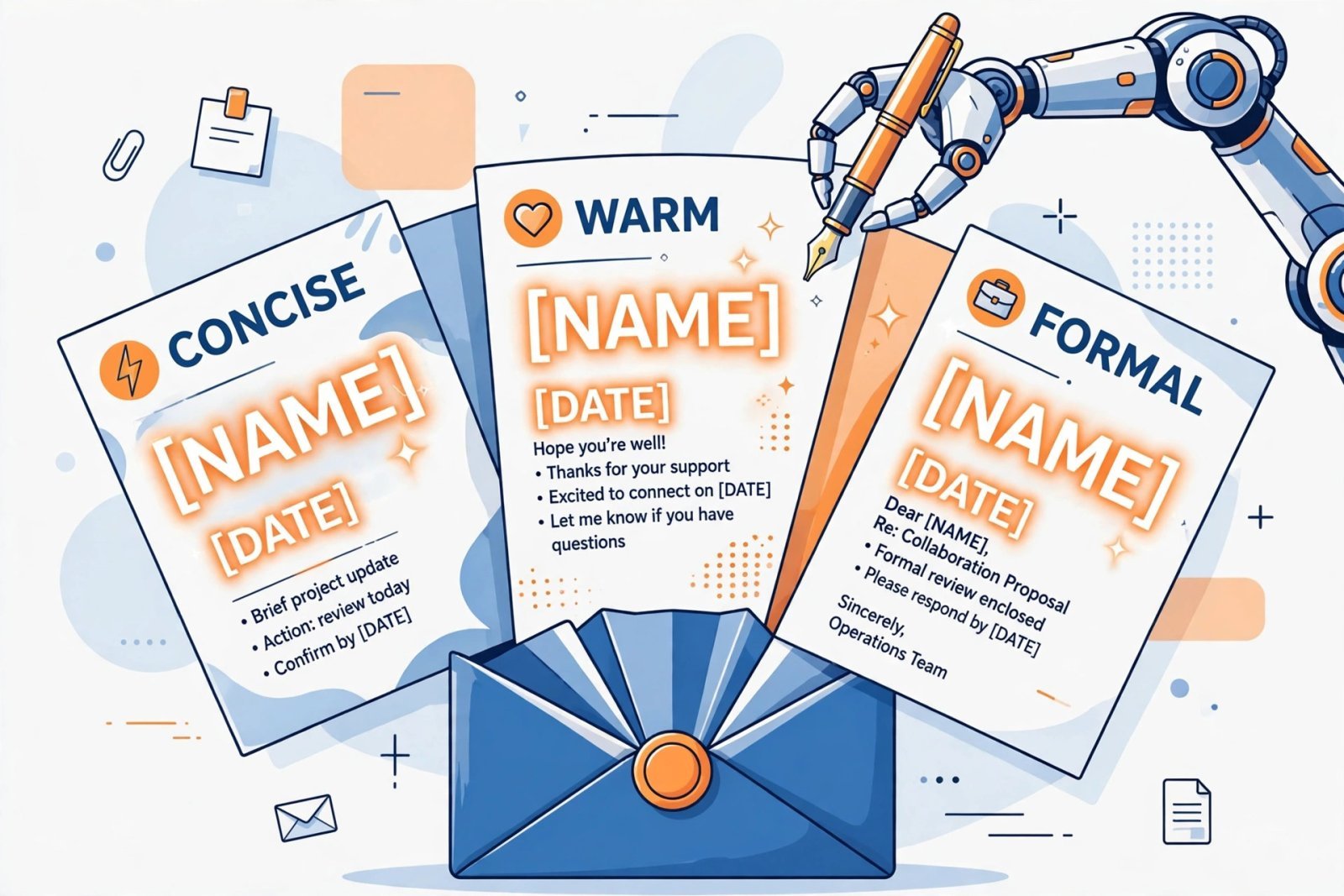
You are an expert business writer. I keep rewriting the same kind of email: [EMAIL_PURPOSE] (e.g. follow-ups, introductions, rejections). Draft 3 template versions: concise, warm, and formal. Each template must include [PLACEHOLDER] slots in CAPS for every variable detail (names, dates, amounts), a subject line, and a one-line note on when to use that version. Tone baseline: [TONE]. Keep each under 150 words. Also list 5 phrases I should never use in this email type and what to write instead. Purpose details: [CONTEXT].
How to use it
- Describe the [EMAIL_PURPOSE] and [CONTEXT]
- Set your preferred [TONE]
- Generate the 3 templates
- Save the one you will use most
- Fill placeholders per send — never hardcode
Customization tips
Tune [TONE] per audience: warm for clients you know, formal for first contact, concise for internal threads.
Example use case
For anyone who rewrites the same five emails weekly — sales, support, freelancers, and job seekers.
Frequently asked questions
How do I keep templates from sounding robotic?
Leave one personal sentence slot in each template — a single genuine line beats a perfect form letter.
Can I make these for a team?
Yes. Add your team's sign-off block and shared terminology to [CONTEXT] so everyone writes consistently.
Share
Tags: email templates automation productivity business-writing outreach
Reviewed by the PromptVault editorial team on October 12, 2026.
Source notes: Daily pipeline 20261012 batch 112