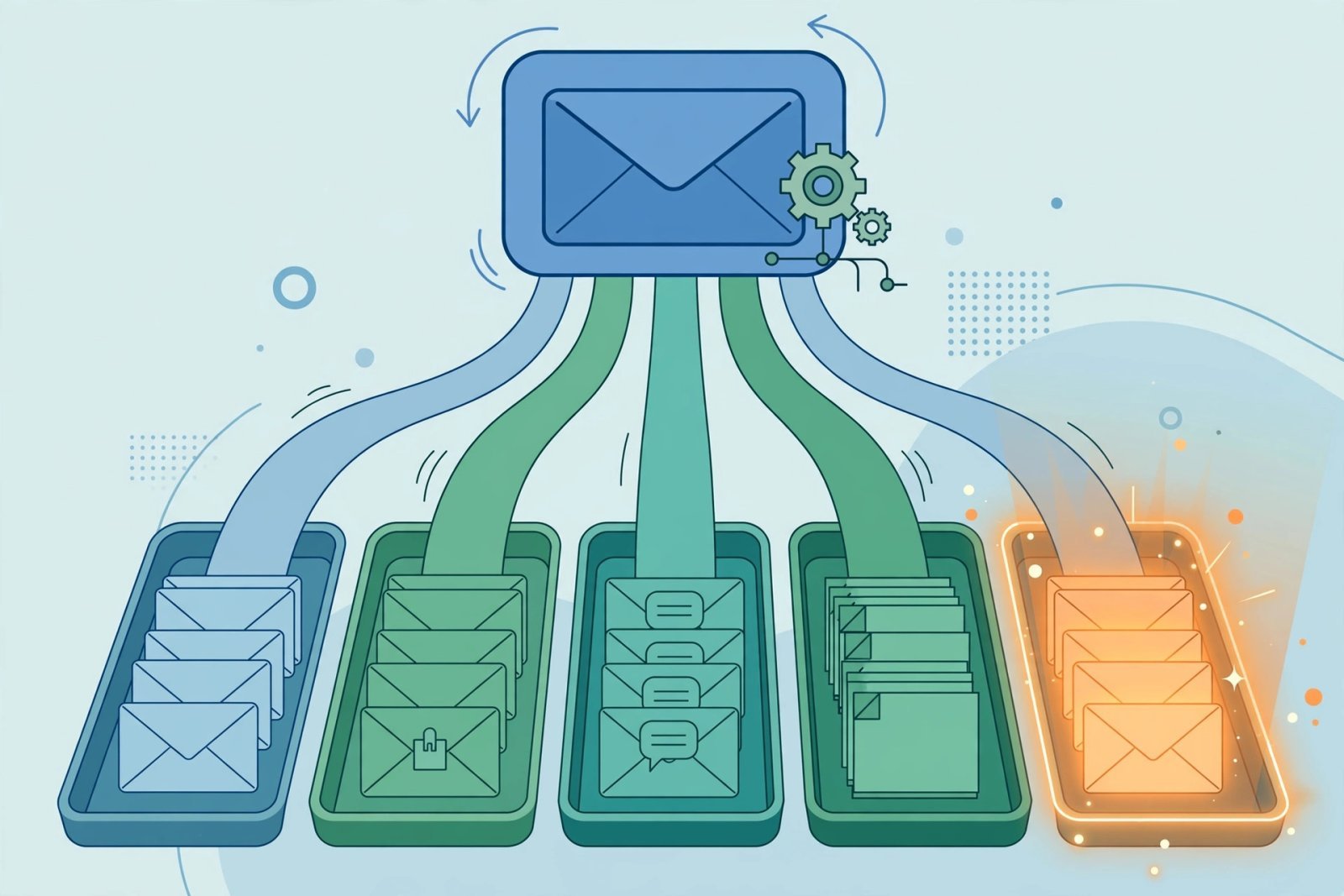
File Every Incoming Invoice Without Touching It
Build a no-code workflow that catches every invoice email, files it by supplier and month, and reminds you before payment is due.

Customize this prompt
Fill in the fields below — the prompt text updates automatically. [BRACKETED] words are placeholders you replace.
The prompt
Act as a workflow automation consultant for a [BUSINESS_TYPE]. Invoices arrive by email from [SUPPLIER_COUNT] regular suppliers to [EMAIL_ADDRESS], and I currently file them in [FILING_SYSTEM]. Design a no-code workflow in [AUTOMATION_PLATFORM] that does the following automatically: watch the inbox for emails containing the word invoice or attached PDFs from supplier domains; save each attachment into a folder structure of year, then month, then supplier name; rename the file as [DATE]-[SUPPLIER]-[INVOICE_NUMBER]; log the supplier, invoice number, amount, and due date into a tracker in [TRACKER_TOOL]; send me a reminder [REMINDER_DAYS] days before each due date; and move any invoice over [LARGE_AMOUNT_THRESHOLD] into a separate approval queue before it is logged as ready to pay. Handle these edge cases: an invoice email with no attachment, two invoices in one email, and a supplier who sends invoices from a personal email address. Give me the trigger, conditions, and actions for each step, plus a 5-minute weekly check to catch anything the workflow missed.
How to use it
- List your regular suppliers and their email domains.
- Create the year, month, and supplier folder structure.
- Build the watch, save, rename, and log steps in order.
- Test with a real invoice from your biggest supplier.
- Set the due-date reminder and run the first weekly check.
Customization tips
Add a second approval queue for invoices in a foreign currency so exchange rates get checked before payment.
Example use case
Small businesses receiving invoices by email who waste time filing them by hand and miss due dates.
Frequently asked questions
What if a supplier changes their email address?
Add a rule that also matches the supplier name in the subject line, and review unmatched invoices in the weekly check.
Can this work without a paid automation tool?
Yes. Most email providers have free rules and filters that cover the watch, file, and rename steps; the tracker can be a simple spreadsheet.
Share
Tags: automation invoices email workflow small business finance productivity
Reviewed by the PromptVault editorial team on November 7, 2026.
Source notes: Daily pipeline 20261107 batch 11