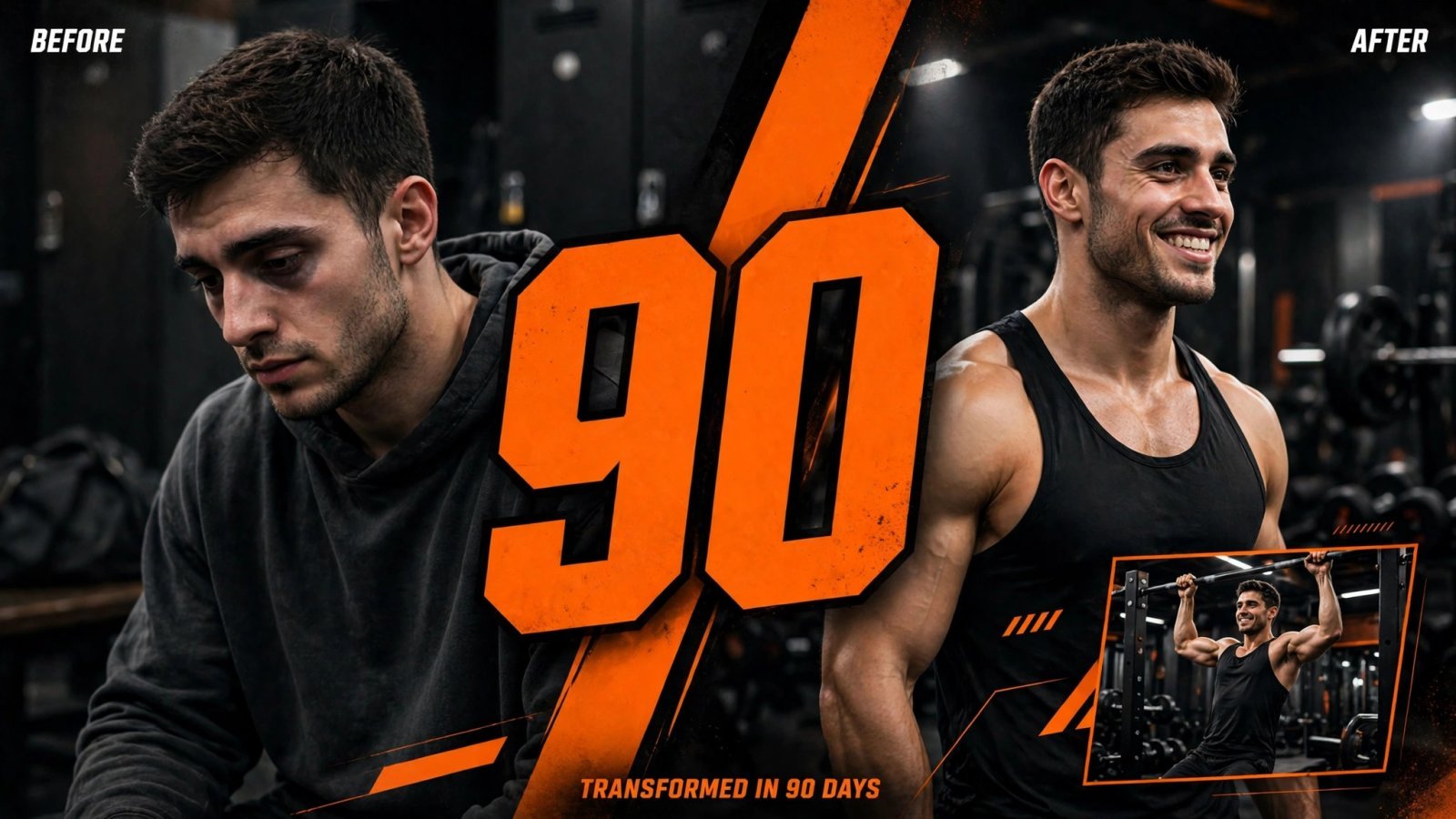
Fitness Challenge Thumbnail With a Split-Screen Before and After
Build a high-energy fitness thumbnail: a split-screen before-and-after, one huge number and a determined athlete mid-workout.
Customize this prompt
Fill in the fields below — the prompt text updates automatically. [BRACKETED] words are placeholders you replace.
The prompt
Design a high-energy YouTube fitness thumbnail in 16:9 for a [CHALLENGE_LENGTH] challenge video titled [VIDEO_TITLE]. Split the frame into a before-and-after comparison: on the left, [BEFORE_DESCRIPTION]; on the right, [AFTER_DESCRIPTION], separated by a bold diagonal slash in [ACCENT_COLOUR]. Overlay one huge number in condensed [FONT_STYLE] type: [BIG_NUMBER], plus a short phrase: [SHORT_PHRASE]. Add a small action shot of [ATHLETE_DESCRIPTION] mid-workout in the lower corner. Use a palette of [PRIMARY_COLOUR], black and [ACCENT_COLOUR], hard shadows and sweat detail for intensity. Every element must stay readable at 120 pixels wide; keep total text under six words.
How to use it
- Pick the most dramatic before-and-after pair from the challenge footage.
- Split them with a bold diagonal slash so the contrast reads instantly.
- Add one huge number that states the challenge result.
- Keep the total text under six words and the athlete shot small.
- Check the thumbnail at phone size before publishing.
Customization tips
Swap the challenge length, number and athlete for any fitness goal or programme.
Example use case
Design thumbnails for fitness challenges, transformations and workout videos.
Frequently asked questions
What makes a before-and-after thumbnail believable?
Use real frames from the same person in similar lighting, not two unrelated stock photos.
Where should the big number go?
Across the centre split or top corner, large enough to read on a phone without zooming.
Share
Tags: fitness thumbnail before and after challenge video split screen ideogram workout youtube
Reviewed by the PromptVault editorial team on November 7, 2026.
Source notes: Daily pipeline 20261107 batch 6