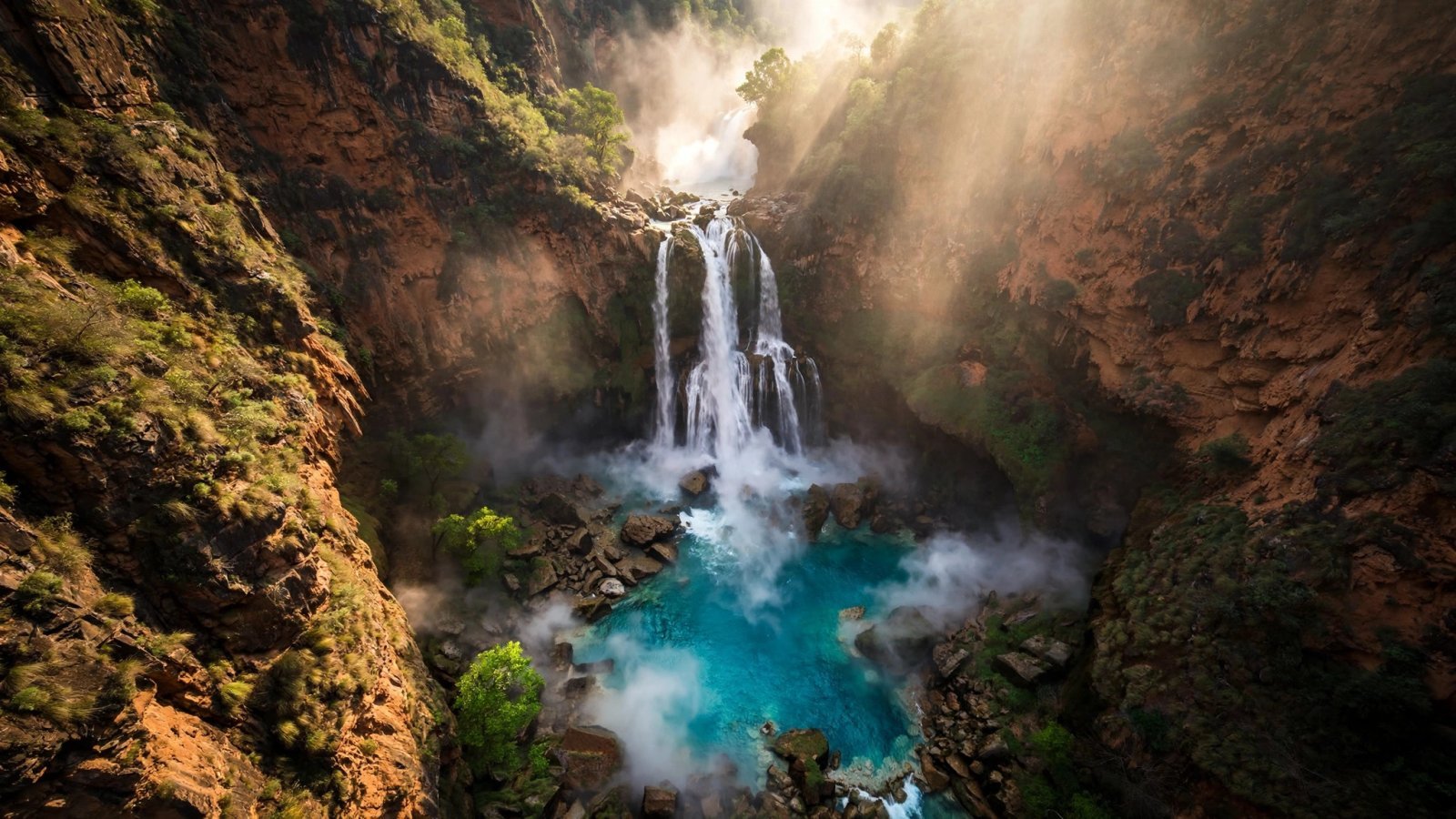
FPV Waterfall Dive: A Drone Plunge Through a Grotto
Choreograph a breathtaking FPV drone dive through a waterfall grotto for AI video, with a flight path, speed plan and master prompt.

Customize this prompt
Fill in the fields below — the prompt text updates automatically. [BRACKETED] words are placeholders you replace.
The prompt
You are an FPV drone cinematographer planning an AI-generated flight. Create a complete flight plan for a [DURATION]-second one-take dive through [GROTTO_NAME]: the drone enters a misty grotto, threads a [GAP_FEATURE], drops behind the waterfall curtain, and pulls out over the plunge pool at [LOCATION].

Define the flight language first: [FLIGHT_STYLE] FPV with [SPEED_PROFILE] speed, a [LENS] wide lens feel, and motion blur on the fastest sections. Lock the environment beats — fern-covered walls, the roar gap, the curtain crossing, the rainbow mist — and the light: [LIGHT_STYLE] sun shafts through spray.

Break the flight into five phases — approach, entry, thread, curtain, reveal — with exact camera behavior per phase: altitude, tilt angle, and speed in [SPEED_UNIT]. Describe the near-miss moments ([NEAR_MISS_1], [NEAR_MISS_2]) and how the final reveal slows to a hover over the pool. Note the sound design: wind rush, waterfall roar swelling, and the cut to [MUSIC_STYLE].

Write the final master prompt for an AI video generator that captures the FPV speed, grotto detail and mist in [STYLE_DESCRIPTOR] detail, plus per-phase prompts so the flight path stays coherent across clips. End with a safety-styled disclaimer that this is a virtual flight for AI video only.
How to use it
- Lock the grotto environment, light and FPV speed profile first.
- Break the dive into five phases with altitude, tilt and speed.
- Place the near-miss moments and the final hover reveal.
- Describe the wind and waterfall sound design.
- Generate a master AI prompt plus per-phase flight prompts.
Customization tips
Change the grotto, gap feature and speed for your own virtual flight.
Example use case
Storyboard FPV drone content or plan a real shoot's flight path.
Frequently asked questions
How do I keep the flight path coherent across clips?
Use the per-phase prompts in sequence with matching entry/exit frames, and repeat the grotto's landmark features verbatim in each.
Can I use this for a real drone shoot plan?
Yes — treat the five phases as a shot list, but always fly within local drone regulations and never behind real waterfalls.
Share
Tags: camera movement fpv drone waterfall one-take ai video
Reviewed by the PromptVault editorial team on October 24, 2026.
Source notes: Daily pipeline 20261024 batch 4