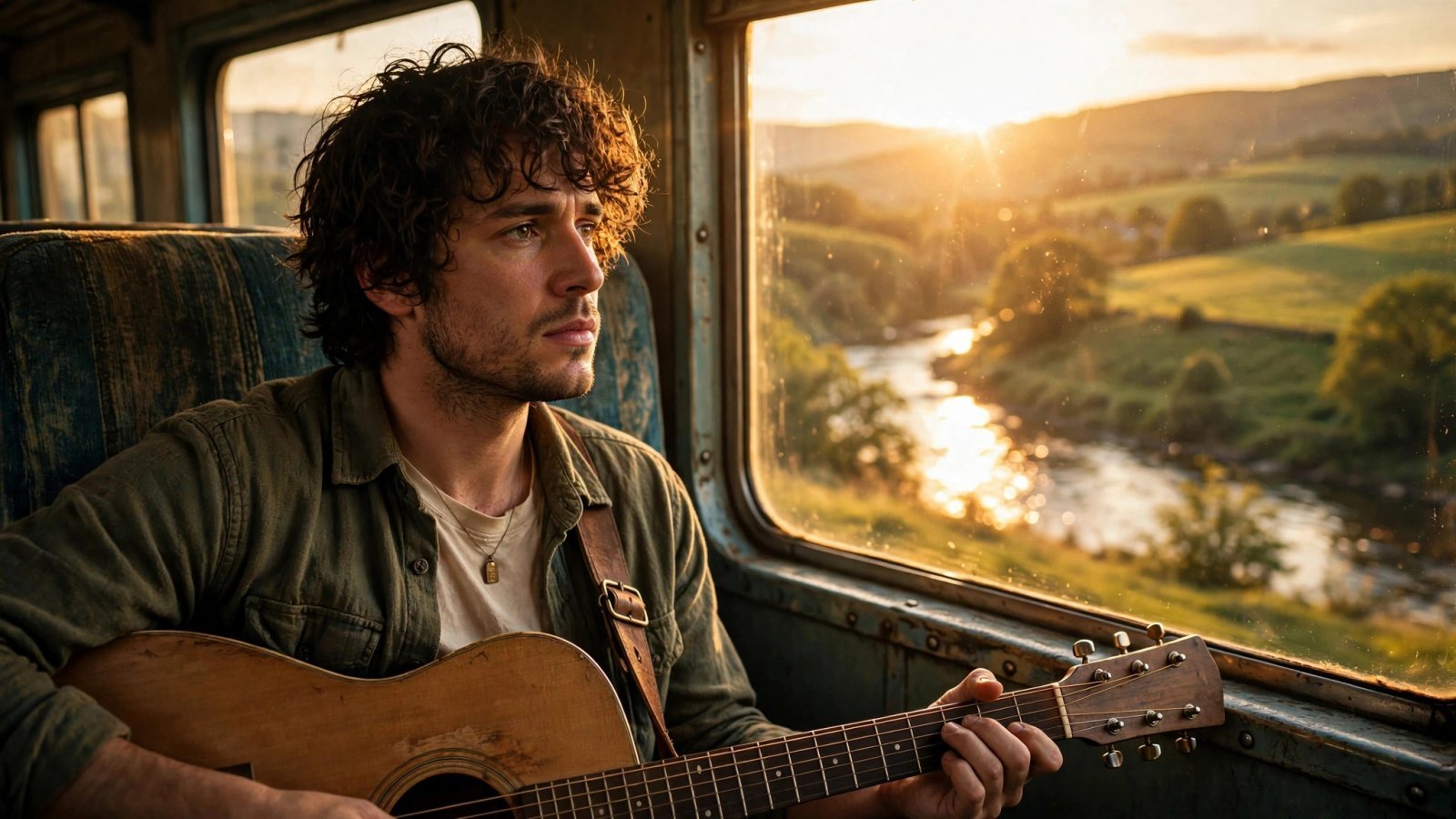
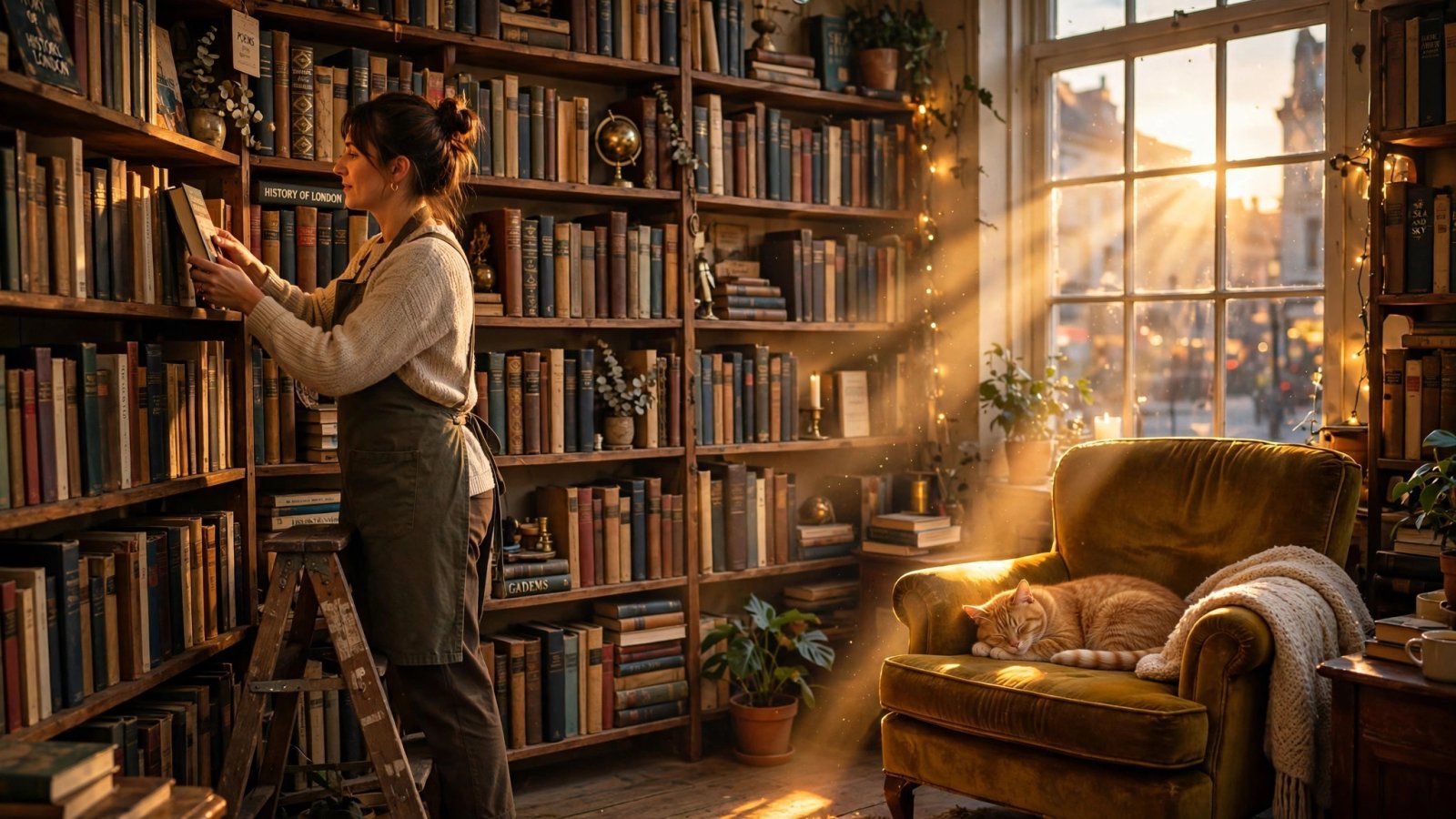
Google Flow Director's Shot List: Scene-by-Scene Build
Turn a concept into a director-grade shot list for Google Flow — scenes, ingredients, camera notes, and dialogue cues ready for the scene builder.
Customize this prompt
Fill in the fields below — the prompt text updates automatically. [BRACKETED] words are placeholders you replace.
The prompt
Use this template to prepare a Google Flow project like a director. Flow builds videos scene by scene from text prompts and ingredient assets — this shot list is your pre-production document.

PROJECT: [PROJECT_TITLE]
CONCEPT: [2–3 SENTENCES: what the video is about]
TOTAL SCENES: [NUMBER, e.g. 6]
ASPECT RATIO: [e.g. 16:9]
OVERALL STYLE: [STYLE LOCK, e.g. 'cinematic realism, muted teal-and-orange grade']

INGREDIENTS TO CREATE/UPLOAD:
- [INGREDIENT 1, e.g. 'hero character portrait — woman, 40s, silver-streaked hair']
- [INGREDIENT 2, e.g. 'location plate — cliffside lighthouse at dusk']
- [INGREDIENT 3, e.g. 'prop — brass compass']

PER SCENE (repeat for each):

SCENE # — [SCENE_TITLE]:
- Ingredients used: [which ingredients appear]
- Text-to-video prompt: "[OVERALL_STYLE], [scene action in present tense, one beat], [camera move], [lighting detail]."
- Frames-to-video note (if extending a still): [what the starting frame shows and what should move]
- Dialogue/voiceover: [LINE or 'none']
- Duration target: [SECONDS]
- Continuity check: [what must match the previous scene — wardrobe, lighting, prop position]

DIRECTOR'S RULES:
1. Write ingredients BEFORE scenes — Flow's strength is reusing consistent assets across scenes.
2. One story beat per scene; let the edit create the pacing, not the prompt.
3. Put the style lock first in every scene prompt.
4. Suggested approach: generate the ingredients first and approve them, then build scenes in order, checking continuity at each step.
5. Keep a 'discard pile' of alternate takes per scene — Flow's variation is cheap, reshoots in editing are not.

After generating, assemble scenes in Flow's editor against this shot list, using the continuity checks as your QC pass.
Recommended settings
Suggestions only: lock one aspect ratio for the whole project; generate and approve ingredient assets before building scenes; keep per-scene durations consistent for easier editing.
These are suggested starting points from our editors, not verified test results.
How to use it
- Write the concept and lock the overall style.
- Define the ingredient assets and generate them first.
- Approve ingredients before building any scene.
- Build scenes in order with the style lock first in each prompt.
- Run the continuity check at every scene boundary.
- Assemble in Flow's editor using the shot list as QC.
Customization tips
For client work, add placeholders for brand colors and logo placement per scene. For dialogue-heavy pieces, expand the dialogue line into a mini-script with delivery notes.
Example use case
A filmmaker pre-plans a 6-scene Flow short with reusable ingredients, so every scene shares the same character, location, and grade.
Frequently asked questions
What are 'ingredients' in Flow?
Reusable assets — character images, locations, props, styles — that you create or upload once and reference across scenes to keep them consistent.
Should I write long prompts per scene?
No. One beat, one camera move, style lock first. Long multi-beat prompts dilute into unfocused clips.
Share
Tags: google-flow video-generation shot-list filmmaking veo director
Reviewed by the PromptVault editorial team on October 10, 2026.
Free for personal and commercial use. Review AI output before publishing.