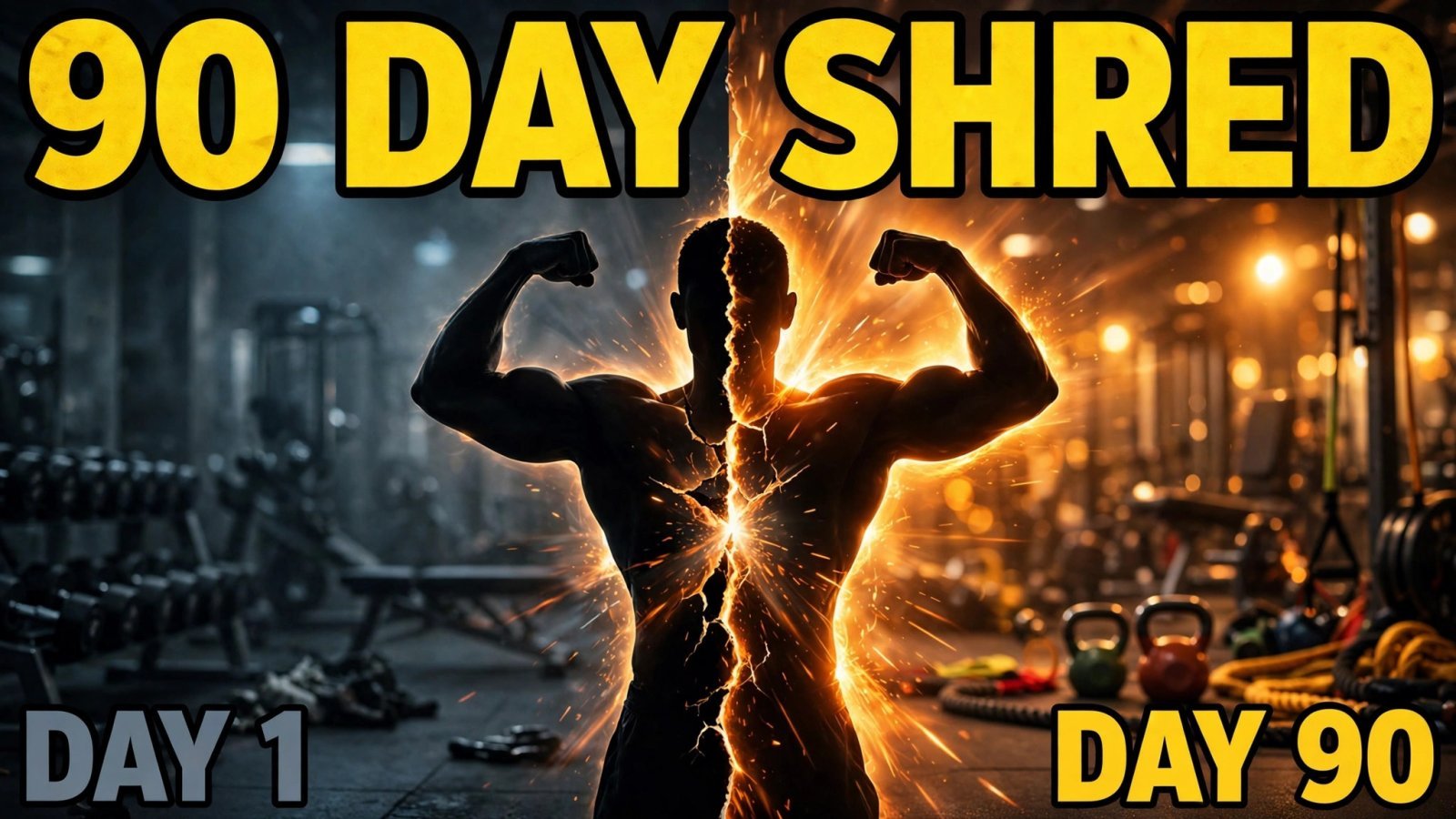
High-Contrast Fitness Transformation YouTube Thumbnail
Build a motivational split-screen fitness transformation thumbnail with before/after contrast and a bold yellow headline.
Customize this prompt
Fill in the fields below — the prompt text updates automatically. [BRACKETED] words are placeholders you replace.
The prompt
Generate a motivational YouTube thumbnail for a [TIMEFRAME] fitness transformation video. Composition: split-screen layout — left side desaturated and shadowy labeled [BEFORE_LABEL], right side vivid and high-contrast labeled [AFTER_LABEL], with a determined athlete silhouette flexing at the center breaking the divider line. A giant bold sans-serif headline [HEADLINE_TEXT] stretches across the top in yellow with a black outline, plus a smaller sub-badge [SUB_BADGE]. Gym bokeh background, dramatic rim light, 16:9 format, punchy saturated colors, no watermarks, and all text kept legible at small sizes.
How to use it
- Define the transformation timeframe and the two labels.
- Write a headline with a number in it for stronger clicks.
- Choose a badge that adds proof, like a weight or week count.
- Generate and compare readability at thumbnail scale.
- Export at 1280x720 and A/B test two headline variants.
Customization tips
Swap [TIMEFRAME] and the labels for challenges, bulk/cut phases, or client spotlights.
Example use case
Fitness creators posting transformation journeys, challenges, and progress updates on YouTube.
Frequently asked questions
Why do numbers work well in fitness thumbnails?
Specific numbers like '90 DAYS' or '-20KG' make the promise concrete and clickable. Put the number in the headline, not buried in small text.
How do I avoid a misleading before/after look?
Keep the silhouette stylized rather than photorealistic, and make sure your video genuinely documents the timeframe in the headline.
Share
Tags: youtube thumbnail fitness transformation before after
Reviewed by the PromptVault editorial team on October 20, 2026.
Source notes: Daily pipeline 20261020 batch 6