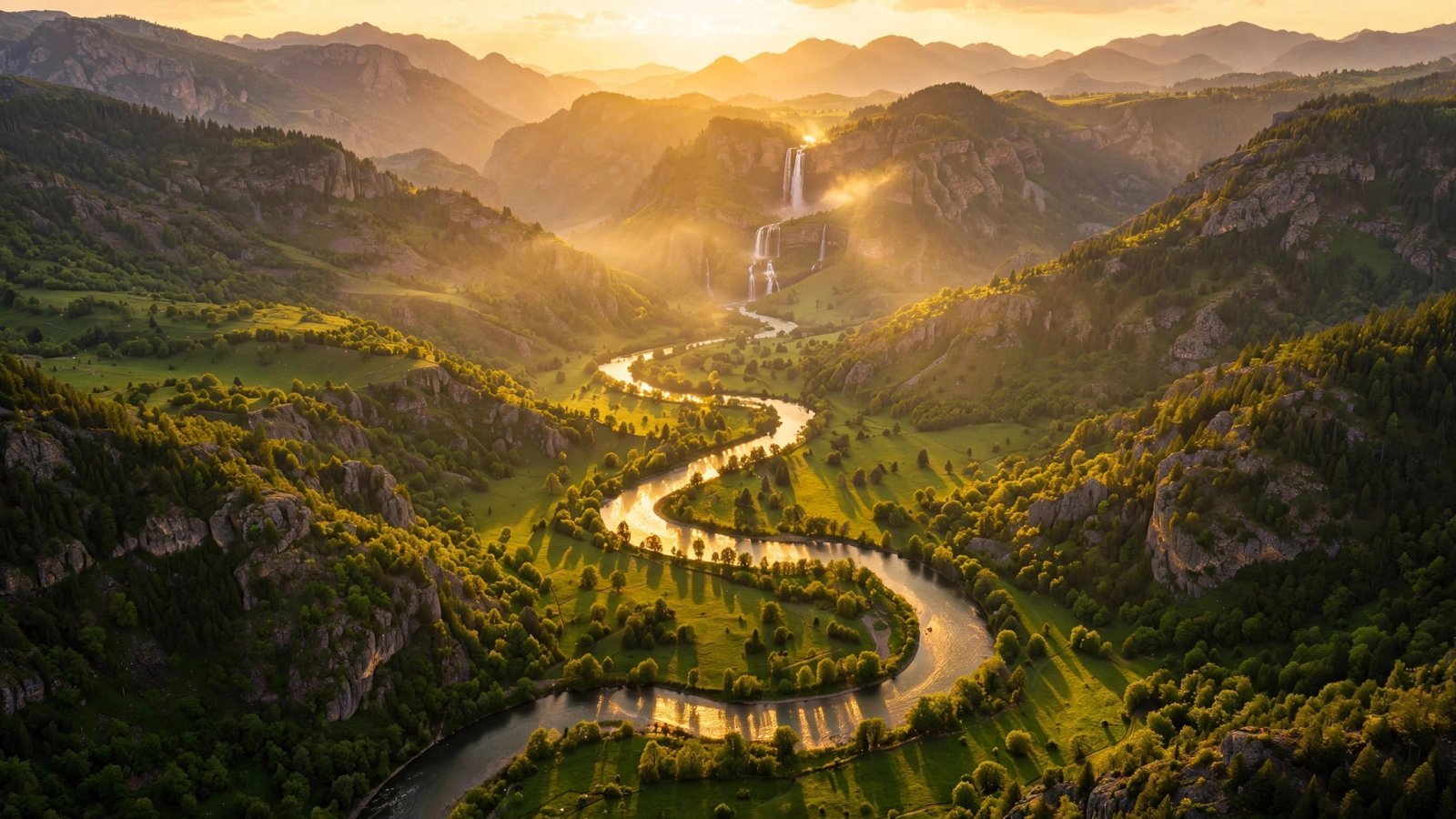
Landscape Photo To Drone Flyover Video
Transform a landscape photo into a sweeping drone-style flyover video.
Customize this prompt
Fill in the fields below — the prompt text updates automatically. [BRACKETED] words are placeholders you replace.
The prompt
Using the attached landscape photo of [LOCATION] as the opening frame, generate a [DURATION]-second drone flyover: the camera lifts and glides [DIRECTION like forward and slightly up] over [FEATURE_1 like the valley], revealing [FEATURE_2 like a distant waterfall]. Terrain, [LANDMARK_DETAILS], and lighting must stay consistent with the photo — no invented mountains or shifted rivers. Smooth cinematic drone motion, [SPEED] pace, gentle [CAMERA_TILT]. Time of day stays [TIME_OF_DAY] with matching shadows. Photorealistic aerial cinematography, [RESOLUTION], subtle film grain.
How to use it
- Attach the landscape photo and name its key features.
- Define the flight path, direction, and pace.
- Lock terrain details and time of day.
- Set camera tilt and cinematic motion.
- Forbid invented geography; demand photo consistency.
Customization tips
Swap the photo, flight path, and features for each location.
Example use case
Use for travel content, real estate, or nature documentaries.
Frequently asked questions
The terrain morphs mid-flight. How do I keep it stable?
Name 2-3 anchor landmarks and instruct the model to keep them fixed; slower camera moves reduce morphing.
Does this work with city photos too?
Yes — the same prompt works for skylines; lock building shapes the same way you lock terrain.
Share
Tags: video prompt image to video drone footage landscape aerial
Reviewed by the PromptVault editorial team on October 12, 2026.
Source notes: Daily pipeline 20261012 batch 106