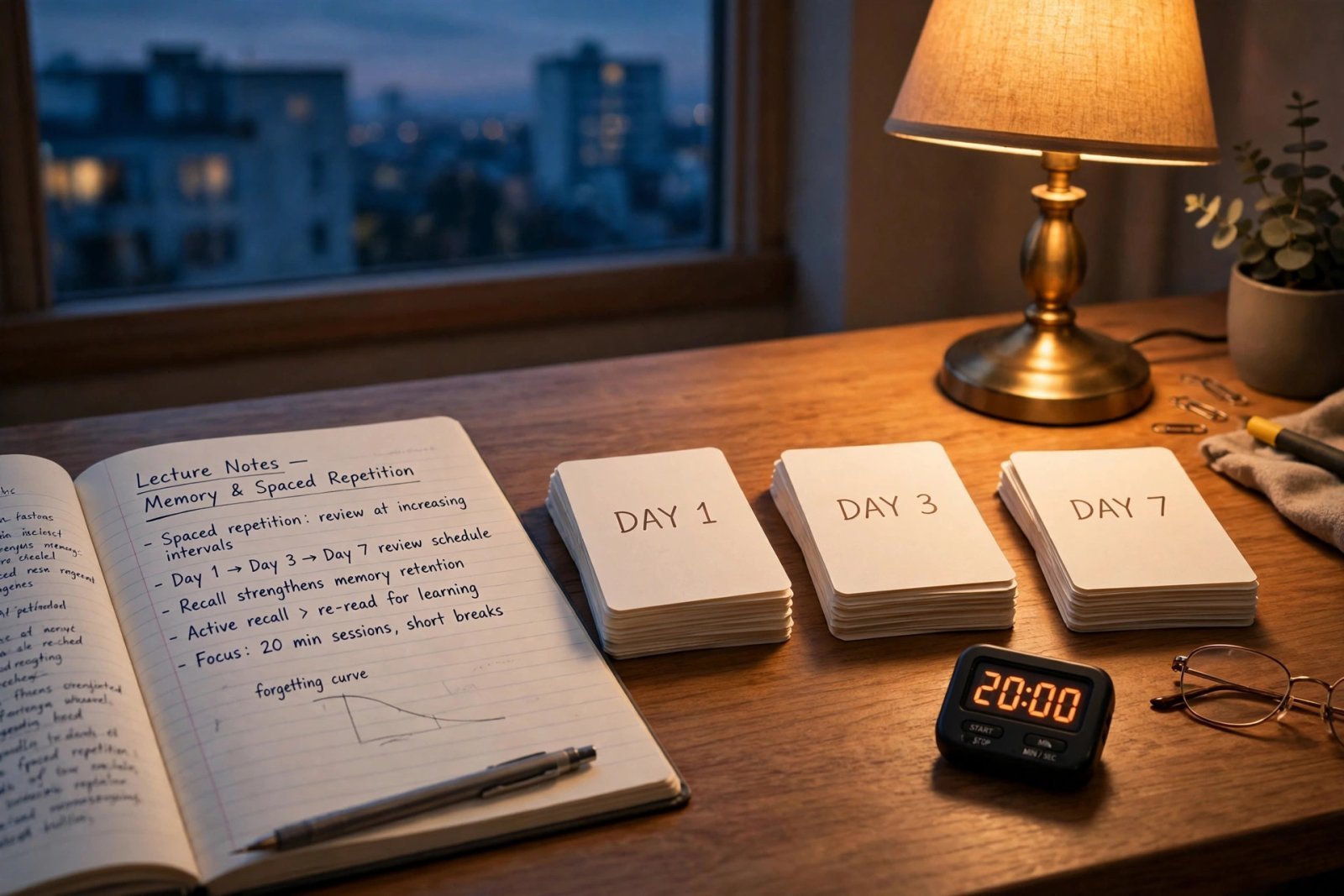
Make Lecture Notes Test You Back With Smart Flashcards
Turn raw lecture notes into a spaced-repetition flashcard deck with clear questions, concise answers and review dates.

Customize this prompt
Fill in the fields below — the prompt text updates automatically. [BRACKETED] words are placeholders you replace.
The prompt
You are a learning scientist who designs spaced-repetition flashcard decks. Here are my lecture notes on [TOPIC] from [COURSE_NAME]: [PASTE_NOTES]. Turn them into a flashcard deck for [DECK_SIZE] cards. Each card must test exactly one fact, idea or step, phrased as a clear question on the front and a concise answer of no more than 25 words on the back. Group the cards into [NUMBER_OF_GROUPS] themes, order them from basic to advanced, and mark the 5 cards most likely to appear on the exam. Add a simple review schedule: which cards to review after 1 day, 3 days and 1 week, based on [EXAM_DATE]. Avoid cards that ask for long lists and avoid yes-or-no questions.
How to use it
- Paste your lecture notes into the prompt, keeping the topic and course name filled in.
- Run the prompt and check that every card tests exactly one idea.
- Copy the cards into your flashcard app of choice, keeping the theme groups.
- Review the day-1 cards the next day before adding new material.
- Follow the 3-day and 1-week review dates and re-run the prompt for new lectures.
Customization tips
Change the deck size, number of themes and exam date, and paste notes from any subject or course.
Example use case
Students and self-learners who want lecture notes to become a reviewable flashcard deck.
Frequently asked questions
How many cards should I make per lecture?
Aim for 15 to 30 cards per lecture. More than that and review sessions become too long to keep up.
Does this work for practical subjects?
Yes. Ask for cards that test steps, definitions and decision rules instead of facts, and the deck still works.
Share
Tags: flashcards spaced repetition study lecture notes memory revision students
Reviewed by the PromptVault editorial team on November 25, 2026.
Source notes: Daily pipeline 20261125 batch 11