Midnight Espresso Pour: A 30-Second Coffee Commercial
Direct a luxury 30-second espresso commercial with slow-motion liquid macro shots, steam, and a bold end-card, all from one structured prompt.
Customize this prompt
Fill in the fields below — the prompt text updates automatically. [BRACKETED] words are placeholders you replace.
The prompt
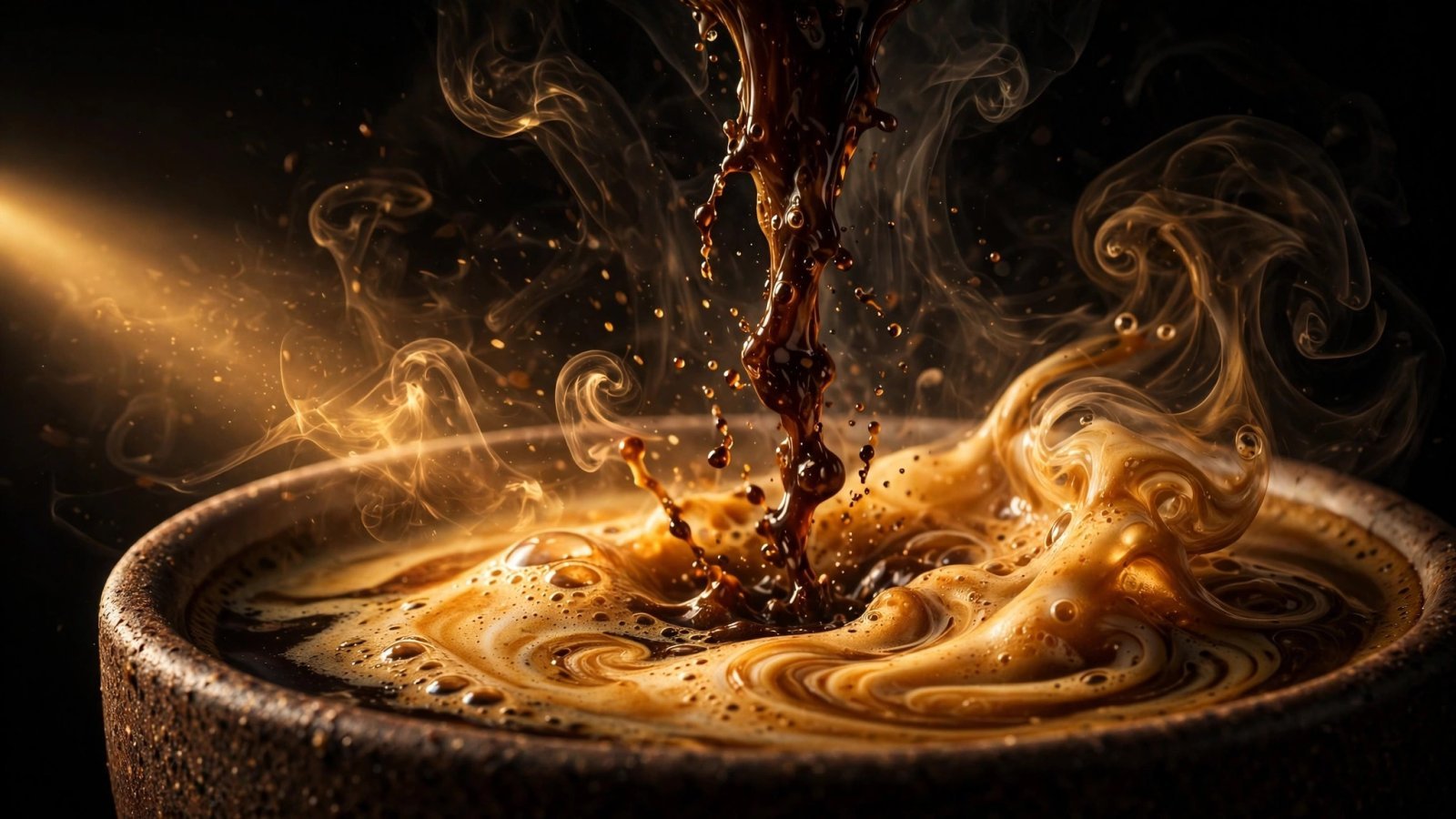
Direct a 30-second luxury coffee commercial using this structured AI video prompt. PRODUCT: [PRODUCT] (default: midnight-roast espresso blend in a matte-black bag). HERO SHOT: An extreme macro of dark espresso pouring from a portafilter into a ceramic cup, captured in slow motion at 240fps feel, with thick golden crema swirling on the surface. STYLE: [VISUAL_STYLE] (default: dark, moody, high-contrast with deep browns and warm amber highlights), lighting = [LIGHTING] (default: single dramatic side light cutting through drifting steam). SEQUENCE (30 seconds total): 0-5s macro of roasted beans tumbling in slow motion; 5-12s the espresso pour with crema bloom; 12-18s steam curling upward in a dark void, backlit; 18-24s a hand lifting the cup, slow orbit shot; 24-30s end card: the [PRODUCT] bag centered, tagline [TAGLINE] (default: 'Taste the dark side of morning') fading in with elegant serif type. CAMERA: [CAMERA_MOVES] (default: buttery slow dolly-ins and macro focus pulls, no handheld shake). AUDIO CUES: deep bass rumble under the pour, a single espresso-machine hiss, silence before the tagline. NEGATIVES: no people smiling at camera, no daylight, no cluttered backgrounds, no readable text except the end card. Output a numbered shot list with timings and a full generation prompt per shot, each restating the [VISUAL_STYLE] and [LIGHTING] verbatim for consistency.
How to use it
- Set [PRODUCT], [TAGLINE], [VISUAL_STYLE], [LIGHTING], and [CAMERA_MOVES], or use the defaults.
- Generate the numbered 30-second shot list with the full per-shot generation prompts.
- Create each shot in your AI video model, keeping [VISUAL_STYLE] and [LIGHTING] identical across shots.
- Assemble the clips in timing order, layer the audio cues, and add the end card.
- Export in 16:9 for YouTube pre-roll and a 1:1 crop for social feeds.
Customization tips
Swap [VISUAL_STYLE] for bright morning minimalism if the brand is light-roasted; change [TAGLINE] to the brand's real slogan before publishing.
Example use case
Small coffee brands and creators producing premium product commercials without a film crew.
Frequently asked questions
How do I get the crema swirl to look realistic?
Ask for 'thick golden crema swirling in extreme macro, slow motion' and generate 3-4 pour variations; pick the one with the cleanest spiral motion.
Can this work for a product other than coffee?
Yes. Swap [PRODUCT] for any dark luxury liquid or pourable product, like whiskey or chocolate, and keep the macro slow-motion structure.
Share
Tags: product commercial coffee ad luxury branding macro video ai advertising slow motion
Reviewed by the PromptVault editorial team on October 12, 2026.
Source notes: Daily pipeline 20261012 batch 3