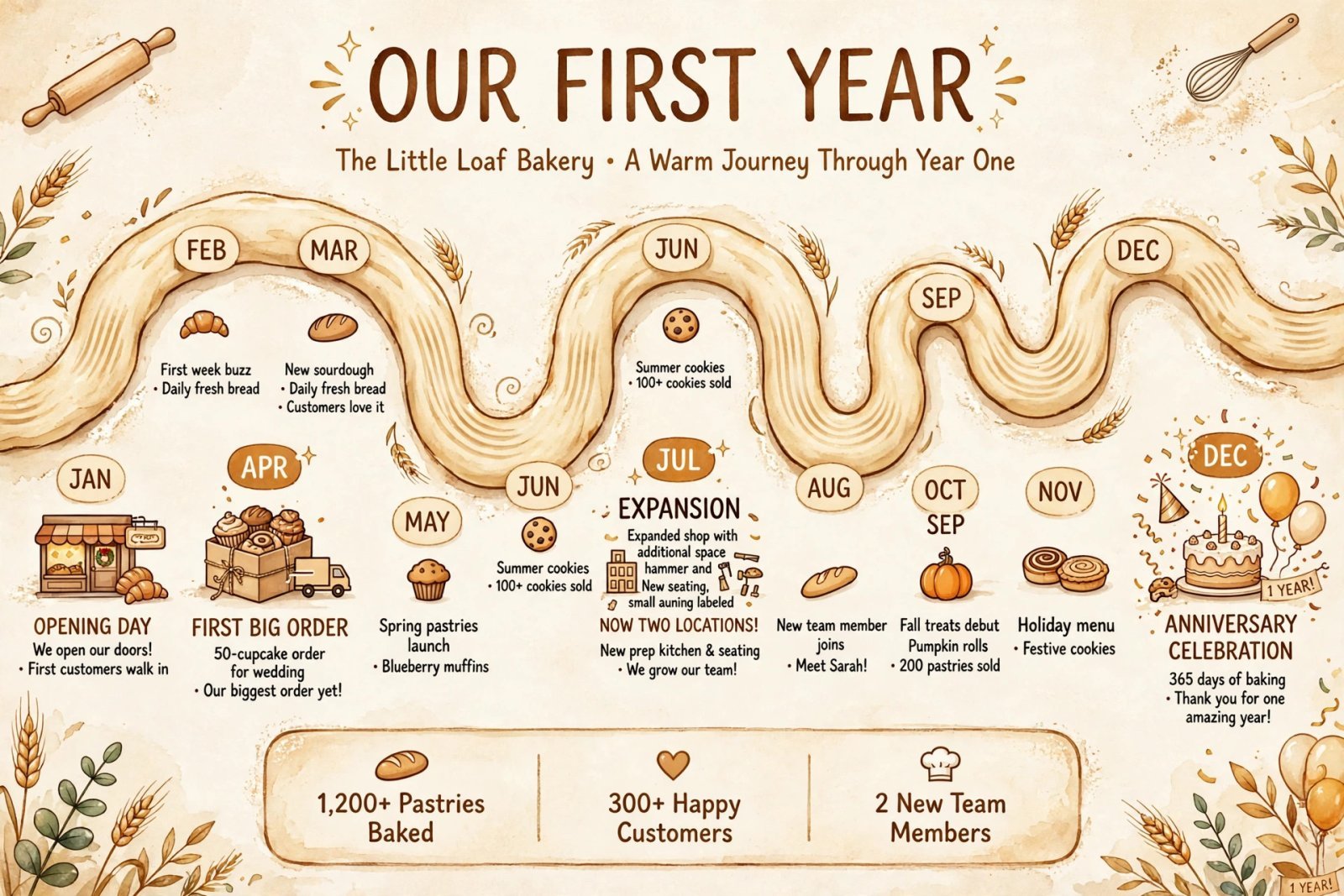
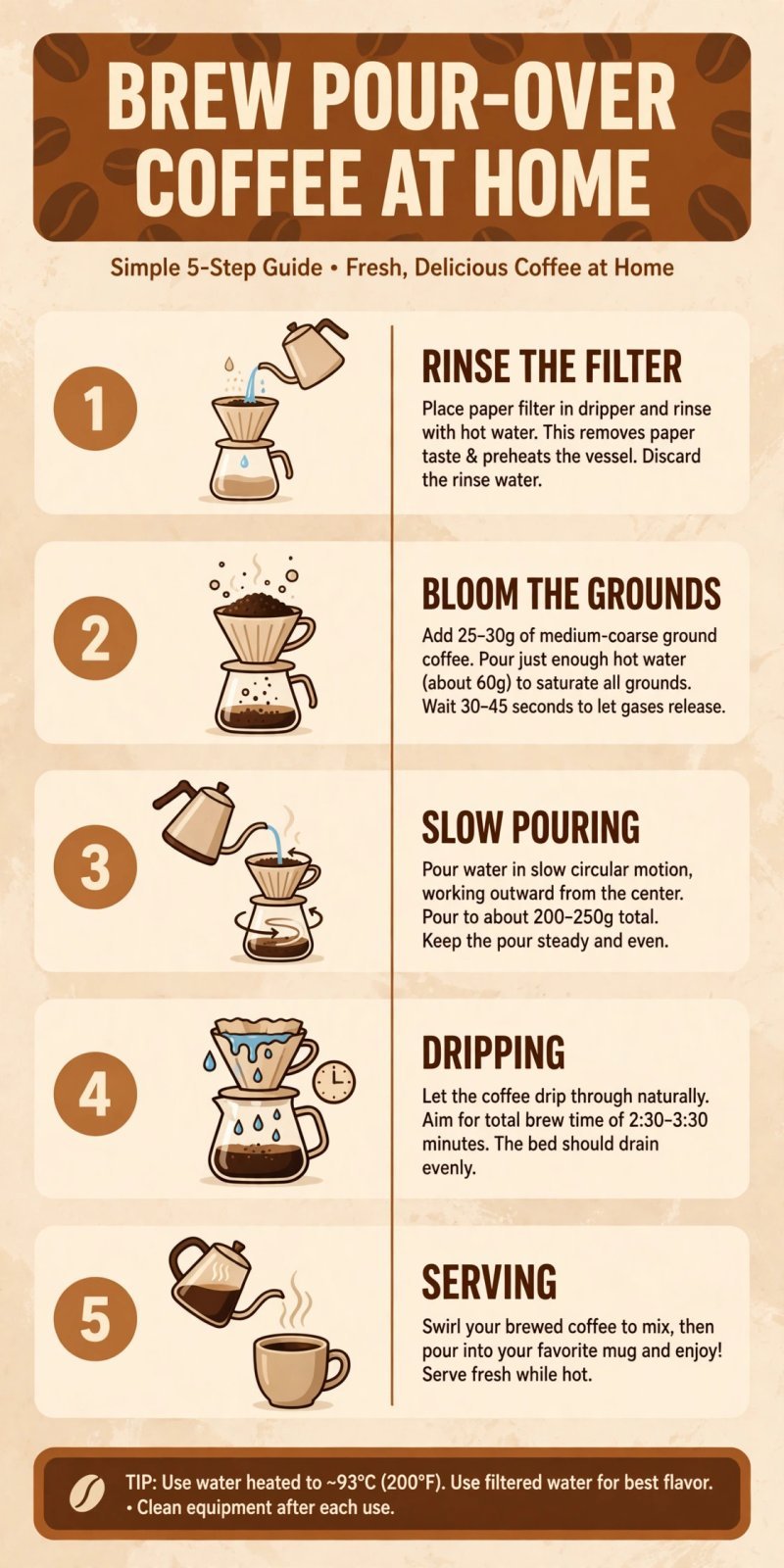
Morning Routine Timeline Infographic Design
A clear vertical timeline infographic that turns a healthy morning routine into a simple, shareable visual guide.

Customize this prompt
Fill in the fields below — the prompt text updates automatically. [BRACKETED] words are placeholders you replace.
The prompt
Design a clean vertical timeline infographic for a healthy morning routine that runs from [START_TIME] to [END_TIME]. Show [NUMBER_OF_STEPS] steps in chronological order, each with a time label, a small icon for [ACTIVITY_ONE], [ACTIVITY_TWO] and the rest, a one-line description, and a duration in minutes. Use a calm palette of [PRIMARY_COLOR] and [SECONDARY_COLOR] on a light background, a continuous vertical line connecting the steps, and a friendly headline reading [HEADLINE_TEXT] at the top. Add a short footer tip from [SOURCE_NAME] and keep every label short enough to read at a glance. The layout should work as a single tall image for Pinterest and blog posts.
How to use it
- List the routine steps in order and give each one a start time and duration.
- Write each description in under ten words so it scans instantly.
- Choose two calm colours and one icon style for the whole timeline.
- Lay the steps along a single vertical line with even spacing.
- Export the tall format and check it reads clearly on a phone screen.
Customization tips
Swap the activities for any routine, change the colours to your brand palette, or adjust the start and end times.
Example use case
Wellness bloggers, coaches and health brands turning a routine into a shareable Pinterest or blog graphic.
Frequently asked questions
How many steps work in a timeline infographic?
Five to seven is ideal. More than that makes the image too tall and readers stop scrolling.
Should the infographic include exact times?
Yes, times make the routine feel doable. Readers copy the schedule, not just the idea.
Share
Tags: timeline infographic morning routine wellness design vertical infographic habit tracker visual guide pinterest graphic
Reviewed by the PromptVault editorial team on November 8, 2026.
Source notes: Daily pipeline 20261108 batch 7