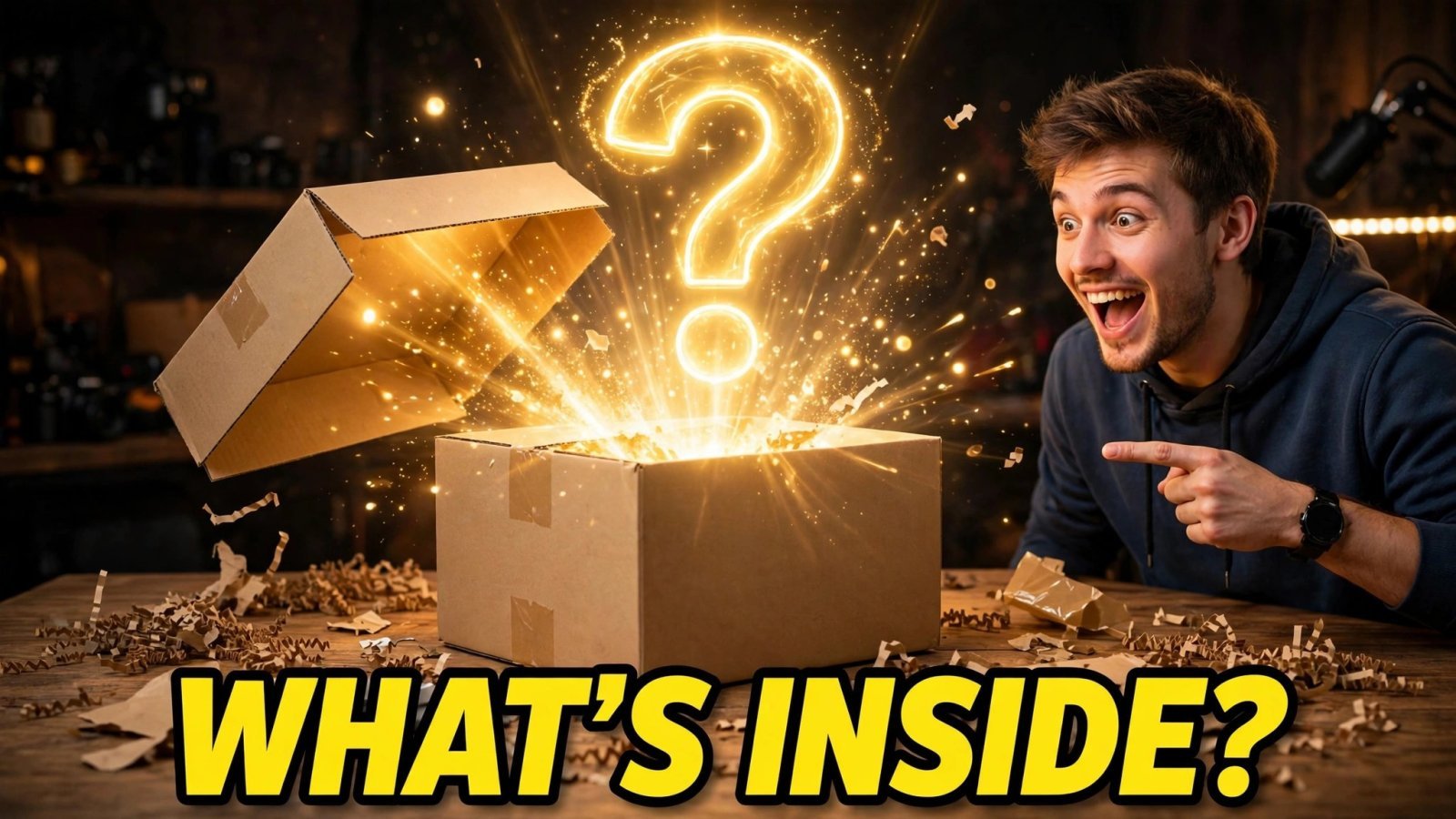
Mystery-Style YouTube Thumbnail with Blurred Secret
Generate a curiosity-driven thumbnail with a blurred or hidden object, question-mark graphics, and dark cinematic lighting.
Customize this prompt
Fill in the fields below — the prompt text updates automatically. [BRACKETED] words are placeholders you replace.
The prompt
Create a mysterious YouTube thumbnail, 16:9, teasing [VIDEO_TOPIC]. Composition: dark cinematic background in deep navy and black with dramatic spotlight lighting from above. Center: a [SECRET_OBJECT] heavily blurred and glowing from within, wrapped in fog, positioned slightly left of center. Right side: a [CURIOUS_CHARACTER_DESCRIPTION] leaning toward the glowing object with a shocked expression, lit by the object's glow. Typography: large white condensed text at the bottom reading "[HOOK_TEXT]" (keep to 3-5 words — Ideogram handles short text overlays well). Accents: floating question-mark shapes in gold, dust particles in the light beam, subtle red arrows pointing at the blurred object. No other text. Mood: suspenseful and cinematic, high contrast between darkness and glow.
Recommended settings
Suggested: 16:9, cinematic lighting style, dark background preset if available.
These are suggested starting points from our editors, not verified test results.
How to use it
- Choose the mystery item your video will reveal or explore.
- Write a short hook that creates curiosity without giving the answer.
- Fill in the prompt and generate 2-3 versions with different glow colors.
- Verify the hook text is spelled correctly and legible.
- Preview at thumbnail size to confirm the glow draws the eye.
Customization tips
Adjust the glow color to match your channel branding (teal, magenta, gold). For tech channels, replace the object with a blurred gadget silhouette.
Example use case
Ideal for unboxings, unsolved mysteries, product reveals, and challenge videos where withholding information drives clicks.
Frequently asked questions
Should the thumbnail match the video's payoff?
The blur creates curiosity, but the thumbnail should still represent the video honestly. Misleading thumbnails may get clicks but hurt watch time and trust.
What glow colors work best?
Gold and teal pop against dark navy backgrounds. Avoid using the same glow color as the hook text so they don't blend together.
Share
Tags: youtube thumbnail mystery curiosity cinematic dark teaser
Reviewed by the PromptVault editorial team on October 10, 2026.
Free for personal and commercial use. Review AI output before publishing.