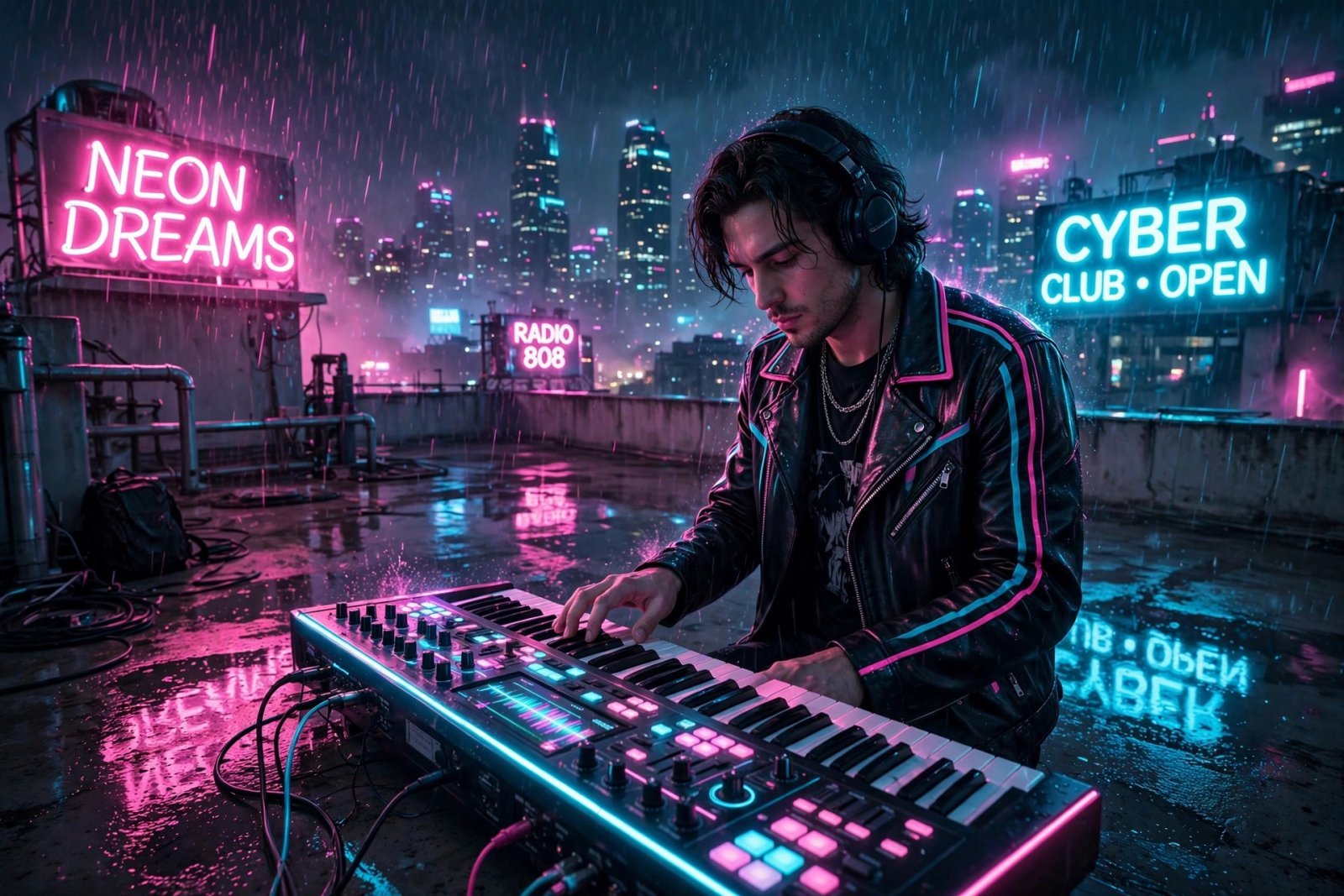
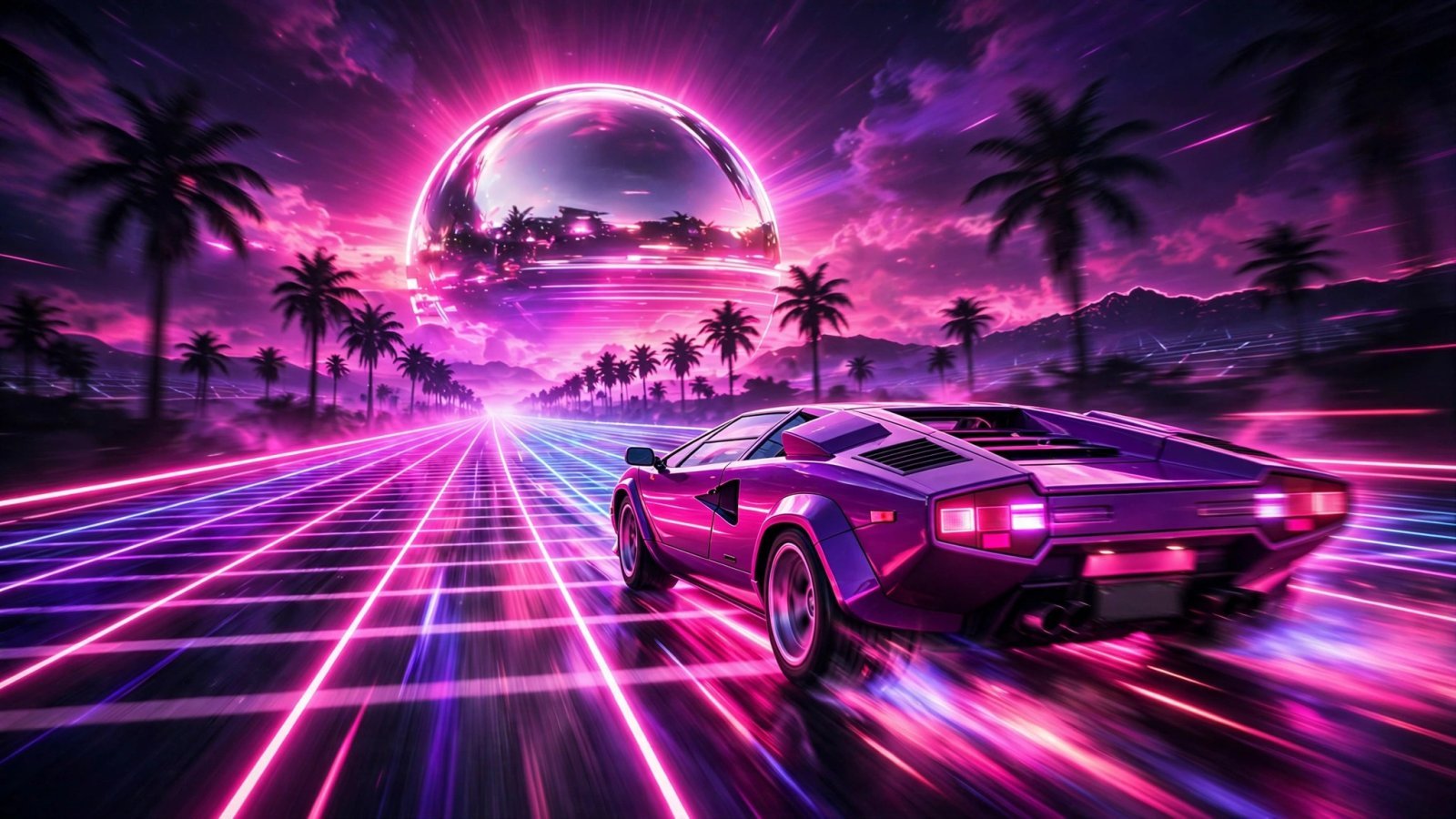
Neon Highway: A Synthwave Music-Video Chase Through the Desert
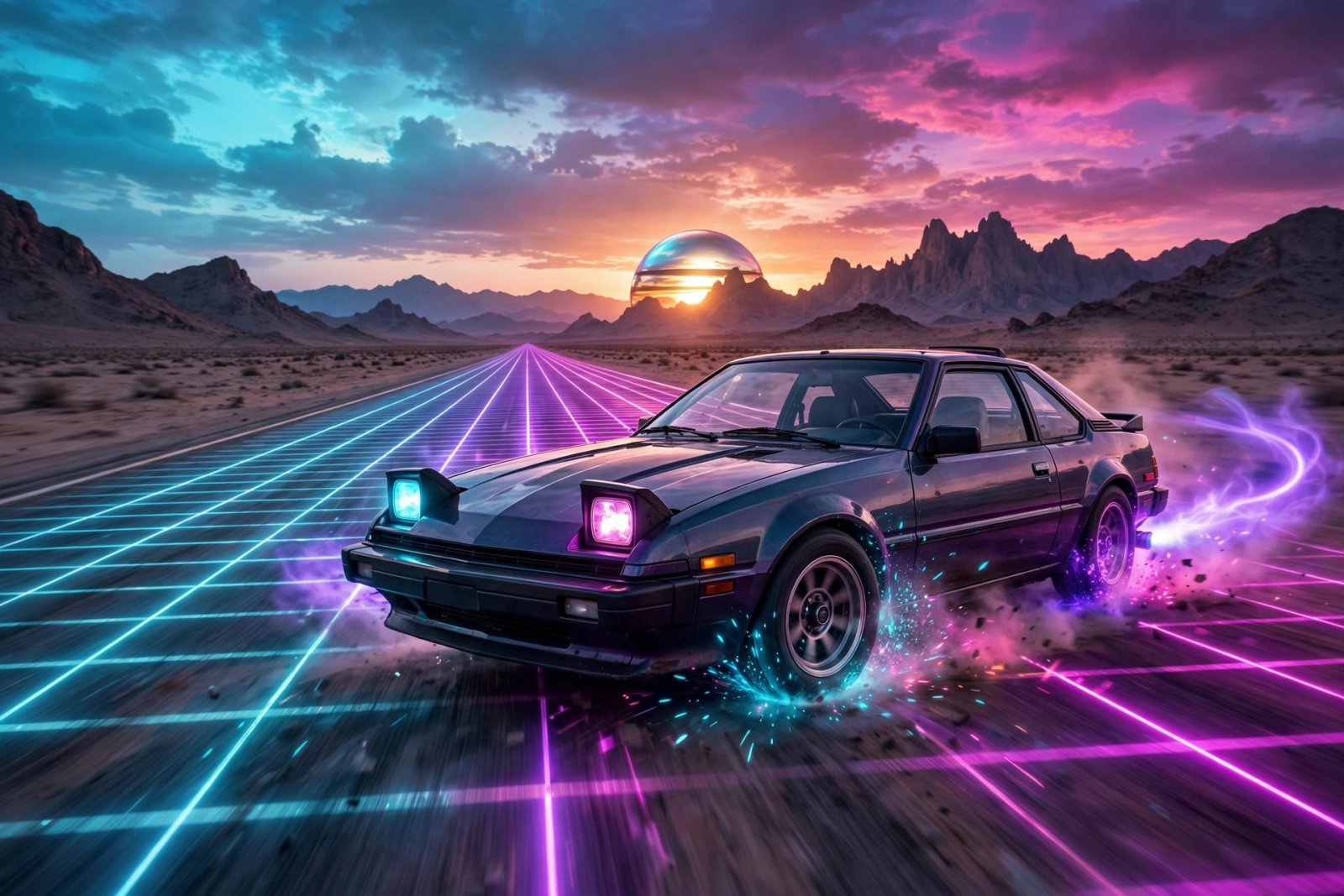
A high-energy prompt for a retro synthwave music video: a lone car racing a low sun down a desert highway, all grid and glow.
Customize this prompt
Fill in the fields below — the prompt text updates automatically. [BRACKETED] words are placeholders you replace.
The prompt
You are a music-video director writing the generation prompt for [VIDEO_TOOL]. Deliver a 25-second synthwave chase.\n\nWORLD: an endless [DESERT_ROAD] at sunset collapsing into night — chrome sun sinking behind jagged mountains, neon grid floor stretching to the horizon, occasional retro billboards flashing [BILLBOARD_TEXT].\nHERO VEHICLE: [CAR] (e.g. 1986 coupe with pop-up headlights, glowing underbody), exhaust trailing violet light, rear tires kicking up glowing dust.\nCAMERA CHOREOGRAPHY: open with a low tracking shot beside the car (0-6s); cut to a front three-quarter as it drifts a curve (6-12s); overhead chase view as the sun dips fully below the mountains (12-19s); final slow pull-back as tail lights shrink into the grid's vanishing point (19-25s).\nBEAT SYNC: structure cuts on a [BPM]-ish pulse — every cut lands on a kick-drum hit; describe the light strips pulsing with the bass.\nCOLOR: magenta/cyan split-tone, deep blacks, sun a blazing chrome gradient; add 'VHS tracking shimmer' at [VHS_INTENSITY] for texture.\nNEGATIVES: no modern cars, no daytime, no crowds, no logos on the car.\n\nClose with a 'choreography timeline' listing each cut, its timestamp, and the musical cue it lands on.
How to use it
- Fix [CAR], [DESERT_ROAD], and [BILLBOARD_TEXT] first — the billboard text personalizes the video to your track.
- Generate each of the four shots as its own clip in [VIDEO_TOOL], keeping the same car description in all of them.
- Cut the clips on the kick drum of your track; shift any clip ±4 frames so every cut lands on a beat.
- Add a light VHS shimmer layer in your editor to glue the AI clips into one texture.
- Grade with magenta shadows and cyan highlights; crush the blacks slightly for the synthwave look.
Customization tips
Swap [CAR] for a motorcycle or a chrome truck, change [DESERT_ROAD] to a coastal highway or Tokyo expressway, and the choreography still lands. Re-theme the grid floor for other genres — jungle neon, cyberpunk rain.
Example use case
Musicians and editors creating stylized AI music videos for synthwave, retrowave, and electronic tracks.
Frequently asked questions
My track is a different tempo — does the timeline still work?
Yes. The cut timestamps are relative beats, not absolute seconds — multiply each timestamp by (120 / your track's BPM) to resync them.
The car changes shape between shots. How do I keep it consistent?
Use one locked vehicle description with a unique detail ('pop-up headlights, violet underbody, dented left fender') and paste it unchanged into every shot prompt.
Share
Tags: music video synthwave ai video prompt retro video chase scene beat sync neon aesthetic
Reviewed by the PromptVault editorial team on October 13, 2026.
Source notes: Daily pipeline 20261013 batch 4