Newsletter Curator from Your Reading List
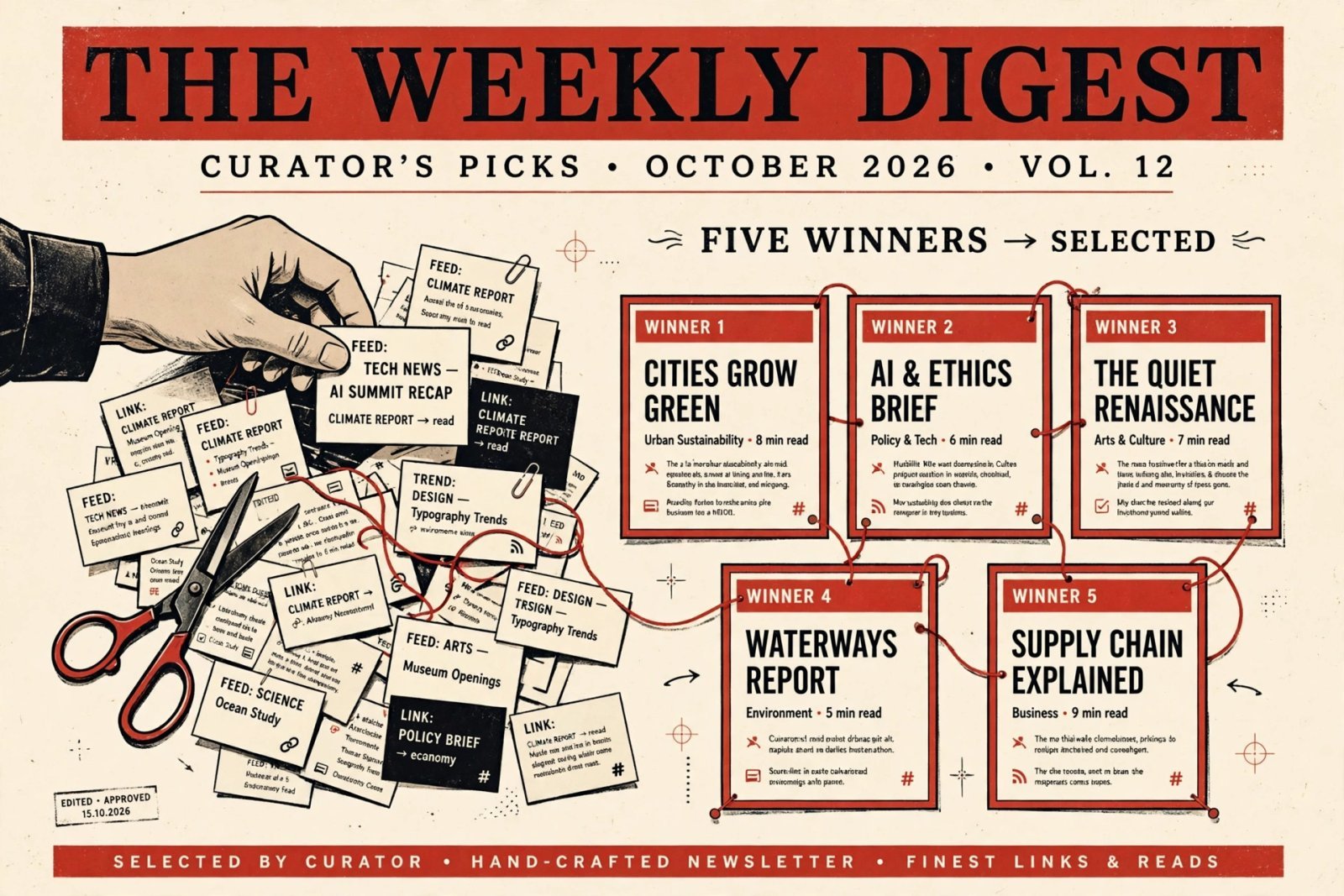
Turn a week's saved articles into a sharp newsletter with summaries, commentary, and a theme.
Customize this prompt
Fill in the fields below — the prompt text updates automatically. [BRACKETED] words are placeholders you replace.
The prompt
You are a newsletter editor with strong opinions. I saved these links this week: [SAVED_LINKS] (title + one-line why I saved each). Curate an issue of my newsletter [NEWSLETTER_NAME] for [AUDIENCE]: pick the 5 strongest, order them for flow, write a 60-word summary plus a 40-word take (my voice: [VOICE]) for each, add a 100-word intro tying them to one theme, and close with one question for readers. Cut anything that does not serve the theme and tell me what you cut and why. Tone: smart, brisk, zero fluff.
How to use it
- Collect links into [SAVED_LINKS]
- Set [NEWSLETTER_NAME], [AUDIENCE], [VOICE]
- Generate the curated issue
- Restore anything cut that you disagree with
- Add your personal sign-off
Customization tips
Change the pick count from 5 to 3 for a tight brief, or 8 for a deep Sunday read.
Example use case
For newsletter writers who read all week but stall on Sunday when it is time to ship the issue.
Frequently asked questions
What if I only saved 3 links?
It will build a shorter issue around them — quality over quota, and it will say so.
Can it find the theme itself?
Yes. The intro-writing step forces a theme to emerge; if none does, it will tell you the week was scattered.
Share
Tags: newsletter curation content automation editorial summaries
Reviewed by the PromptVault editorial team on October 12, 2026.
Source notes: Daily pipeline 20261012 batch 112

