One Unchanging Lead for a Five-Part Video Journey
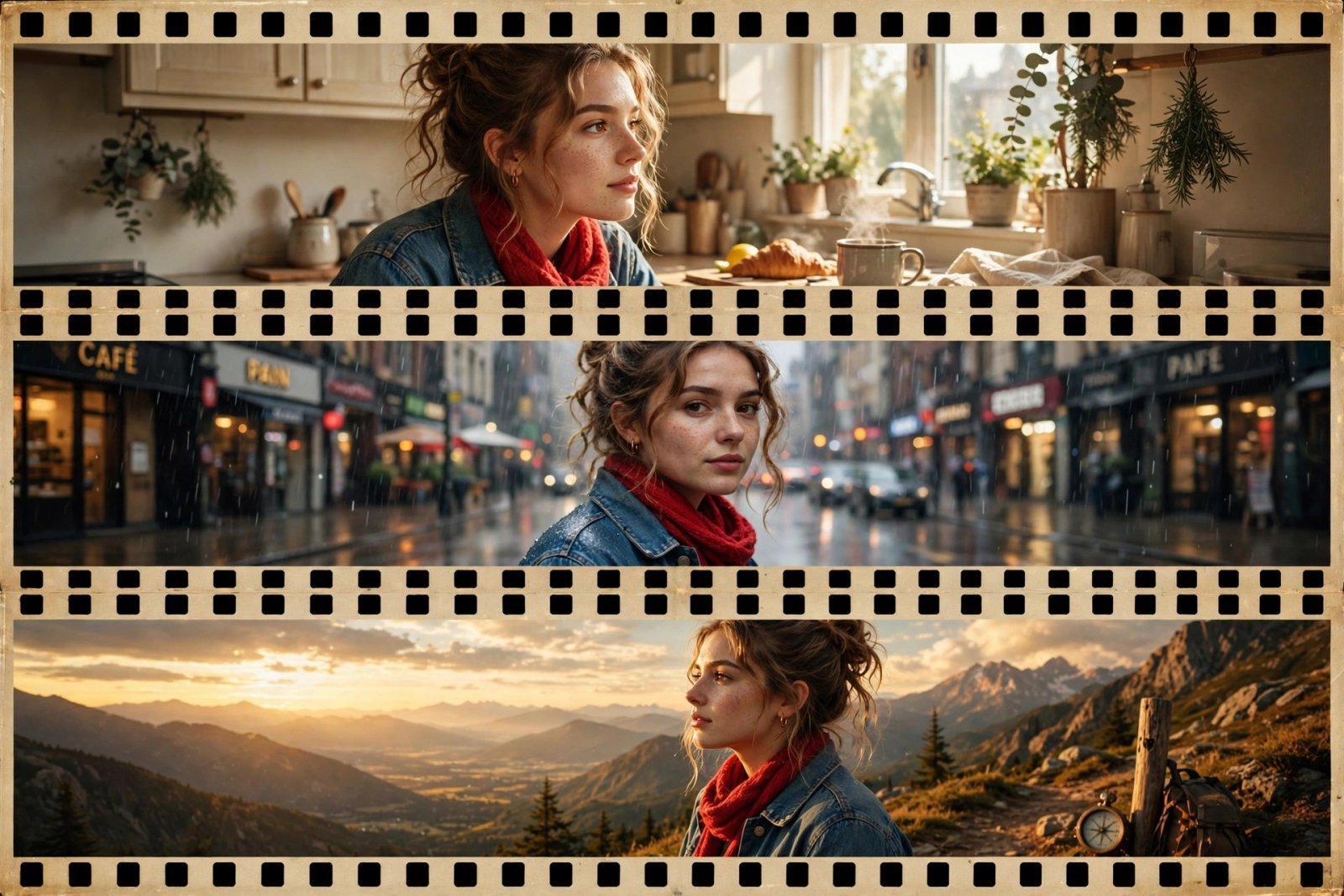
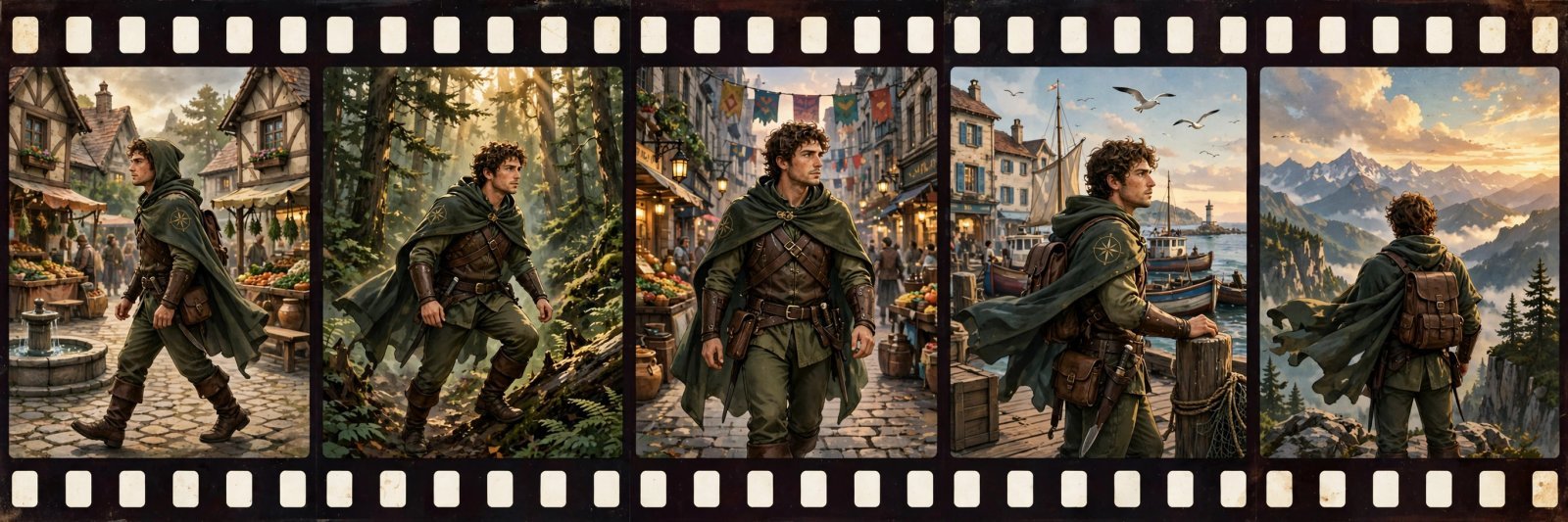
A reusable video workflow that locks one character's face, outfit and style across five different scenes without drift.
Customize this prompt
Fill in the fields below — the prompt text updates automatically. [BRACKETED] words are placeholders you replace.
The prompt
Create a five-scene video series featuring the same hero, [CHARACTER_NAME], wearing [SIGNATURE_OUTFIT] in every shot. Scene one opens in [OPENING_LOCATION], scene two moves to [SECOND_LOCATION], and the remaining scenes travel through [THIRD_LOCATION], [FOURTH_LOCATION] and [FINAL_LOCATION]. Keep the face, hairstyle, body proportions, colour palette and art style identical in every clip, using the same reference description at the start of each scene prompt. Lighting should match the stated [MOOD] in each scene, camera movement should stay smooth and motivated, and the hero's personality should read clearly through posture and expression alone, so the five clips cut together as one continuous story.
How to use it
- Write one fixed character reference paragraph covering face, hair, outfit and colours.
- Paste that reference unchanged at the start of every scene prompt.
- Generate scene one and check the hero against your reference still.
- Generate the remaining scenes one at a time, rejecting any clip with drift.
- Trim the five clips to a consistent length and add matching transitions.
Customization tips
Swap the hero, outfit and locations to fit a children's story, a brand mascot or a travel series.
Example use case
Creators building multi-scene stories, ads or series with a recurring hero.
Frequently asked questions
How do I stop the character changing between scenes?
Reuse the exact same reference paragraph, including face, hair and outfit details, in every prompt and compare each new clip against your first approved still.
What if one scene still drifts?
Regenerate that scene alone with the reference paragraph first and the scene action second, keeping seeds or reference images fixed where your tool allows.
Share
Tags: consistent character video series character design storytelling ai video multi-scene
Reviewed by the PromptVault editorial team on November 4, 2026.
Source notes: Daily pipeline 20261104 batch 5