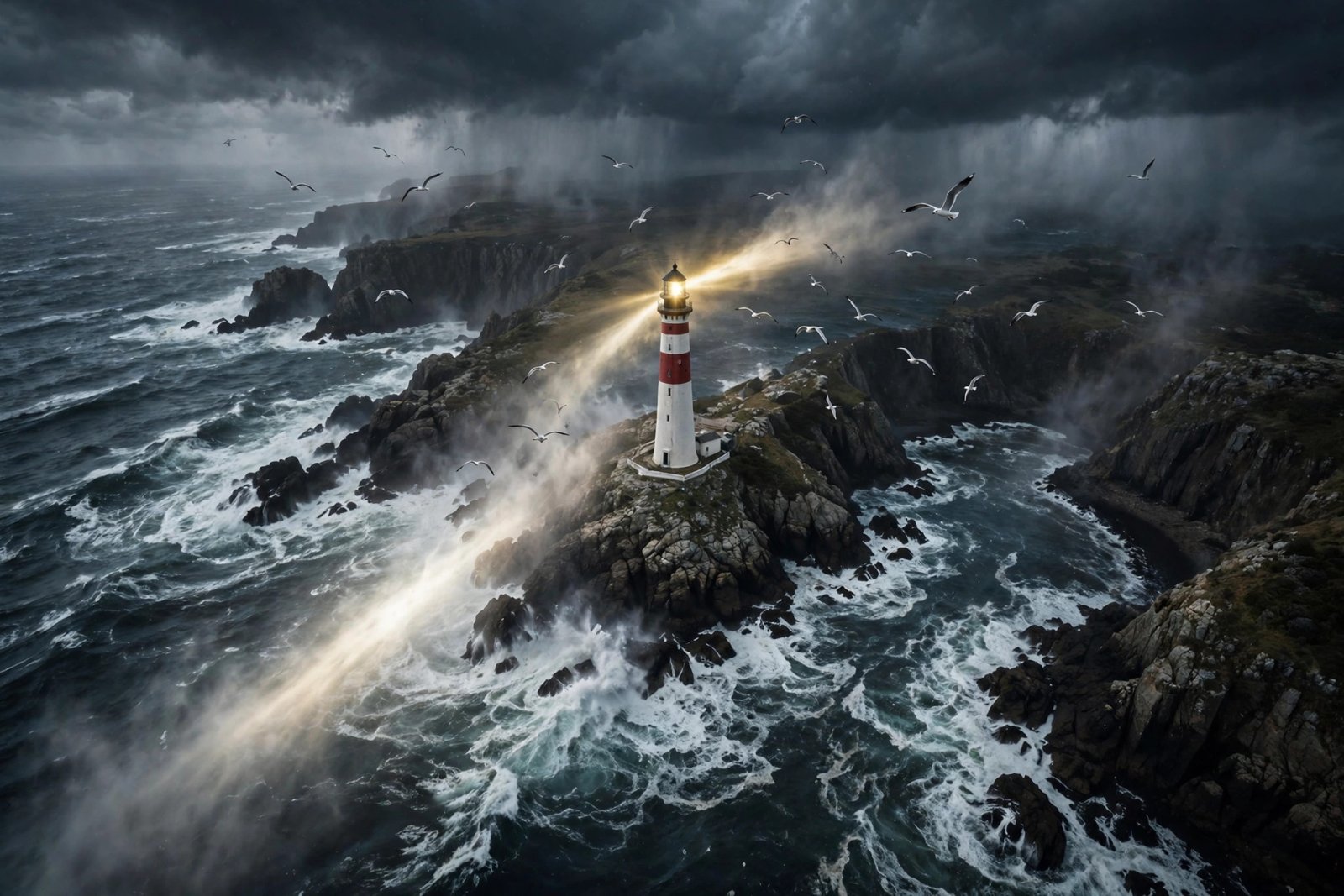
Orbiting the Lighthouse: Drone Orbit Camera Masterclass
Circle a stormy lighthouse in one smooth drone orbit in this camera-movement masterclass, with orbit math, safety notes and a master prompt.
Customize this prompt
Fill in the fields below — the prompt text updates automatically. [BRACKETED] words are placeholders you replace.
The prompt
You are a drone cinematography instructor planning an AI video masterclass. Create a full camera plan for a [DURATION]-second continuous orbit around [LIGHTHOUSE_NAME] on the [COAST_NAME] coast, shot at [ORBIT_HEIGHT] height and [ORBIT_RADIUS] radius. Define the camera language first: smooth constant-speed orbit, gimbal locked on the lamp room, [CAMERA_STYLE] movement with no sudden tilts, and a [GRADE] grade for stormy sea light. Lock the scene design: [LIGHTHOUSE_LOOK], waves at [SEA_STATE], and [SKY_CONDITION] sky. Structure the orbit in four quarters: the sea-facing approach, the cliff-side pass, the harbour reveal, and the return to the lamp-room close pass. Write a move sheet with orbit speed per quarter, gimbal pitch, light cues, and the exact wave and cloud motion in each quarter. Describe secondary motion: gulls circling, spray on the rocks, and the lamp beam sweeping. Write the final master prompt for an AI video generator capturing the smooth orbit, lighthouse scale and stormy light in [STYLE_DESCRIPTOR] detail, plus a scene-consistency prompt so the lighthouse matches in every take. End with a practical note: real-drone safety, wind limits, and how to rehearse the orbit before flying.
How to use it
- Lock the orbit height, radius and constant speed first.
- Design the lighthouse, sea state and sky with consistent notes.
- Map the four orbit quarters to gimbal pitch and light cues.
- Layer gulls, spray and lamp beam as secondary motion.
- Generate a master AI prompt plus a scene-consistency prompt.
Customization tips
Change the lighthouse, coast and weather to practise orbits on your own subject.
Example use case
Teach drone cinematography or storyboard an aerial sequence.
Frequently asked questions
What orbit speed looks cinematic, not dizzy?
Keep one full orbit to roughly 30 to 60 seconds of screen time, with constant speed and no acceleration mid-orbit.
Can I orbit other subjects this way?
Yes, swap the lighthouse for a castle, a windmill or a harbour crane and keep the same four-quarter move sheet.
Share
Tags: camera movement drone orbit lighthouse cinematography masterclass ai video
Reviewed by the PromptVault editorial team on October 25, 2026.
Source notes: Daily pipeline 20261025 batch 4