Pixel Quest: A 16-Bit Game-Style Animated Short
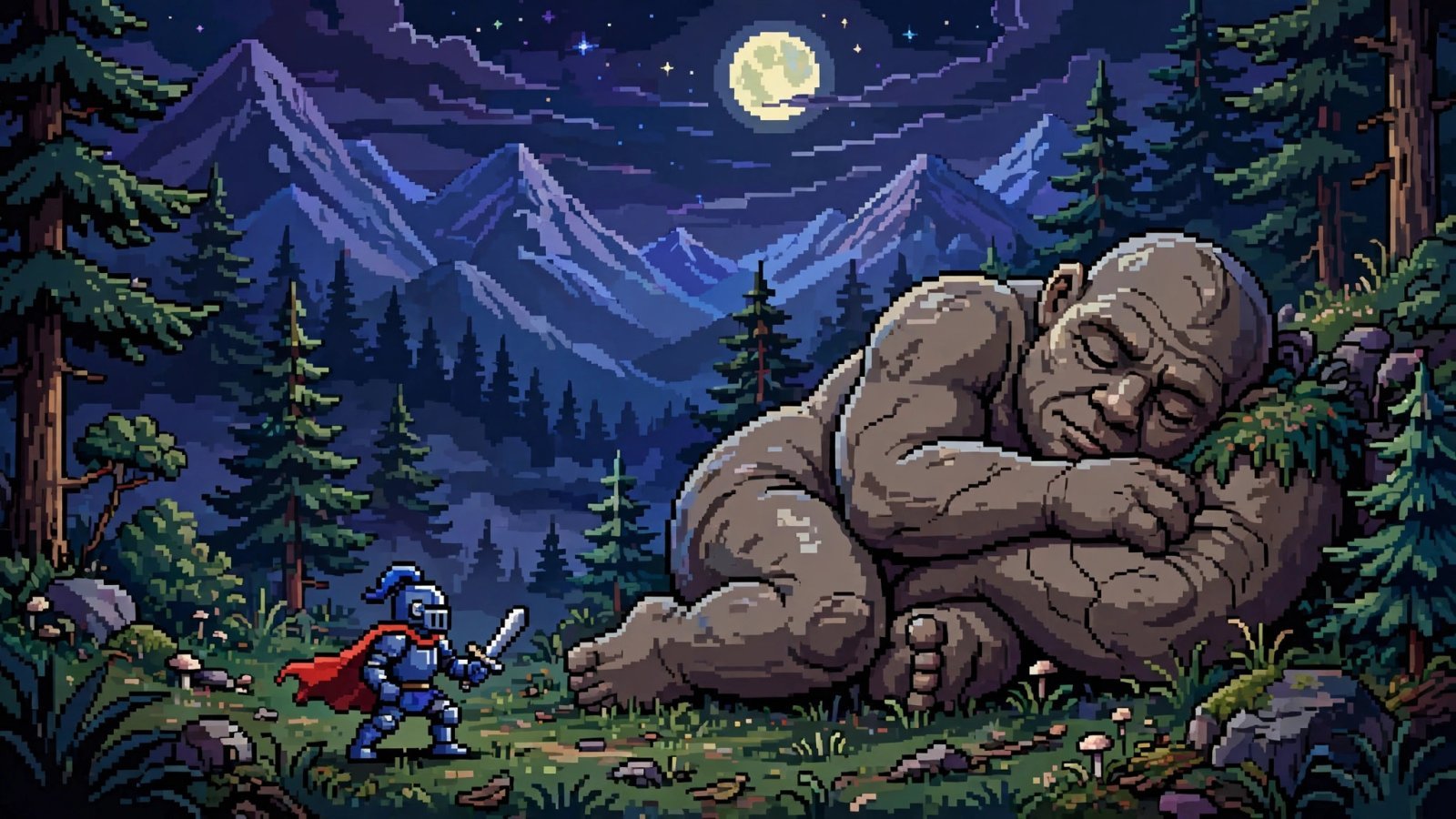
Direct a retro 16-bit animated short where a tiny knight crosses a pixel world to wake a sleeping giant, with sprite design and a shot plan.
Customize this prompt
Fill in the fields below — the prompt text updates automatically. [BRACKETED] words are placeholders you replace.
The prompt
You are a retro game animator planning a 16-bit style AI animation. Create a complete production plan for a [DURATION]-second short in which a tiny pixel knight named [HERO_NAME] crosses [WORLD_NAME] to wake the sleeping giant [GIANT_NAME] before [TIME_LIMIT].

Define the sprite rules first: [SPRITE_SIZE] pixel-tall characters, a [PALETTE_SIZE]-color palette ([PALETTE_NAME] inspired), chunky 3-frame walk cycles, and screen-wipe scene transitions. Lock the knight's sprite design — [ARMOR_COLOR] armor, a [CAPE_COLOR] cape, and a [WEAPON] — plus the giant's curled sleeping pose and the [ENEMY_SPRITE] enemies along the path.

Structure the quest in five levels — meadow, caves, bridge, climb, and the giant's clearing — and write a shot list of [SHOT_COUNT] shots in side-scroller language (parallax layers, camera pan speed, sprite animation frames per beat). Describe how chiptune stingers, pixel-dust particles and screen shake on the giant's waking are handled as effects layers.

Write the final master prompt for an AI video generator that captures the 16-bit look, limited animation feel and parallax motion in [STYLE_DESCRIPTOR] detail, plus a sprite-consistency sheet prompt so the knight and giant look identical in every clip. End with a sound plan: a [MUSIC_STYLE] chiptune track, jump and sword sound effects, and dialogue barks.
How to use it
- Lock the sprite size, color palette and walk-cycle rules first.
- Design the knight, giant and enemy sprites with consistent notes.
- Plan the five levels with side-scroller camera and animation language.
- Layer particles, screen shake and transitions as effects.
- Generate a master AI prompt plus a sprite-consistency sheet.
Customization tips
Rename the hero, world and giant, or reskin it for your own game project.
Example use case
Storyboard a game trailer or nostalgic animated short in authentic pixel style.
Frequently asked questions
How do I avoid the 'AI look' in pixel-art animation?
Specify exact sprite sizes, limited palettes and 3-frame walk cycles in every prompt — those constraints push the generator toward authentic pixel aesthetics.
Can I use this for a game trailer?
Yes — swap the quest for your game's world and characters and reuse the five-level shot structure as a trailer storyboard.
Share
Tags: animation pixel art retro gaming 16-bit short film ai video
Reviewed by the PromptVault editorial team on October 24, 2026.
Source notes: Daily pipeline 20261024 batch 4