README Generator for Open Source Projects
Generate a complete, welcoming README — setup, usage, contributing — from a brief project description.
Customize this prompt
Fill in the fields below — the prompt text updates automatically. [BRACKETED] words are placeholders you replace.
The prompt
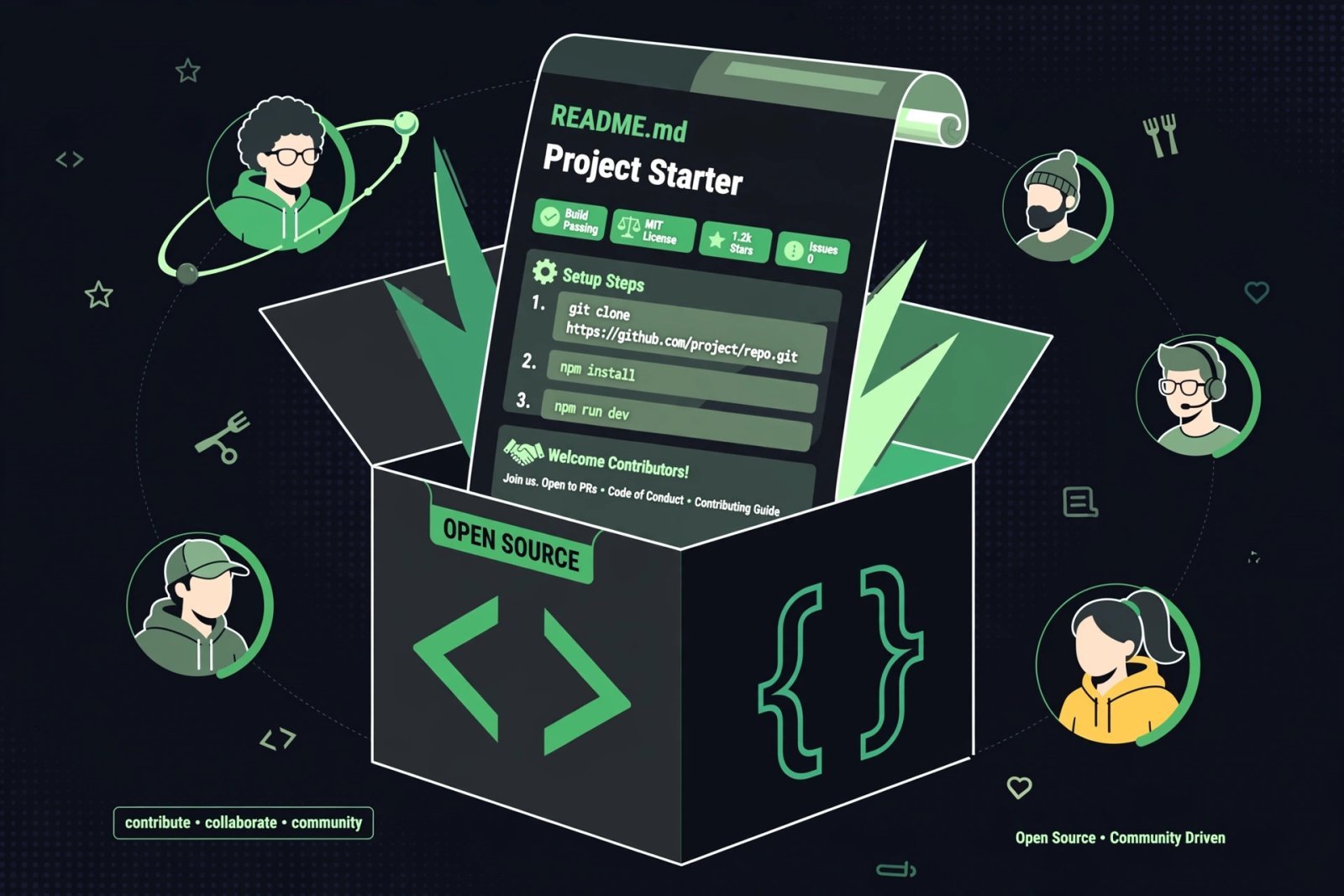
Write a complete README.md for my open source project. Project: [PROJECT_NAME] — [ONE_LINE_DESCRIPTION]. Stack: [TECH_STACK]. Generate: a badges row (build, license, version placeholders), a 2-sentence pitch, features list, prerequisites, step-by-step installation, minimal usage example with real commands, configuration table, contributing guidelines summary, and license section. Tone: welcoming to first-time contributors, zero jargon without explanation. Mark anything you could not know with [FILL IN]. Keep code blocks copy-pasteable. Details:
[PROJECT_DETAILS]
How to use it
- Fill in [PROJECT_NAME] and [ONE_LINE_DESCRIPTION]
- List your [TECH_STACK]
- Add key details to [PROJECT_DETAILS]
- Generate the README
- Replace every [FILL IN] marker
Customization tips
Add your demo GIF or screenshot links and it will place them for maximum first-impression impact.
Example use case
For developers launching open source projects who want a README that converts visitors into contributors.
Frequently asked questions
Will it match my project's license?
Tell it your license in [PROJECT_DETAILS] and the license section will reflect it correctly.
Can it do docs for private repos?
Yes — the same structure works; just skip the badges row for internal projects.
Share
Tags: readme open-source documentation github coding onboarding
Reviewed by the PromptVault editorial team on October 12, 2026.
Source notes: Daily pipeline 20261012 batch 112