Repurpose a Webinar Recording Into a Search-Friendly Blog Article
Convert a webinar transcript into a well-structured article that answers real search questions, keeps the speaker's insights, and drops the filler.
Customize this prompt
Fill in the fields below — the prompt text updates automatically. [BRACKETED] words are placeholders you replace.
The prompt
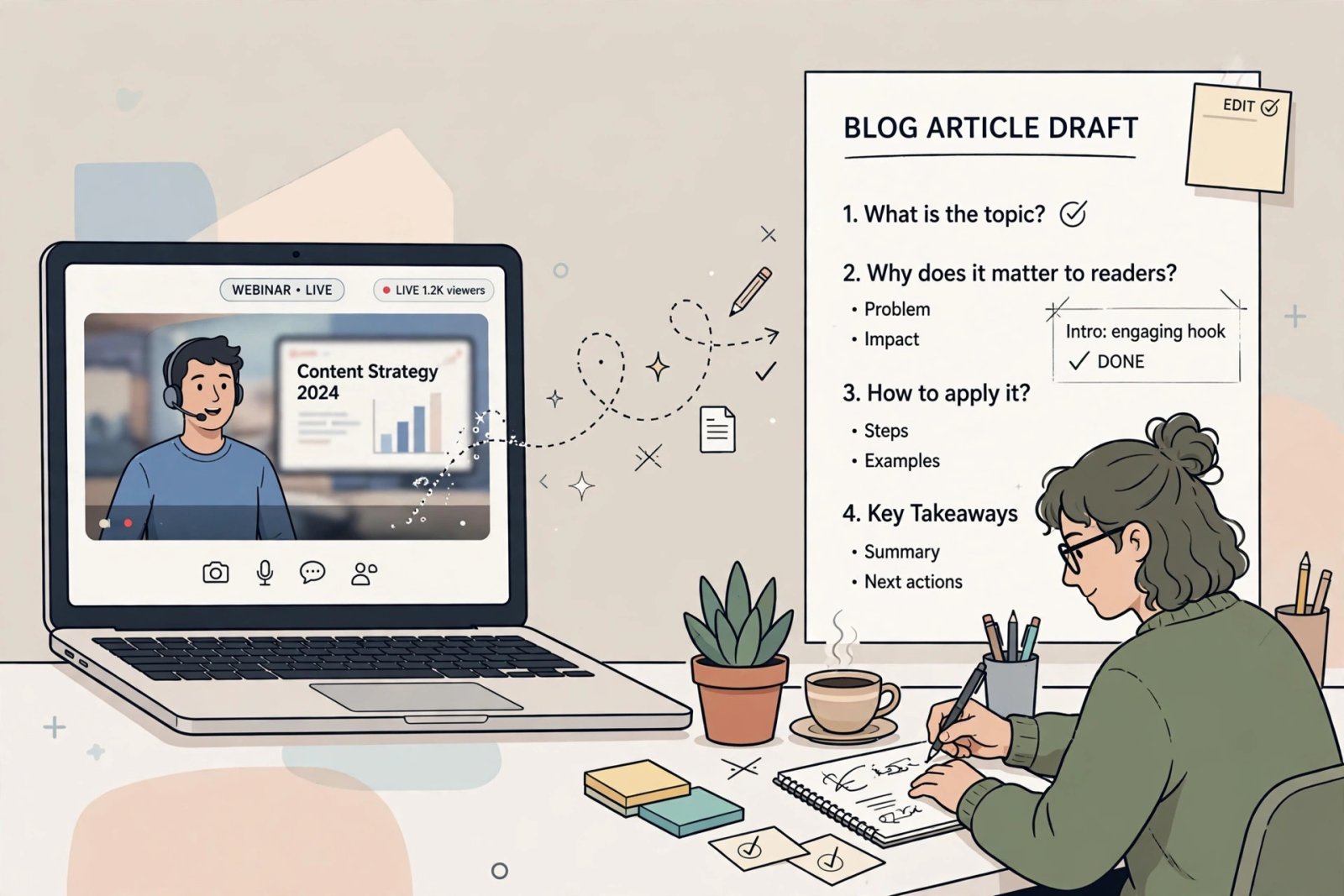
You are a content editor repurposing a webinar into a blog article. The webinar is titled [WEBINAR_TITLE], presented by [PRESENTER_NAME] for an audience of [AUDIENCE_TYPE], and the transcript covers [WEBINAR_TOPIC]. First, list the five questions the audience most wanted answered, based on the transcript and the Q and A section. Then write a 900 to 1200 word article organised around those questions, using subheadings phrased as the questions themselves. Keep the presenter's examples and numbers, cut introductions, housekeeping and repetition, and add a short key-takeaways box plus a closing paragraph pointing readers to [FOLLOW_UP_RESOURCE]. Write in a clear, plain style suitable for someone who never attended the webinar.
How to use it
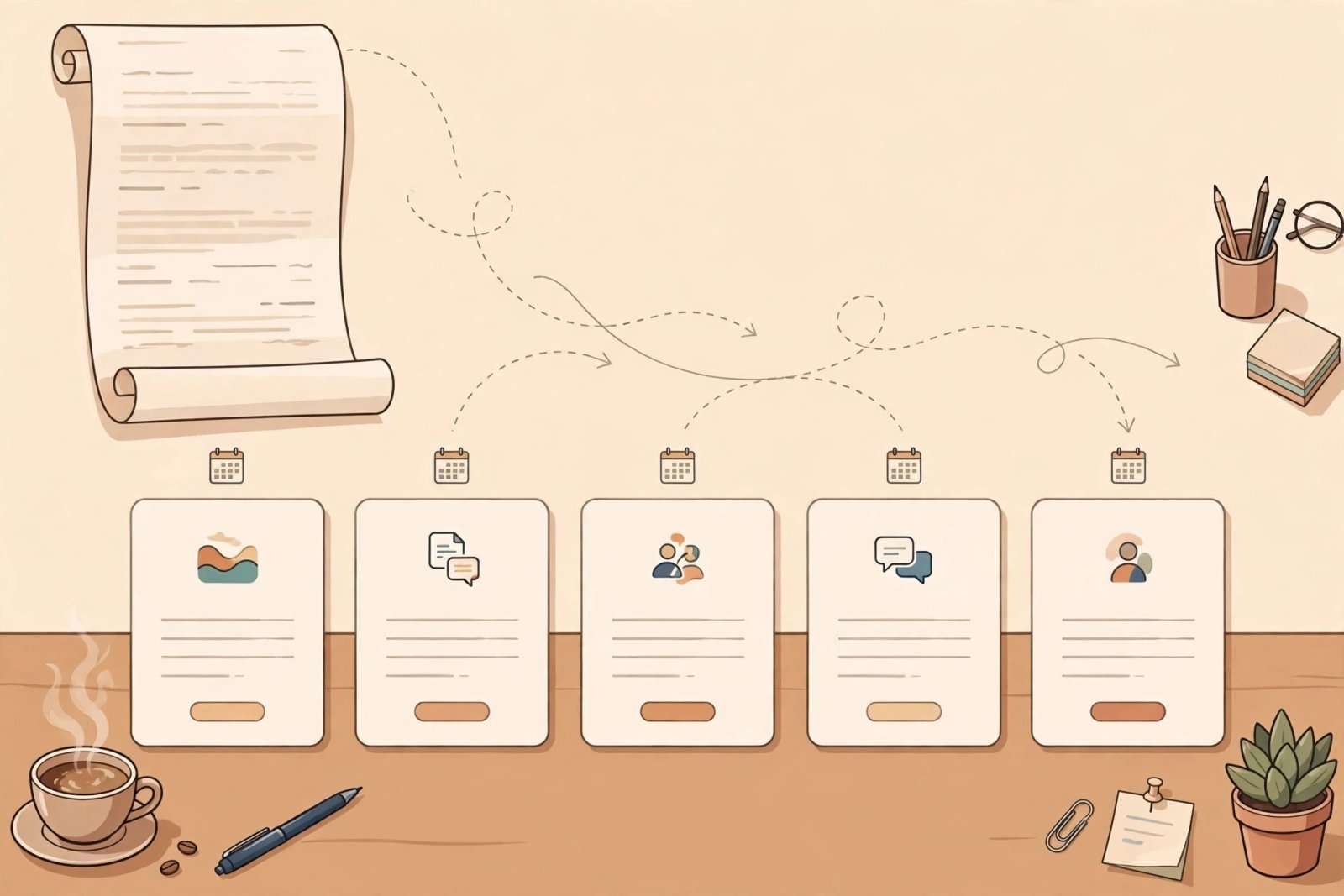
- Read the transcript and extract the five most important audience questions.
- Outline the article with one question-based subheading per section.
- Draft the article using the presenter's examples and figures.
- Cut filler, repetition and housekeeping from the original session.
- Add the takeaways box and the follow-up resource note.
Customization tips
Works for any webinar topic; swap in the title, presenter, audience and follow-up resource.
Example use case
Marketers and editors turning event recordings into evergreen search content.
Frequently asked questions
How long should the article be?
Aim for 900 to 1200 words; shorter loses the substance, longer usually means filler survived the edit.
What if the Q and A was thin?
Derive the questions from the problems the presentation itself sets out to solve.
Share
Tags: blog writing webinars content repurposing SEO writing transcripts editing
Reviewed by the PromptVault editorial team on November 3, 2026.
Source notes: Daily pipeline 20261103 batch 10