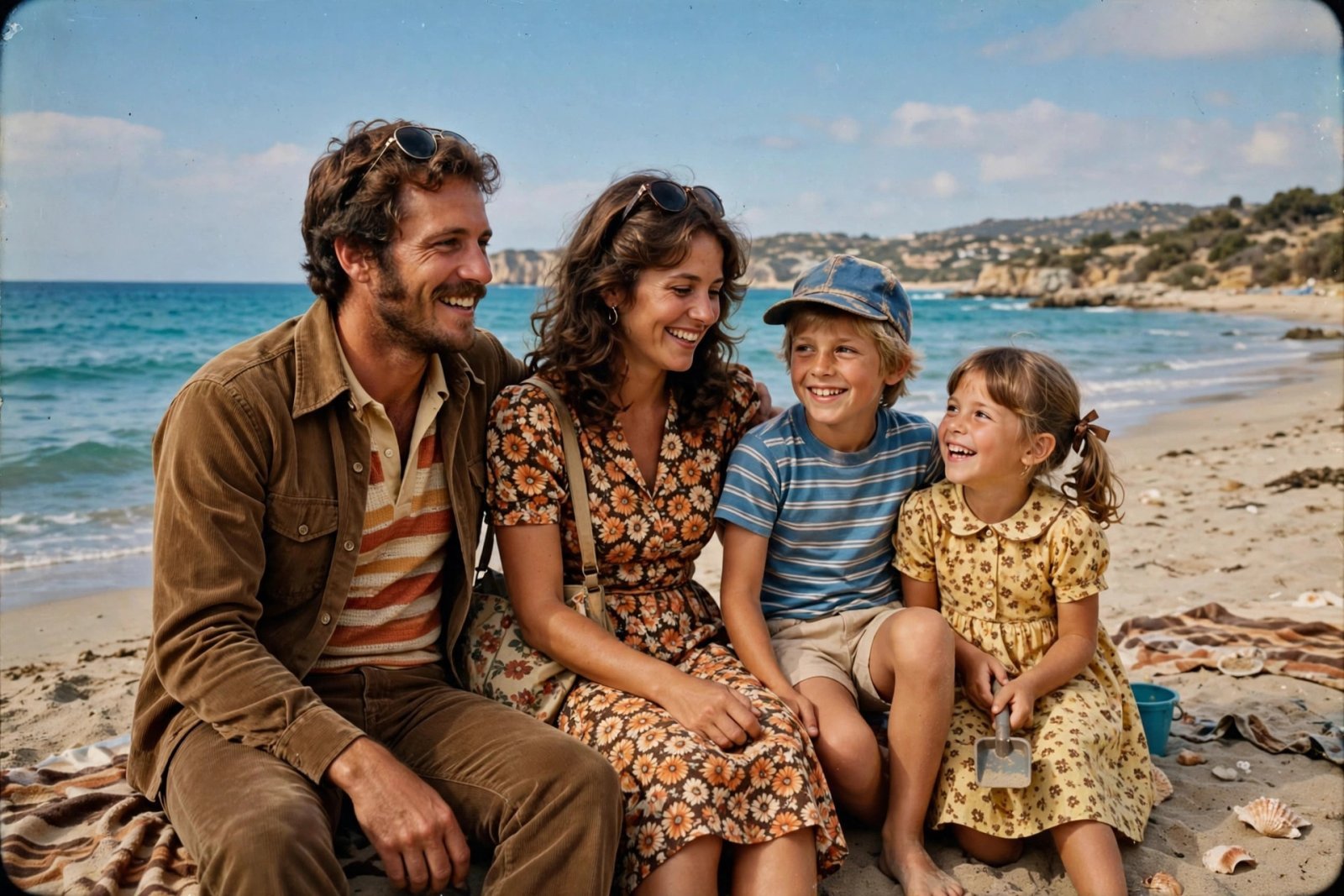
Rescue a Sun-Bleached 1970s Family Photo
Bring a faded 1970s family snapshot back to life — restore colour, sharpness, and detail while keeping its vintage charm.

Customize this prompt
Fill in the fields below — the prompt text updates automatically. [BRACKETED] words are placeholders you replace.
The prompt
Restore a faded 1970s family photograph: a [SCENE_DESCRIPTION] taken on film, now washed out with a yellowed cast and soft focus. Carefully rebuild the original colours — warm skin tones, true [CLOTHING_COLOURS], and a natural sky — while keeping the authentic film grain and the photo's [ERA_DETAIL] details. Remove dust spots, scratches, and the faded edges, but preserve the original composition and everyone's faces exactly as they are. Output a clean, sharp [RESOLUTION] restoration that still feels like the same photograph, only as it looked on the day it was taken. Do not invent new people, objects, or backgrounds.
How to use it
- Upload the clearest scan you have, at 600 dpi if possible.
- Note the scene: who is in it and what they are wearing.
- Ask for colour correction before sharpening.
- Check faces closely — they must stay true to the original.
- Save both the restored version and the original scan.
Customization tips
Adjust for a 1960s black-and-white original, a seaside holiday snap, or a photo with heavy crease damage.
Example use case
Rescue old family photos for anniversaries, albums, and gifts without losing their original feel.
Frequently asked questions
Will restoration change anyone's face?
No — a good restoration sharpens and recolours existing detail but never redraws faces or adds features.
What if the photo is torn or creased?
Mention the damage in the prompt; the model can rebuild small missing areas from surrounding detail.
Share
Tags: photo restoration vintage photo family photo 1970s restore old photo
Reviewed by the PromptVault editorial team on November 15, 2026.
Source notes: Daily pipeline 20261115 batch 2