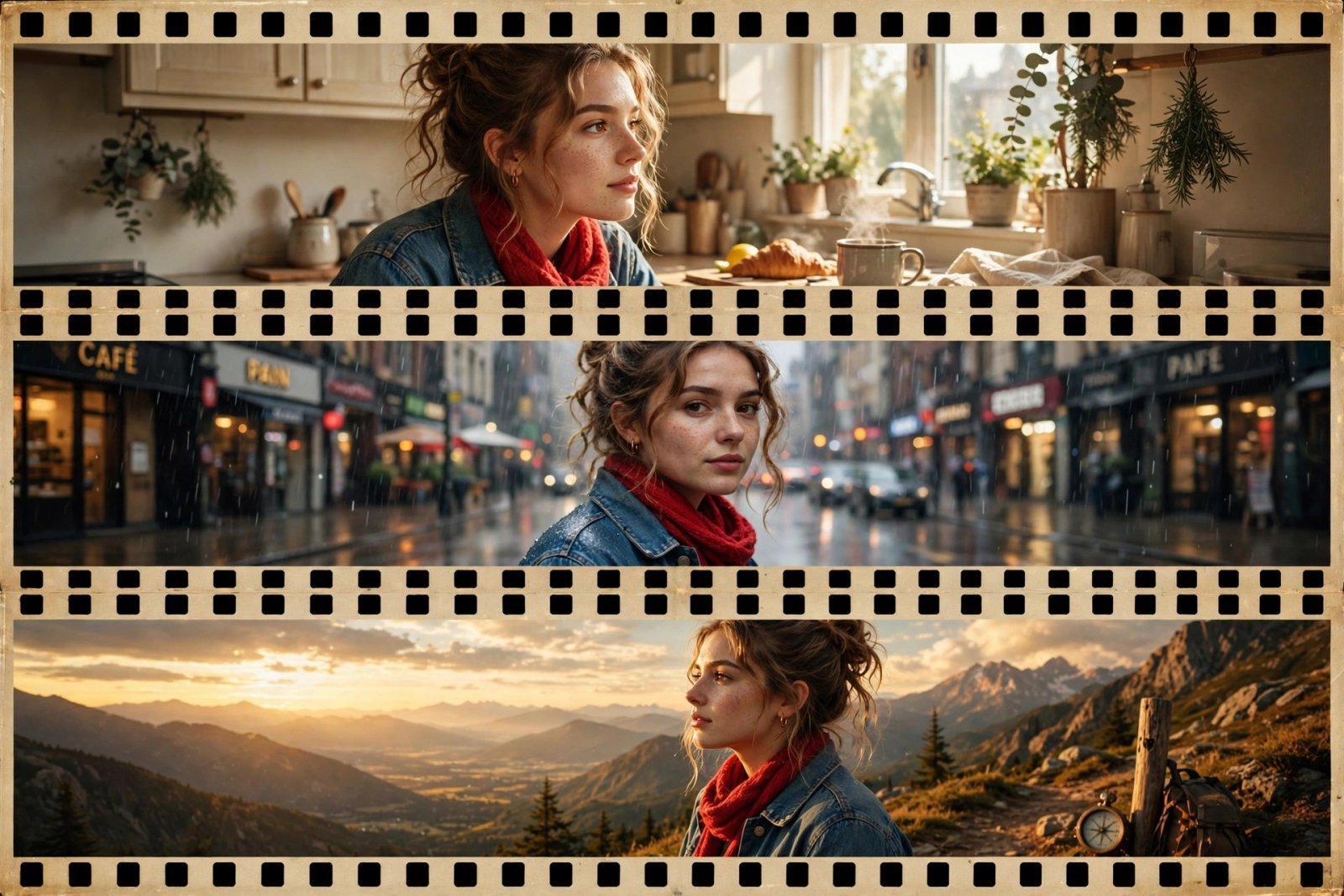
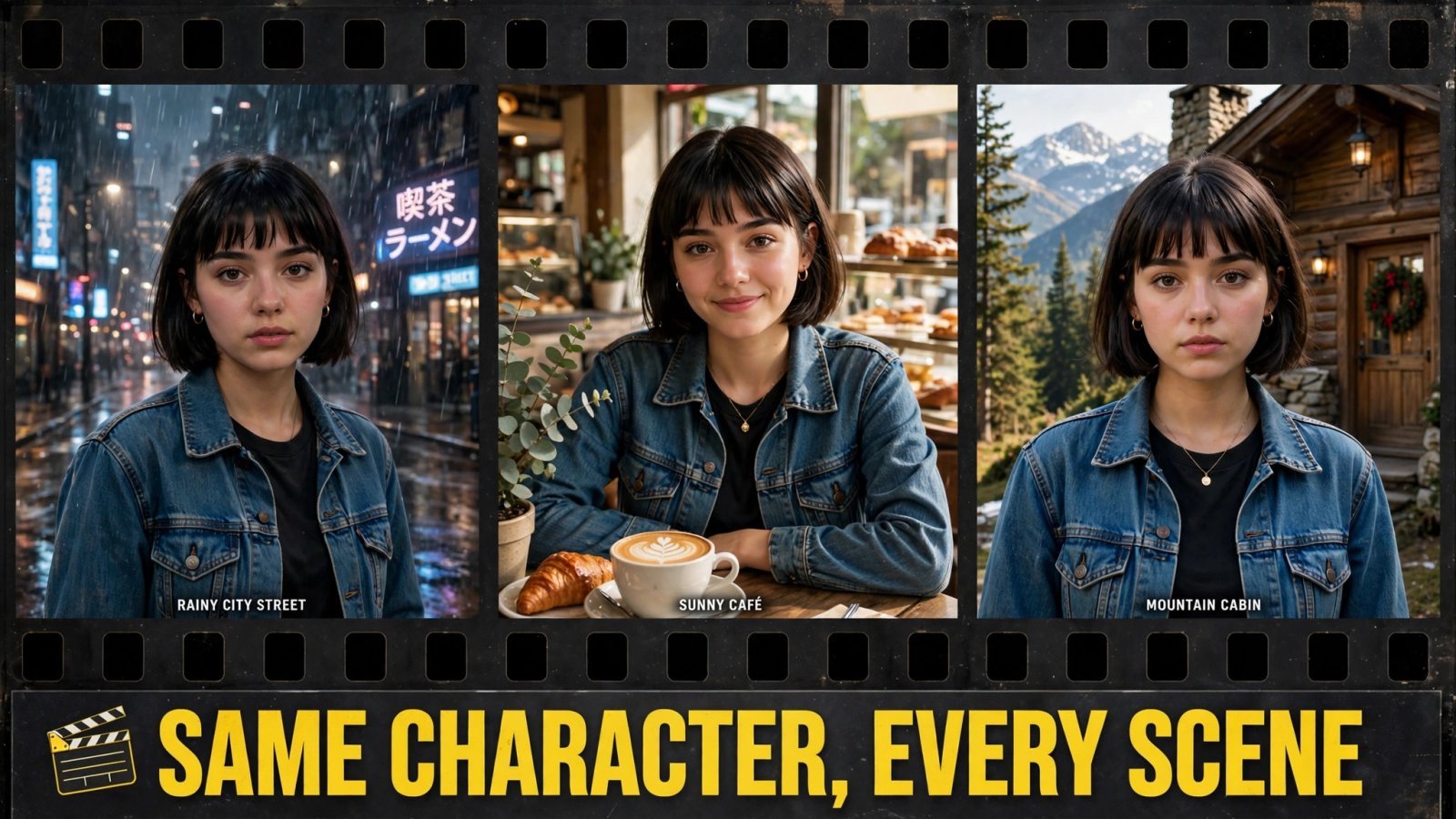
Same Character Across Every Scene: Multi-Scene Short Film Continuity
Keep one character perfectly identical across every scene of a multi-scene AI short film using a locked character block.
Customize this prompt
Fill in the fields below — the prompt text updates automatically. [BRACKETED] words are placeholders you replace.
The prompt
Create a multi-scene short film featuring the exact same character in every shot. CHARACTER LOCK (repeat verbatim in each scene): [CHARACTER_NAME], a [CHARACTER_AGE]-year-old [CHARACTER_DESCRIPTION] with [HAIR_STYLE], [EYE_COLOR] eyes, and a [SIGNATURE_OUTFIT]. Scene 1: [SCENE_ONE_SETTING], the character [SCENE_ONE_ACTION]. Scene 2: [SCENE_TWO_SETTING], the character [SCENE_TWO_ACTION]. Scene 3: [SCENE_THREE_SETTING], the character [SCENE_THREE_ACTION]. Keep face, hairstyle, outfit details, and body proportions identical across all scenes. Use [LIGHTING_STYLE] lighting, [CAMERA_STYLE] camera work, and a [MOOD] mood throughout. Duration per scene: [SECONDS_PER_SCENE] seconds.
How to use it
- Write a one-paragraph character sheet covering face, hair, outfit, and proportions.
- Paste the identical character block into each scene prompt.
- Generate scene 1 and approve it as the reference.
- Generate the remaining scenes with the same character block.
- Compare faces and outfits across scenes and regenerate any drifting shot.
- Stitch the approved scenes together in order.
Customization tips
Swap in your own character sheet, change the number of scenes, or restyle the lighting while keeping the character description block identical in every generation.
Example use case
Filmmakers and creators producing multi-scene AI short films with one recurring character.
Frequently asked questions
How do I keep the character identical across scenes?
Generate a single character reference sheet first, then paste the same appearance paragraph into every scene prompt. Lock hair, face shape, outfit, and proportions word for word.
Can I fix one scene without regenerating the whole film?
Yes. Regenerate only the drifting shot, using the same character block plus one new action sentence, until it matches the reference.
Share
Tags: consistent character short film video continuity character lock AI video multi-scene kling seedance
Reviewed by the PromptVault editorial team on October 17, 2026.
Source notes: Daily pipeline 20261017 batch 5