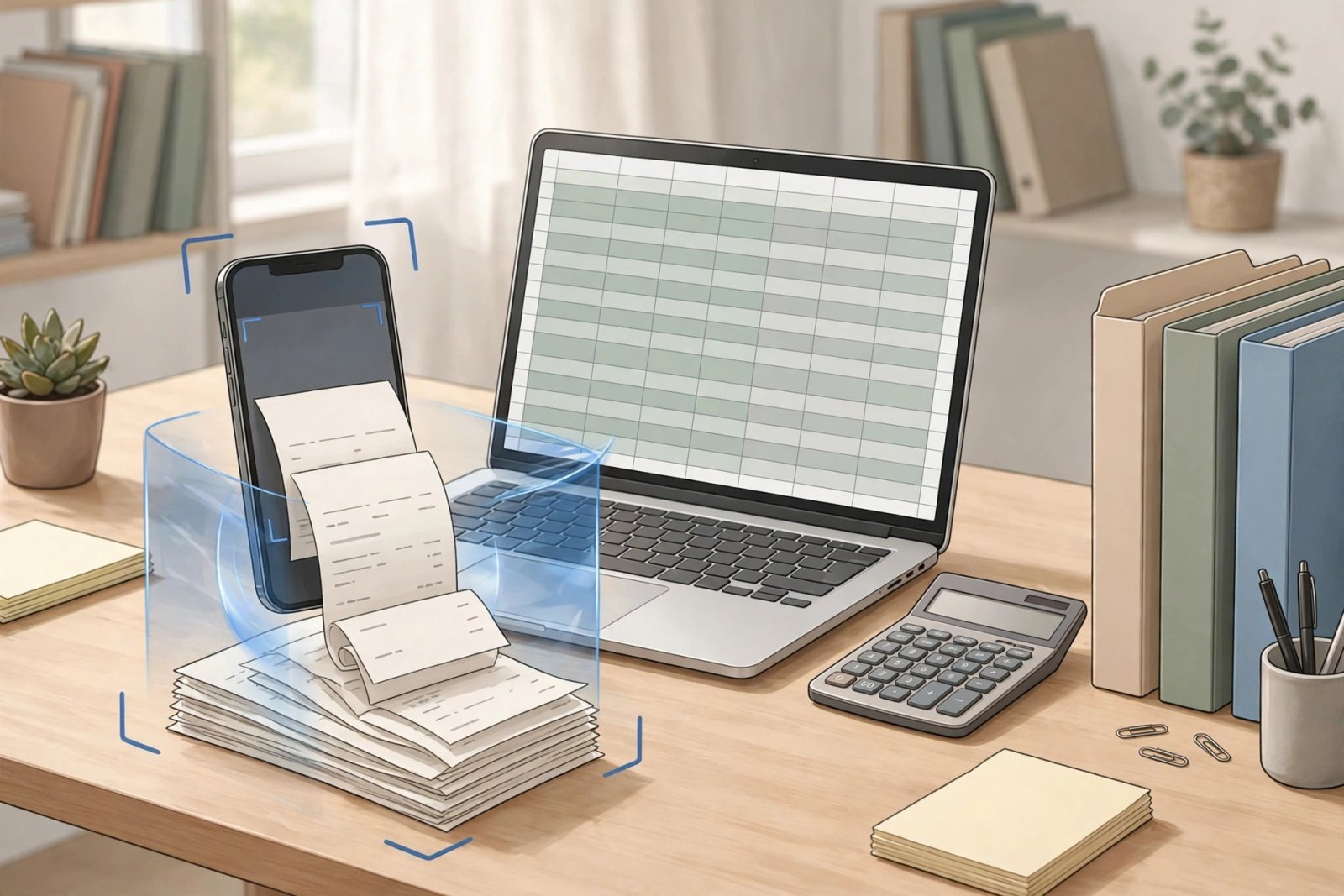
Set-and-Forget Weekly Team Updates Built on Automation
Design a hands-off weekly report workflow that gathers data, formats it, and sends it on schedule.

Customize this prompt
Fill in the fields below — the prompt text updates automatically. [BRACKETED] words are placeholders you replace.
The prompt
Design an automation workflow that produces a weekly report for [TEAM_NAME] without manual copying. Start by listing the [NUMBER_OF_SOURCES] data sources, such as [DATA_SOURCE_1] and [DATA_SOURCE_2], and the single metric each one contributes. Then define the trigger: every [REPORT_DAY] at [REPORT_TIME], the workflow pulls the latest figures, fills a template with sections for wins, blockers, and next-week priorities, and sends it to [RECIPIENT_LIST]. Include one error check that alerts [OWNER_NAME] if any source returns no data, and a monthly step that archives old reports into [ARCHIVE_FOLDER]. End with a short checklist for testing the workflow before its first live run.
How to use it
- List the data sources and the single metric each contributes.
- Set the trigger for every [REPORT_DAY] at [REPORT_TIME].
- Build the template with wins, blockers, and next-week priorities.
- Add an error check that alerts [OWNER_NAME] on missing data.
- Test the workflow end to end, then add the monthly archive step.
Customization tips
Swap in your own tools for [DATA_SOURCE_1] and [DATA_SOURCE_2], and change [REPORT_DAY] to match your team's rhythm.
Example use case
Small teams tired of spending Monday mornings assembling the same report by hand.
Frequently asked questions
Do I need coding skills to build this?
No, most no-code tools can pull, format, and send this report; coding only helps if a source has no ready connector.
What happens if a data source goes down?
The error check alerts [OWNER_NAME] and sends the report with a clearly marked missing section, so nothing silently goes stale.
Share
Tags: automation weekly reports workflows productivity small business no-code
Reviewed by the PromptVault editorial team on October 31, 2026.
Source notes: Daily pipeline 20261031 batch 11