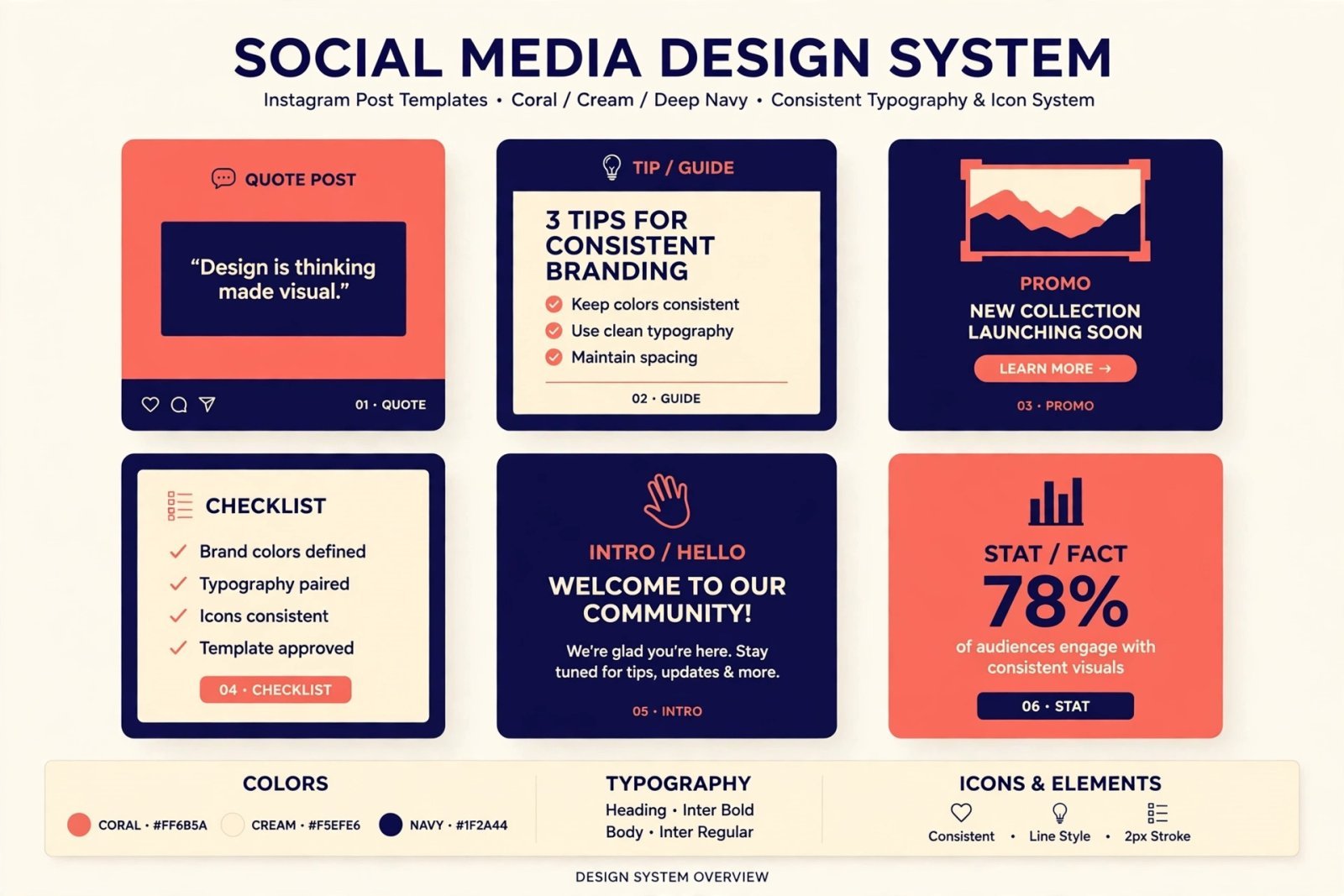
Social Media Design System: One Look for Every Platform
Create a social design system with templates, colour rules and type scales so every platform post looks like it came from the same brand.
Customize this prompt
Fill in the fields below — the prompt text updates automatically. [BRACKETED] words are placeholders you replace.
The prompt
You are a social media designer building one design system for [ACCOUNT_NAME] across [PLATFORMS]. Define the system: a template family of [TEMPLATE_TYPES] in the brand colours [BRAND_COLOURS]; a type scale with [HEADLINE_STYLE] and [CAPTION_STYLE]; image rules [IMAGE_RULES] for photos and graphics; and a logo and handle lockup [LOCKUP_STYLE] placed in [LOCKUP_POSITION] on every design. Write an AI design prompt that generates a [POST_FORMAT] post about [POST_TOPIC] using only the system rules, and add a platform adaptation table: what changes for each platform's size [PLATFORM_SIZES] and what never changes. Finish with a weekly workflow: batch [BATCH_COUNT] posts from one template set, check them against the system, then schedule.
How to use it
- Define the template family and brand colours.
- Set the type scale for headlines and captions.
- Write image rules for photos and graphics.
- Fix the logo and handle lockup position.
- Build the platform adaptation table and batch posts weekly.
Customization tips
Plug in your account, platforms and brand colours to build your system.
Example use case
Run a creator, shop or community account with a recognisable look on every platform.
Frequently asked questions
How do I keep posts consistent across platforms?
Fix what never changes, colours, type and lockup, and only adapt sizes and cropping per platform.
How many templates do I need?
Start with three: announcement, quote or tip, and photo feature. Add more only when a new post type repeats.
Share
Tags: social media design design system templates branding content creation
Reviewed by the PromptVault editorial team on October 25, 2026.
Source notes: Daily pipeline 20261025 batch 5