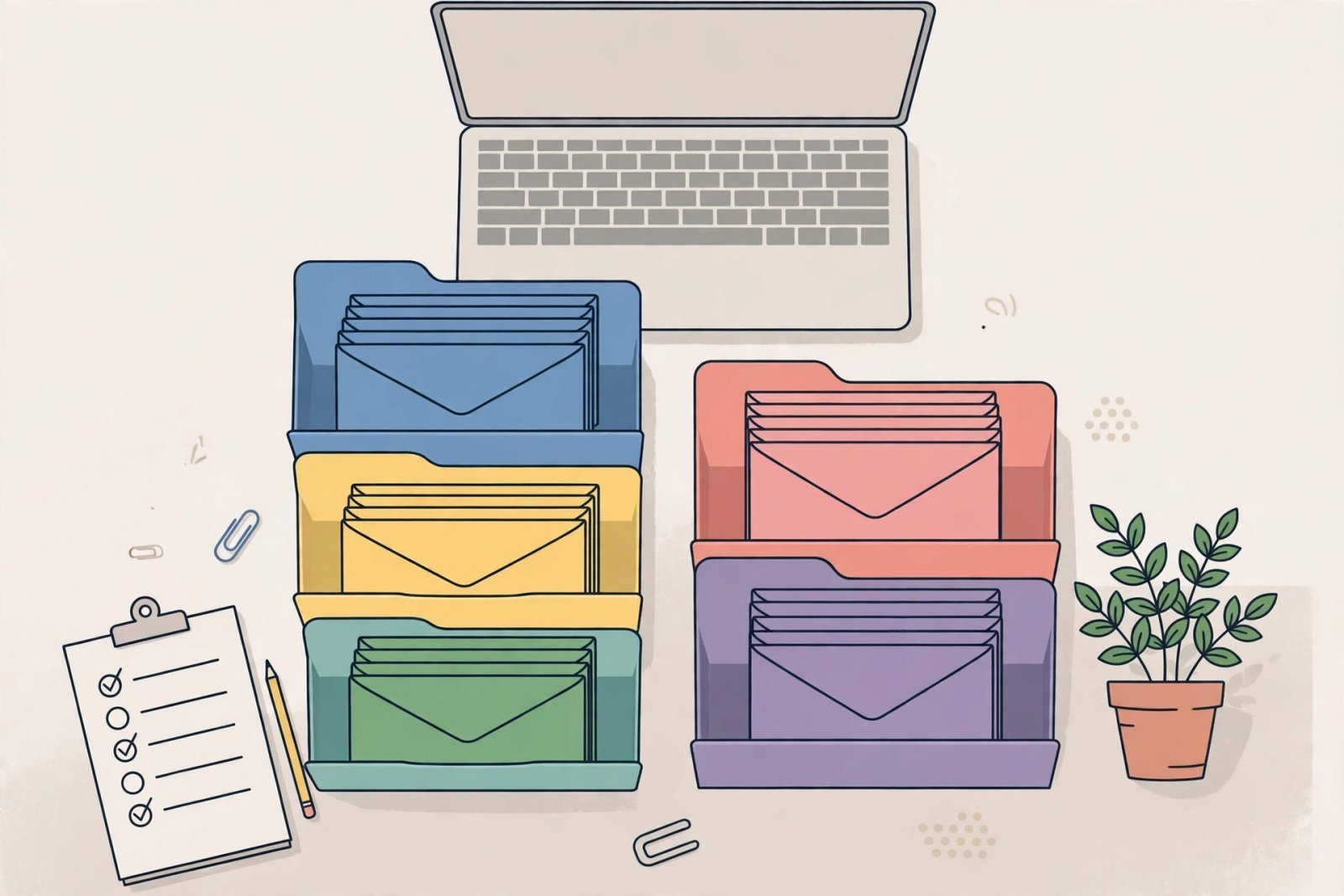
Stop Rewriting the Same Email: Build Your Reply Library
Audit your sent mail, find the replies you write again and again, and turn them into a polished template library.

Customize this prompt
Fill in the fields below — the prompt text updates automatically. [BRACKETED] words are placeholders you replace.
The prompt
You are a workflow consultant. I keep writing the same email replies over and over. Here are [NUMBER] examples of replies I have sent recently: [PAST_REPLIES]. Analyse them and find the repeating patterns: group them into no more than [MAX_GROUPS] reply types, and for each type write a reusable template with [PLACEHOLDER] slots for the parts that change every time, such as names, dates and amounts. Each template must sound warm and human, not robotic, and include a clear next step for the recipient. Then tell me which three templates will save me the most time, ranked by how often I send them, and suggest a short trigger phrase for each one so I can pull it up with a text expander. Finally, list any reply in my examples that should NOT be templated because it needs a personal answer every time.
How to use it
- Copy five to ten recent repetitive replies.
- Paste them into the prompt with your count.
- Run it and review the grouped templates.
- Save the top three in your text expander.
- Keep the do-not-template list visible when replying.
Customization tips
Cap the reply types at five or six — more than that means the templates are too narrow to reuse.
Example use case
Cut repetitive email time by turning your most-sent replies into one-click templates with personal touches.
Frequently asked questions
How many example replies should I paste in?
Five to ten is enough to reveal the patterns; more than fifteen makes the grouping noisy.
Will templates make me sound robotic?
Each template keeps a warm tone and a placeholder for one personal sentence, so every reply still sounds written by you.
Share
Tags: email templates email automation workflow productivity text expander inbox zero
Reviewed by the PromptVault editorial team on November 21, 2026.
Source notes: Daily pipeline 20261121 batch 11