Striking LinkedIn Banner for a Freelance Portrait Photographer
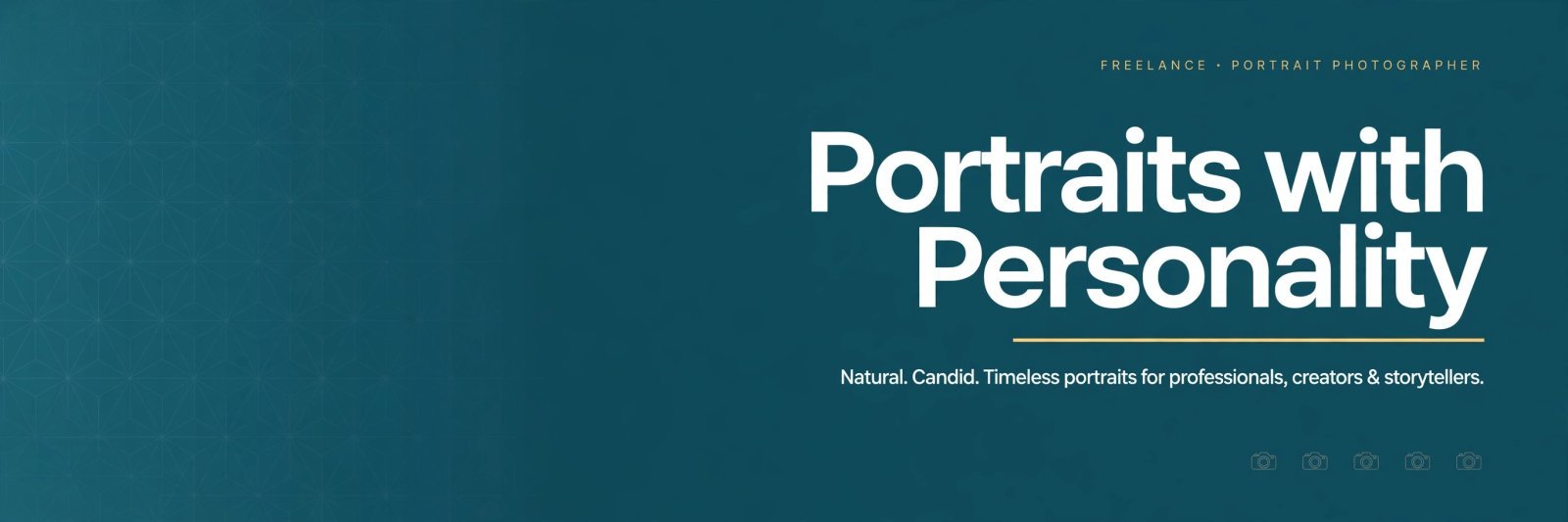
A clean, confident LinkedIn banner that states a freelance portrait photographer's niche, proof point and call to action in one calm, professional frame.
Customize this prompt
Fill in the fields below — the prompt text updates automatically. [BRACKETED] words are placeholders you replace.
The prompt
Design a LinkedIn banner for a freelance portrait photographer named [DESIGNER_NAME] who specialises in [DESIGN_NICHE]. Layout: a calm [BACKGROUND_COLOR] field with a subtle [PATTERN_STYLE] pattern on the left, the headline '[HEADLINE_TEXT]' in a modern sans-serif on the right, and a single proof line '[PROOF_LINE]' beneath it. Add a small [ACCENT_COLOR] underline accent, the designer's [PORTFOLIO_URL] in small type, and one simple geometric motif — a [MOTIF_SHAPE] — repeated quietly in the corner. Keep generous white space, no stock-photo clutter, and a palette of two colours plus one accent. Style: minimal professional branding, crisp typography, premium agency feel.
How to use it
- Set [DESIGNER_NAME] and the [DESIGN_NICHE] specialism.
- Write [HEADLINE_TEXT] and the proof line [PROOF_LINE].
- Pick [BACKGROUND_COLOR], [ACCENT_COLOR] and [PATTERN_STYLE].
- Add [MOTIF_SHAPE] and [PORTFOLIO_URL] in small type.
- Check the banner at LinkedIn's wide crop on desktop and mobile.
Customization tips
Swap [DESIGN_NICHE], headline and proof line per photographer.
Example use case
Freelance photographers refreshing their LinkedIn profile banner.
Frequently asked questions
Can other freelancers use this layout?
Yes — swap the niche, headline and proof line; the calm layout works for writers, consultants and developers too.
What size should the banner be?
Design at LinkedIn's recommended banner dimensions and keep key text inside the safe centre area.
Share
Tags: linkedin banner freelance photographer personal brand minimal
Reviewed by the PromptVault editorial team on October 26, 2026.
Source notes: Daily pipeline 20261026 batch 6