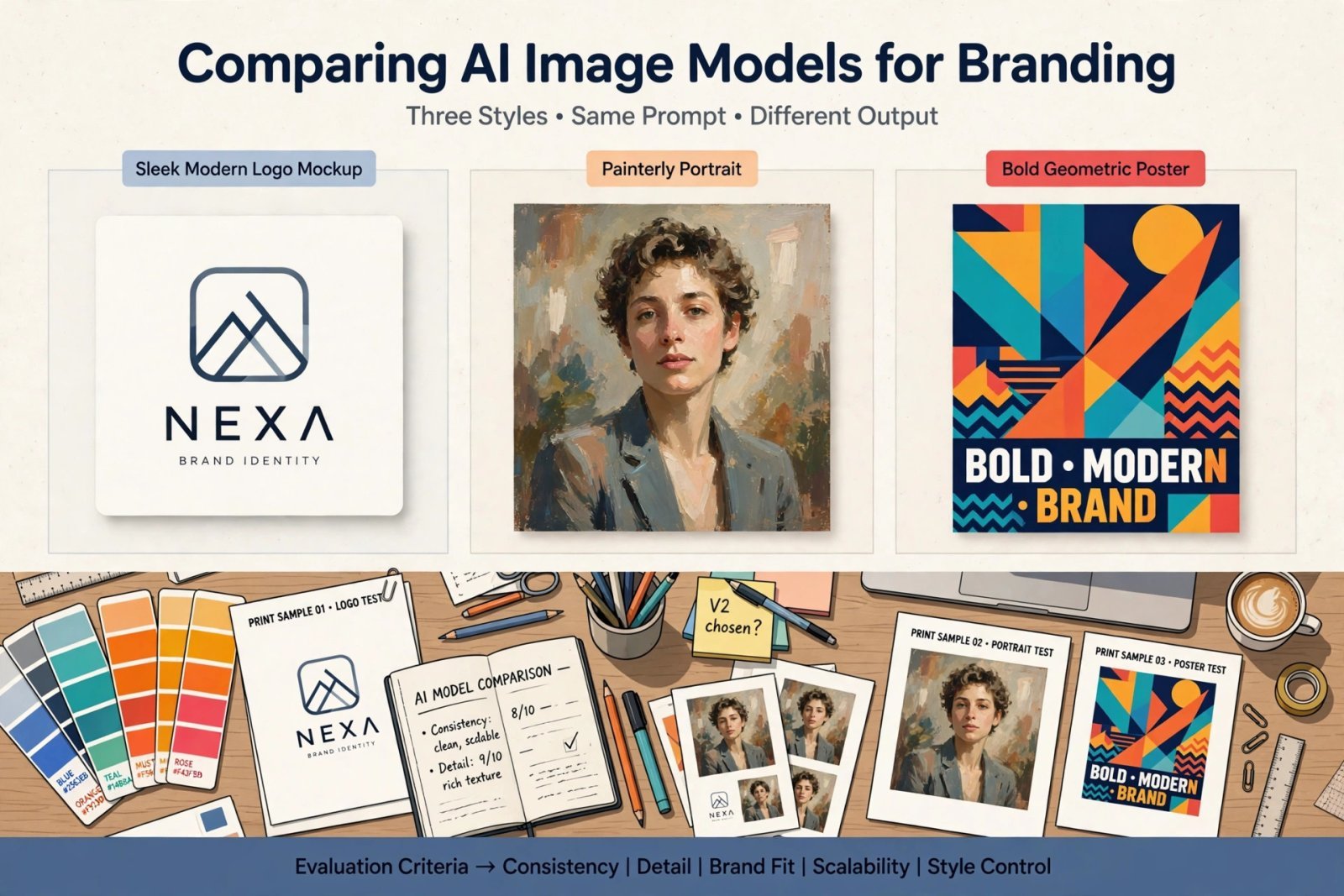
Style match: pick the right image model for your art
A decision prompt that matches your art style and use case to the best AI image model, with settings advice.
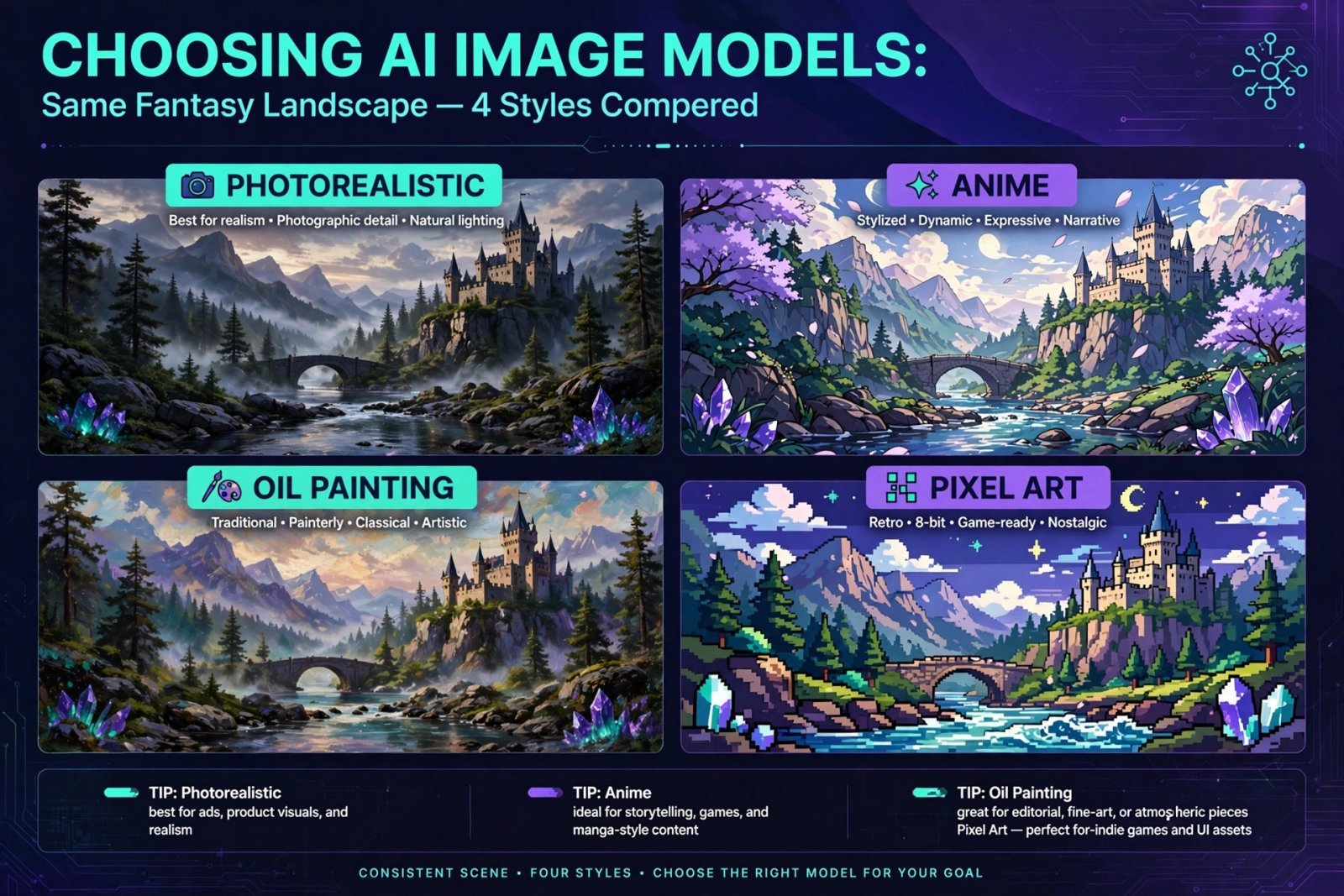
Customize this prompt
Fill in the fields below — the prompt text updates automatically. [BRACKETED] words are placeholders you replace.
The prompt
Act as an AI art consultant. I want to generate [ART_STYLE] images for [USE_CASE], e.g. [EXAMPLE_USE]. My priorities are: quality [QUALITY_PRIORITY], speed [SPEED_PRIORITY], cost [BUDGET], and control [CONTROL_NEED]. Compare the image models I am considering: [MODEL_LIST]. For each, assess: style fidelity for [ART_STYLE], prompt adherence, known weaknesses ([WEAKNESS_AREAS]), pricing, and commercial-use terms. Recommend the best model for my case with [NUMBER] starter settings (steps, guidance, aspect ratio) and [NUMBER] example prompts tailored to [ART_STYLE]. End with a 'when to switch' note: which alternative to try if [FAILURE_CONDITION].
How to use it
- Describe your art style, use case, and priorities
- List the image models you are considering
- Get the comparison across style, cost, and control
- Test the recommended starter settings on 3-5 images
- Switch models only if the failure condition appears
Customization tips
Change [ART_STYLE] and [MODEL_LIST] to compare any set of image models for any creative use.
Example use case
Use before committing to an image model subscription so you pick the right tool for your style.
Frequently asked questions
How often do model rankings change?
Fast — re-run this comparison quarterly or when a major model version drops.
Should I just use the most popular model?
Not always; niche styles like anime or photorealism often win on specialized models.
Share
Tags: image models model selection AI art comparison prompt engineering
Reviewed by the PromptVault editorial team on October 12, 2026.
Source notes: Daily pipeline 20261012 batch 108