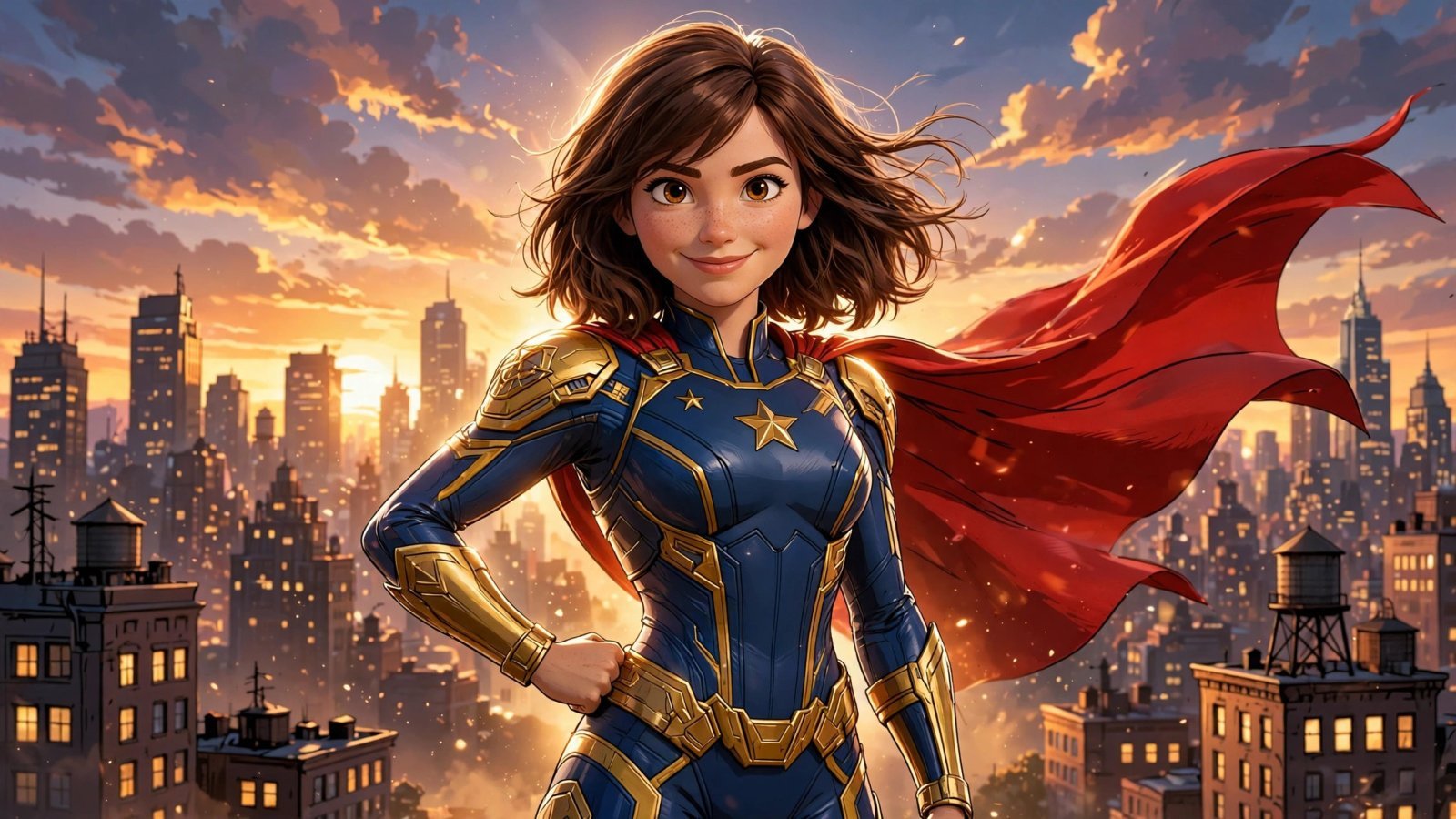
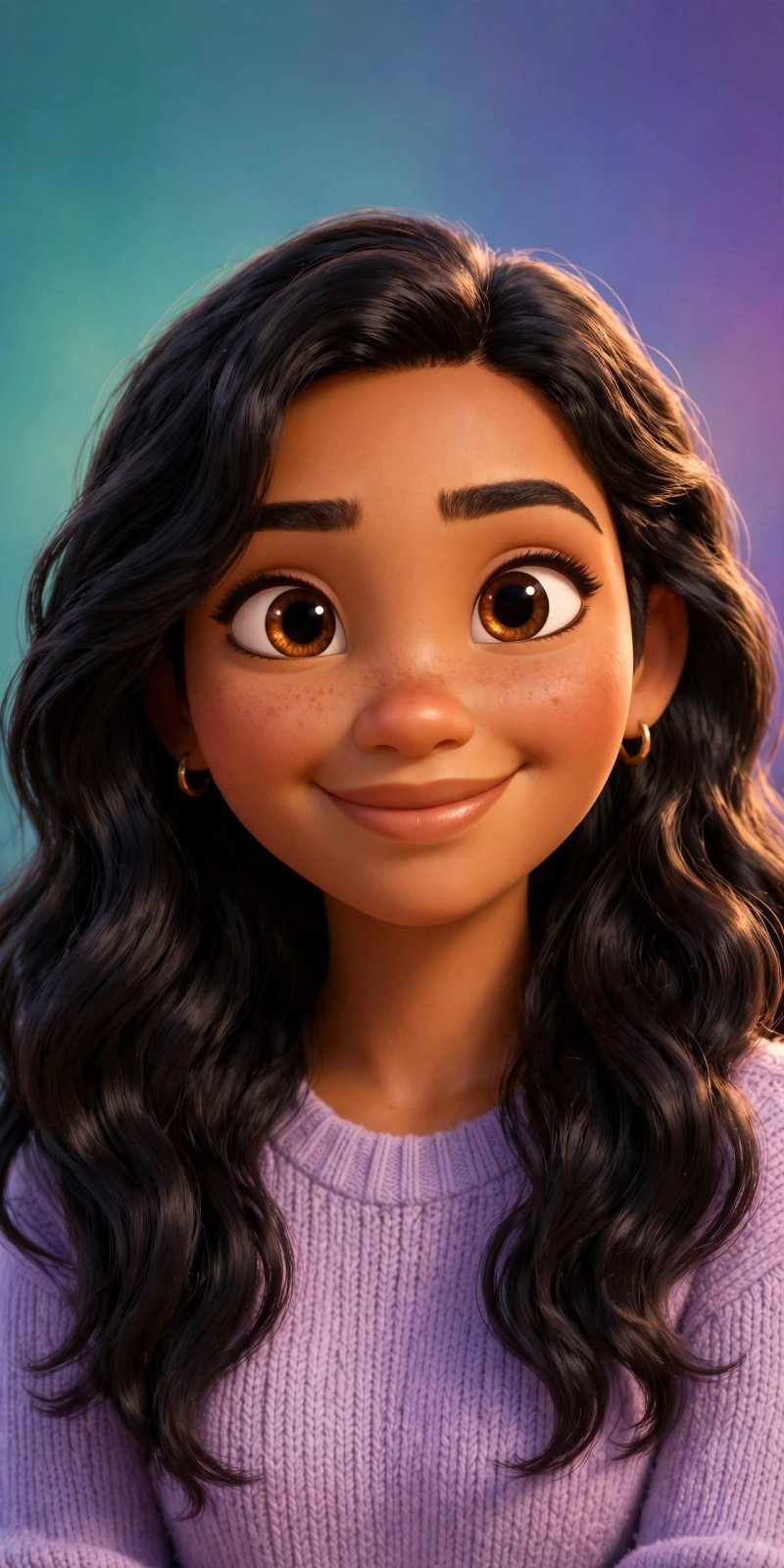
Stylized 3D Game Hero Creator: Transform Your Selfie Into an RPG Character
A stylized 3D character template that transforms your selfie into an RPG game hero with customizable class, armor and scene.
Customize this prompt
Fill in the fields below — the prompt text updates automatically. [BRACKETED] words are placeholders you replace.
The prompt
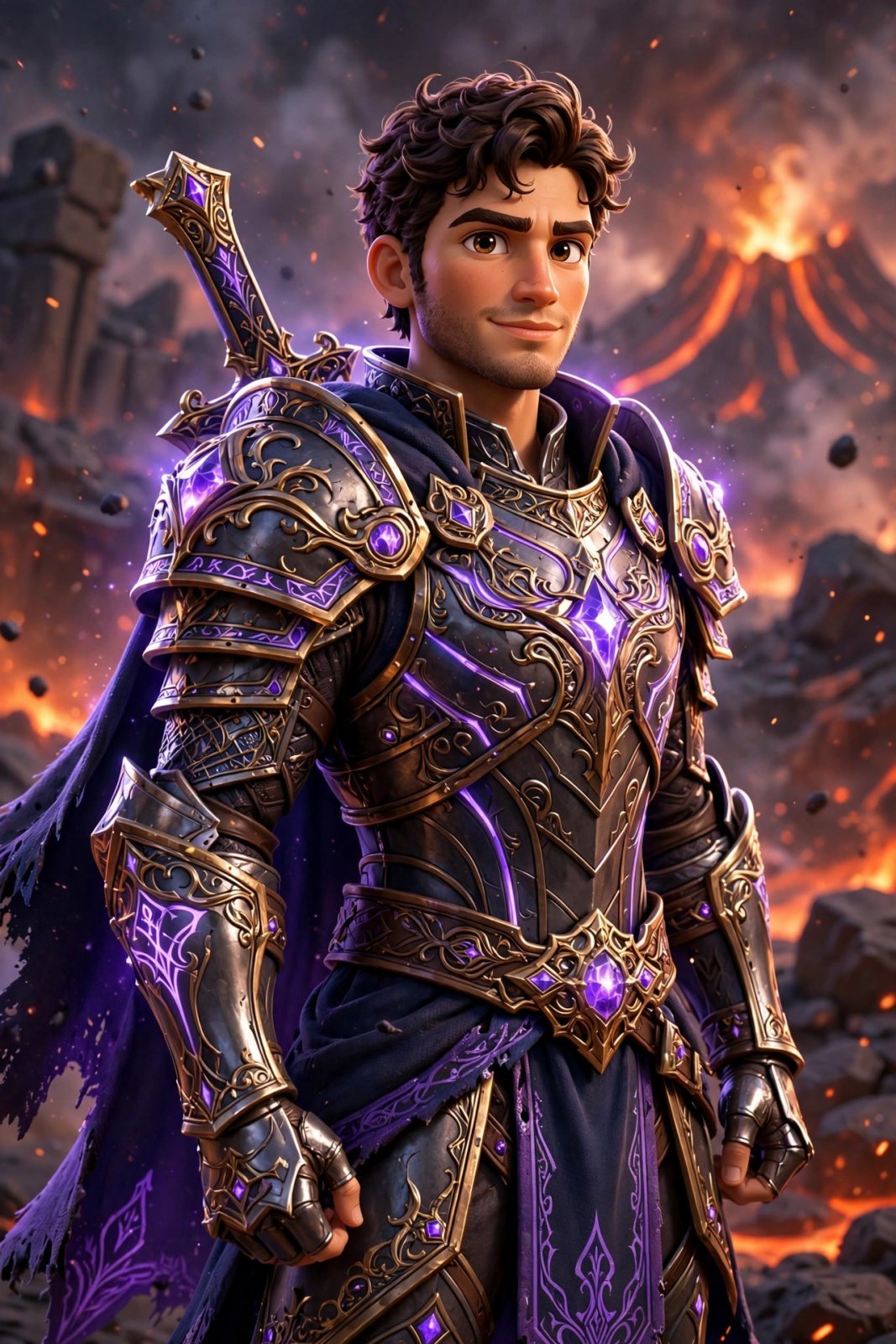
Stylized 3D game hero character based on a real person's photo: transform the uploaded portrait into a playable RPG protagonist, a confident [HERO_CLASS] wearing ornate [ARMOR_STYLE] armor in a [COLOR_SCHEME] palette, heroic three-quarter pose, glowing accent details, cinematic rim lighting, [BACKGROUND_SCENE] softly blurred behind, Pixar-meets-Unreal-Engine 5 stylization, clean topology look, detailed facial features preserving likeness, expressive eyes, character select screen art, AAA game key art quality, dramatic lighting, ultra detailed, no text, no watermark
How to use it
- Pick a clear front-facing selfie with good lighting.
- Open your image generator's image-input mode and upload the photo.
- Choose [HERO_CLASS] (warrior, mage, archer, cyborg) and armor style.
- Replace [COLOR_SCHEME] and [BACKGROUND_SCENE] to match your game world.
- Paste the prompt_text together with the uploaded photo and generate.
- Run 2-3 variations and pick the one with the strongest likeness plus detail.
- Export at full resolution for use as a profile avatar or character sheet.
Customization tips
Change [HERO_CLASS] to mage, archer, cyborg or knight; adjust [ARMOR_STYLE] from sleek sci-fi to chunky fantasy plate; set [COLOR_SCHEME] to match your game's palette; add [BACKGROUND_SCENE] like 'volcanic battlefield' or 'neon cyber-city'.
Example use case
Gamers, streamers and creators making personalized avatars, profile art and original character designs from their own photos.
Frequently asked questions
How do I use my own photo with this prompt?
Upload the selfie as the image input if your generator supports image-to-image, then add the prompt text describing the heroic transformation — the model keeps facial structure while adding the armor and stylization.
My results do not look like me — how do I improve likeness?
Keep the face clearly visible in your selfie, use 'upper body portrait' framing, and avoid sunglasses or heavy shadows so the generator can carry likeness through the stylization.
Share
Tags: character game rpg selfie 3d avatar hero stylized
Reviewed by the PromptVault editorial team on October 13, 2026.
Source notes: Daily pipeline 20261013 batch 2