The carousel hook slide: a swipeable story in five frames
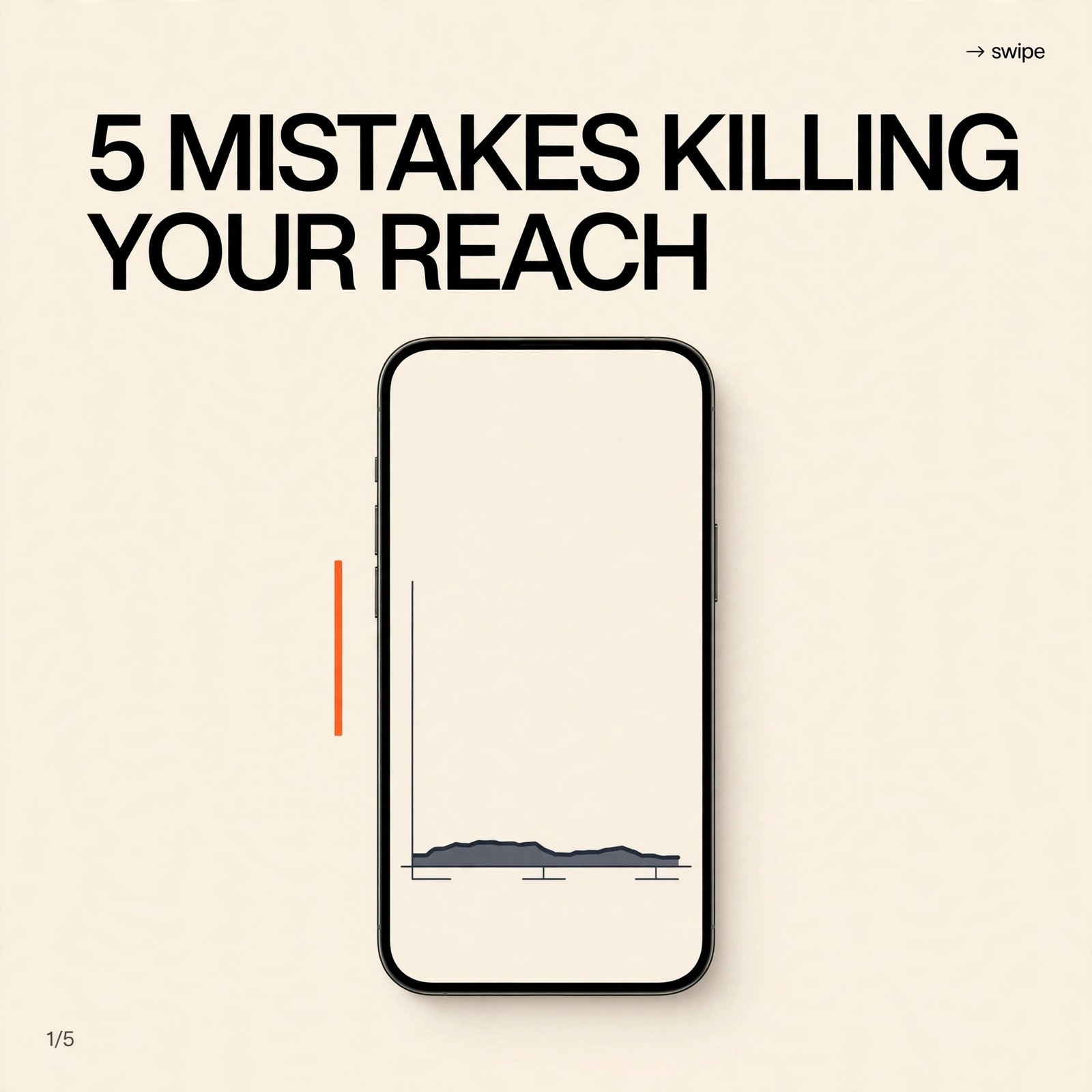
Design a five-slide Instagram carousel where the first slide hooks, the middle slides teach, and the last slide converts.
Customize this prompt
Fill in the fields below — the prompt text updates automatically. [BRACKETED] words are placeholders you replace.
The prompt
Design a five-slide Instagram carousel in a consistent [BRAND_STYLE] style for the topic [TOPIC]. Slide one is the hook: a bold statement — [HOOK_STATEMENT] — in large [FONT_STYLE] type on a [BACKGROUND_COLOR] background, with one striking visual, [HOOK_VISUAL], and a small 'swipe' cue. Slides two to four each teach one idea: [IDEA_ONE], [IDEA_TWO] and [IDEA_THREE], each with its own short headline, a supporting [SUPPORTING_VISUAL] image and no more than two lines of supporting text in [TEXT_COLOR]. Slide five is the call to action: [CTA_TEXT] with a [CTA_BUTTON_STYLE] button and the handle [HANDLE] in the corner. Keep a consistent grid: the same [ACCENT_COLOR] accent, the same header rule, the same footer with a slide number (1/5 to 5/5) on every frame. Color palette: [COLOR_PALETTE] with generous white space, and every slide must make sense on its own if someone screenshots it. Format: square 1080x1080, text large enough to read without zooming, and no more than 25 words per slide.
How to use it
- Write the hook first — one bold statement that makes the swipe worth it.
- Give each middle slide exactly one idea with a short headline and a supporting visual.
- Lock the accent color, header rule and footer across all five slides for a unified look.
- End with a single clear call to action and the handle in the corner.
- Export at 1080x1080 and read every slide at arm's length to confirm the text is legible.
Customization tips
Swap the topic, ideas and call to action for any niche — the five-slide hook-teach-convert structure stays the same.
Example use case
Social media managers and creators turning one idea into a swipeable, save-worthy carousel.
Frequently asked questions
How many words should each carousel slide have?
No more than about 25 words per slide. Carousels are scanned, not read — a short headline plus one or two supporting lines is the ceiling before people swipe past.
Why does every slide need a slide number?
The 1/5 to 5/5 footer tells viewers how much is left and signals a complete, structured story. It also keeps screenshots useful when a single slide circulates on its own.
Share
Tags: instagram carousel social media design carousel template content marketing swipeable post brand design
Reviewed by the PromptVault editorial team on November 17, 2026.
Source notes: Daily pipeline 20261117 batch 6