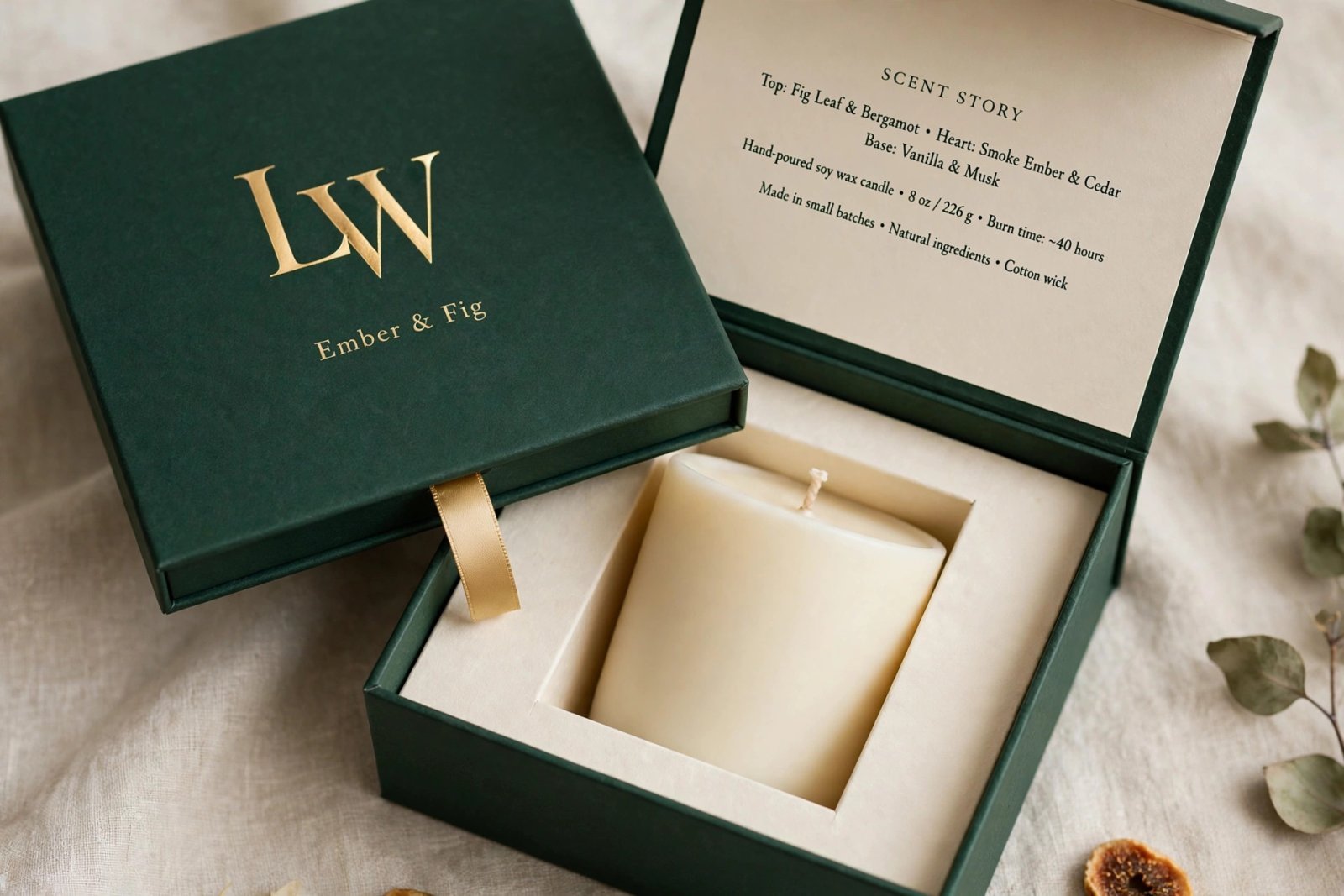
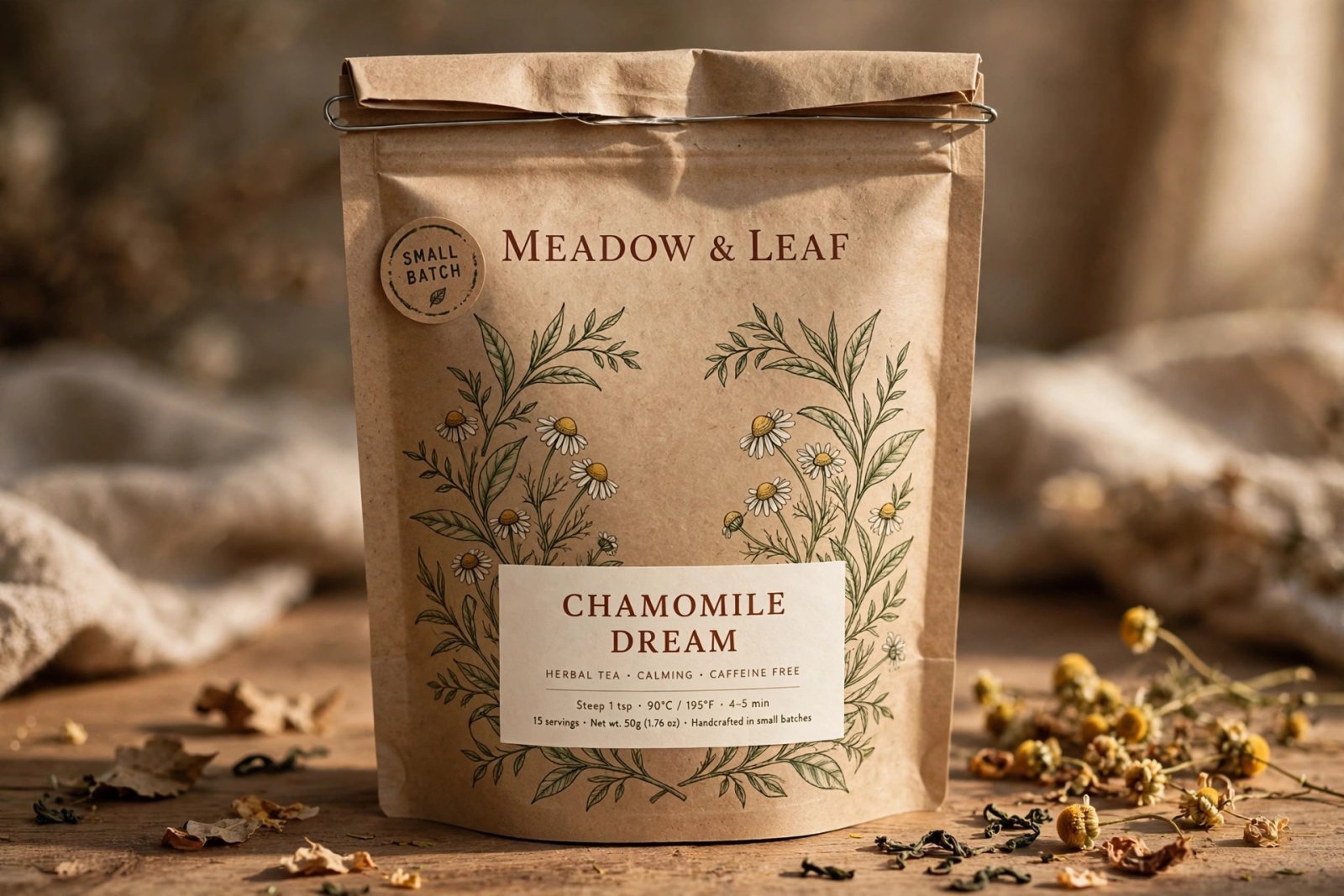
The unboxing-first box: packaging designed for the reveal moment
Design product packaging where the unboxing itself is the experience, with a reveal sequence built into the box.
Customize this prompt
Fill in the fields below — the prompt text updates automatically. [BRACKETED] words are placeholders you replace.
The prompt
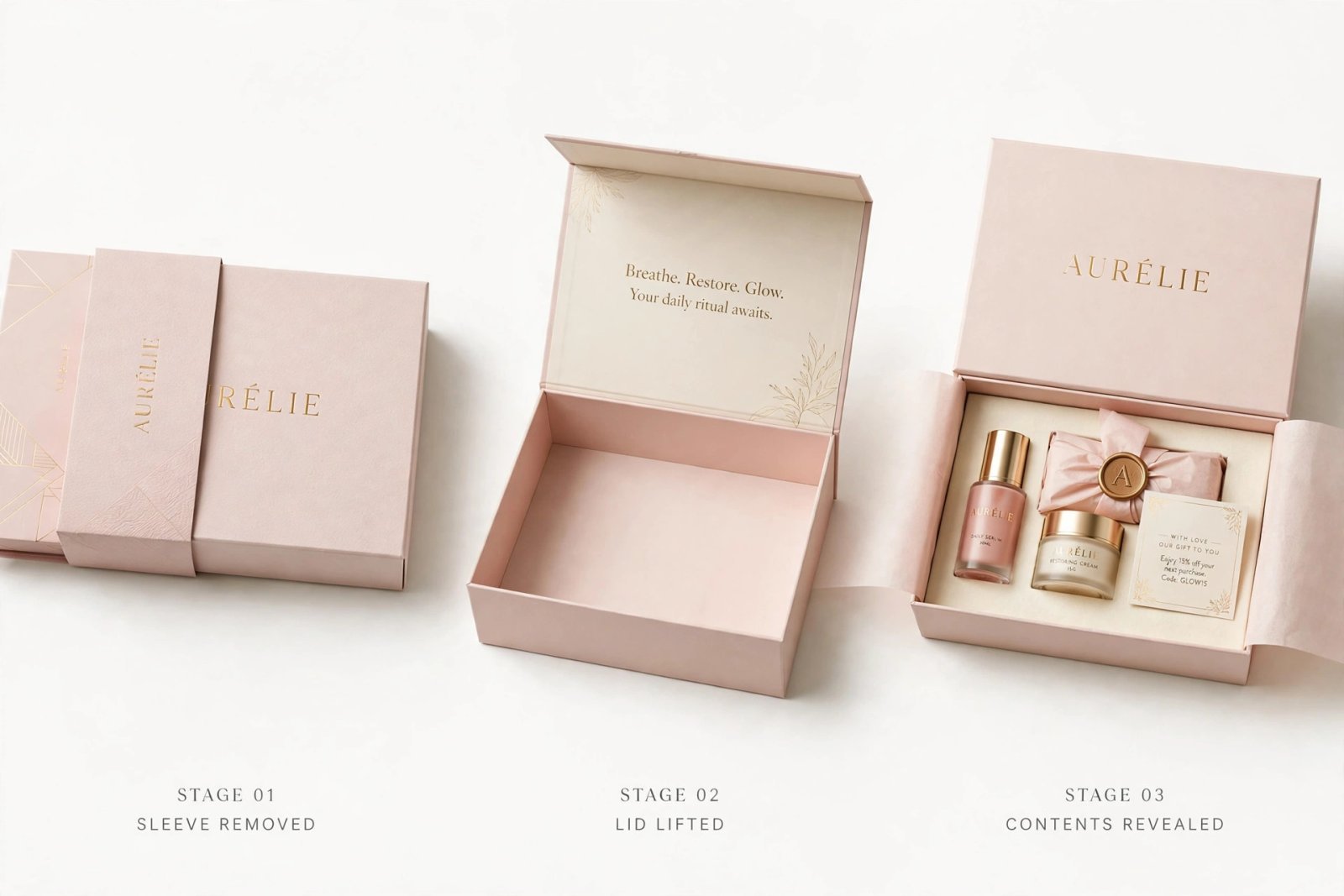
Design packaging for [PRODUCT_NAME], a [PRODUCT_TYPE] sold by [BRAND_NAME]. The box is a [BOX_STYLE] in [MATERIAL] with a [FINISH] finish, printed in [COLOR_PALETTE] with the brand mark [BRAND_MARK] on the lid. The unboxing is choreographed in three beats: first, the outer sleeve slides off to reveal [FIRST_REVEAL]; second, the lid lifts to show [SECOND_REVEAL] with a printed message '[INSIDE_MESSAGE]' on the inner lid; third, the product sits in a [INSERT_STYLE] insert beside [EXTRA_ITEM], with tissue in [TISSUE_COLOR] and a [SEAL_STYLE] seal. The front panel carries the product name '[PRODUCT_NAME]' in [FONT_STYLE] type, one hero line '[HERO_LINE]', and a small [ICON_SET] icon set for [KEY_FEATURES]. The back panel holds [BACK_PANEL_INFO] in clean, scannable layout with a [QR_CODE_PURPOSE] QR code. Every surface earns its place: no filler text, no stock imagery, and the inside of the box is designed, not blank. The design must photograph well for social unboxing videos and survive shipping in a [SHIPPING_FORMAT] mailer.
How to use it
- Map the three unboxing beats before designing any panel — the reveal order is the product.
- Design the inside of the lid and the insert; the unboxing moment is where loyalty is won.
- Keep the front panel to a name, one hero line and an icon set — nothing more.
- Choose a finish and material that photograph well for unboxing videos.
- Check the back panel as a scannable layout, with the QR code doing real work.
Customization tips
Swap the product, reveals and message for any item — cosmetics, gadgets, food — and keep the three-beat structure.
Example use case
Brands that want packaging customers film, photograph and remember instead of throwing away.
Frequently asked questions
Why design the inside of the box at all?
Because the unboxing is the first real moment a customer has with the product, and it is filmed constantly. A designed interior turns a delivery into a shareable moment instead of a bin of cardboard.
How much text belongs on the front panel?
A name, one hero line and an icon set. The front panel sells at a glance on a shelf or in a thumbnail; everything else belongs on the back.
Share
Tags: packaging design unboxing experience product box brand packaging ecommerce packaging retail design
Reviewed by the PromptVault editorial team on November 17, 2026.
Source notes: Daily pipeline 20261117 batch 6