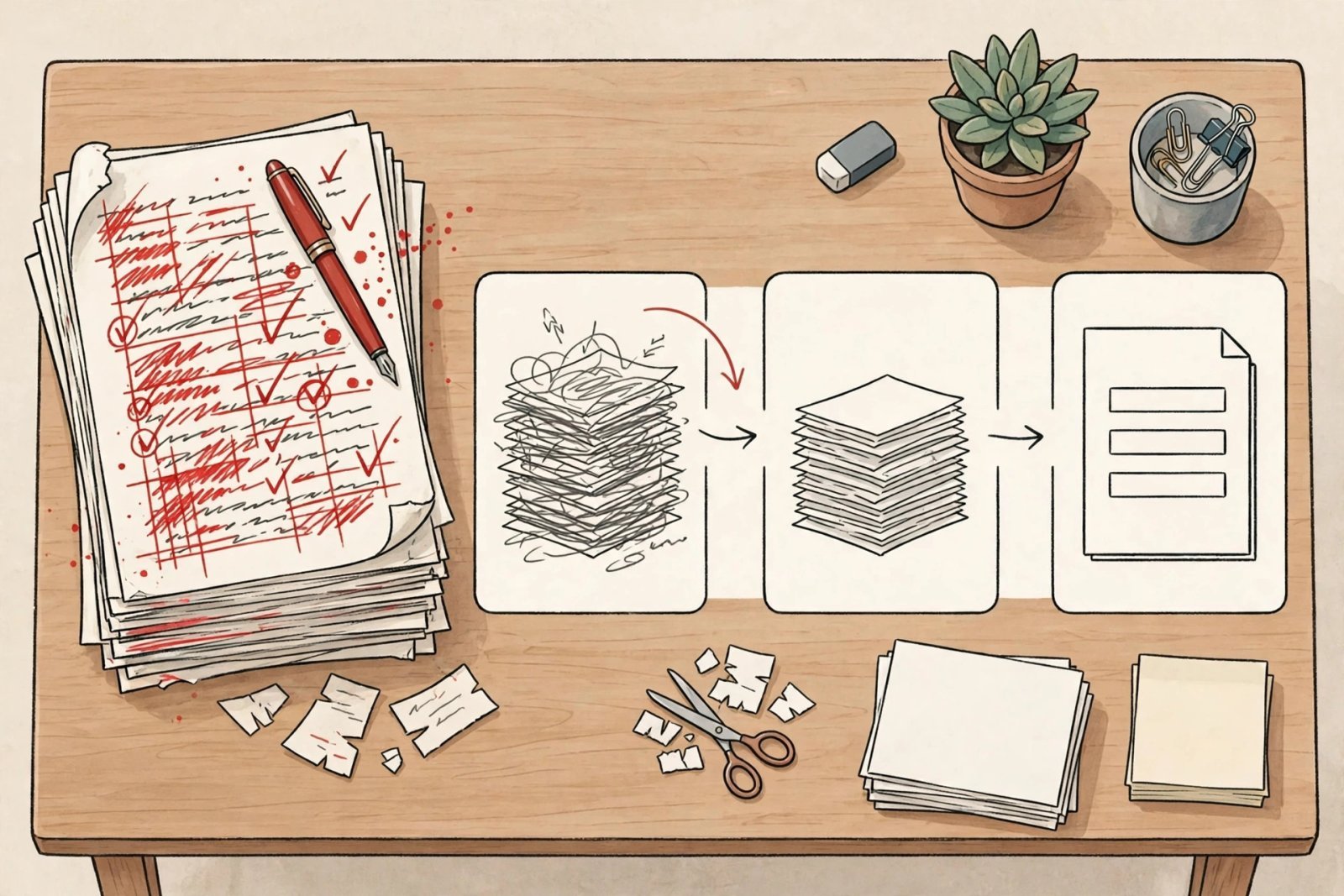
Turn Dense Technical Reports into Clear Executive Summaries
Convert a long technical report into a one-page executive summary a busy decision-maker can act on in five minutes.

Customize this prompt
Fill in the fields below — the prompt text updates automatically. [BRACKETED] words are placeholders you replace.
The prompt
You are a professional writer helping [ROLE] turn a [REPORT_LENGTH]-page technical report on [REPORT_TOPIC] into a one-page executive summary for [DECISION_MAKER]. The summary must state the decision needed, the three most important findings, the risks of delay, and a recommended next step, all in plain language. Preserve every number exactly as written in the report, flag anything uncertain rather than smoothing it over, and end with a short appendix note listing the report sections the summary draws on.
How to use it
- Read the report and highlight the decision the reader must make.
- Extract the three findings that most affect that decision.
- Draft the summary: decision, findings, risks of delay, recommendation.
- Check every number against the original report, word for word.
- Add an appendix note mapping each summary point to its report section.
Customization tips
Fill in the report topic and decision-maker, then verify every number before sharing the summary with leadership.
Example use case
Use it for engineering, research, audit or policy reports that need a fast, trustworthy decision brief.
Frequently asked questions
How short should an executive summary be?
One page: if a decision-maker needs more, the appendix note points them to the exact report sections instead of bloating the summary.
What if the report findings are uncertain?
Say so plainly and name what would reduce the uncertainty, because hiding doubt in a summary creates worse decisions than admitting it.
Share
Tags: writing executive summary technical writing business writing plain language reports
Reviewed by the PromptVault editorial team on November 3, 2026.
Source notes: Daily pipeline 20261103 batch 9