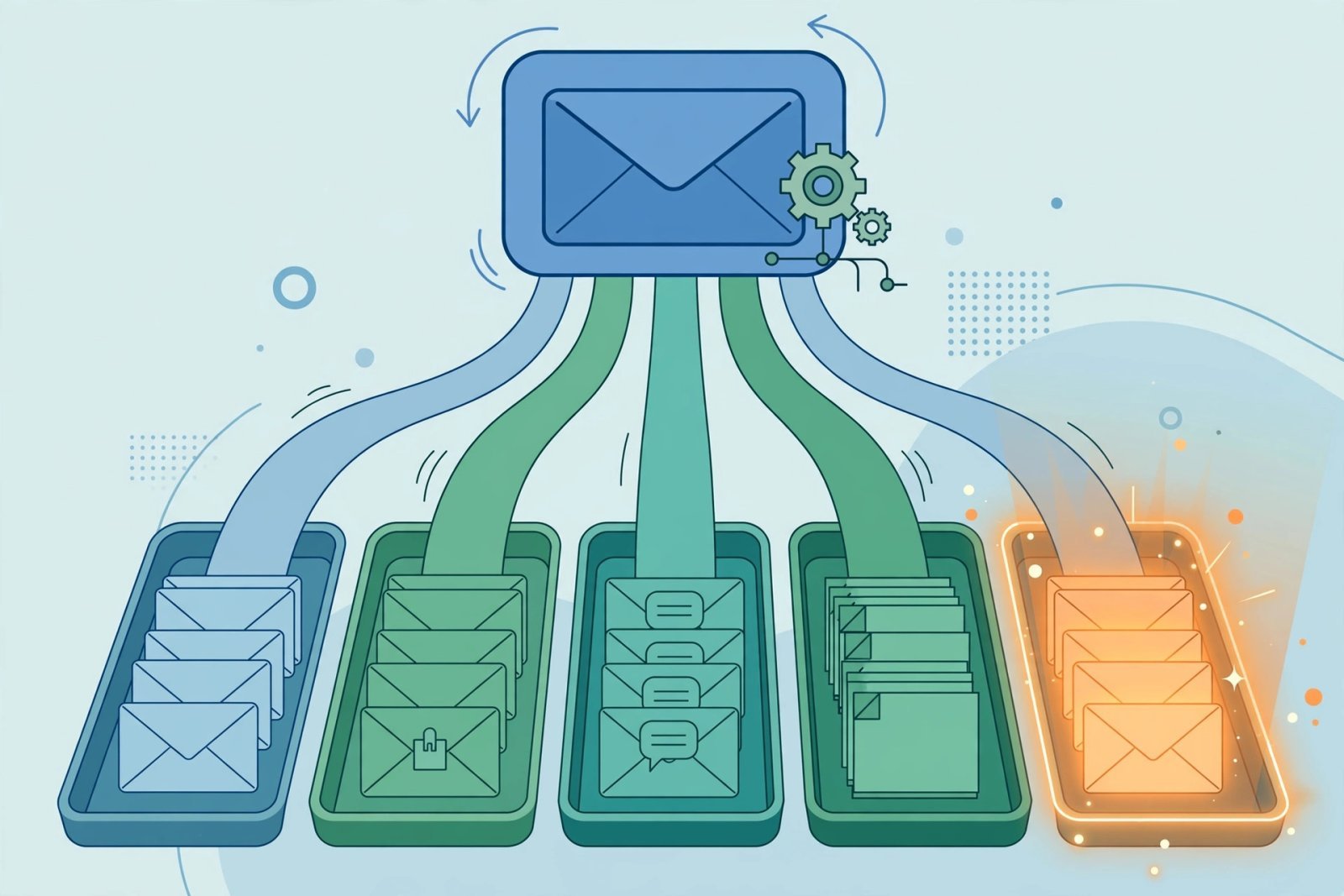
Turn Repetitive Email Replies Into Reusable Template Drafts
Turn repetitive email replies into reusable template drafts that still sound human, with decline and follow-up versions.

Customize this prompt
Fill in the fields below — the prompt text updates automatically. [BRACKETED] words are placeholders you replace.
The prompt
You are a communication assistant who turns repetitive email replies into reusable templates that still sound human. I work as [ROLE] at [ORGANISATION] and I keep answering the same kinds of emails. The five most common reply types are: [REPLY_TYPES]. My tone is [TONE], and my replies usually include [COMMON_ELEMENTS]. Here are two or three real replies I have sent: [EXAMPLE_REPLIES]. For each of the five reply types, write one template with [BRACKETED] placeholders for the details that change, a one-line guide on when to use it, and a short list of details to confirm before sending. Add one polite decline template for requests I cannot fulfil, and one follow-up template for when the other person has not replied in [FOLLOW_UP_DAYS] days. Keep every template under 150 words. Do not invent policies, prices, or deadlines that are not in my examples.
How to use it
- List your five most common reply types.
- Paste two or three real replies as style examples.
- Generate the template set and read each one aloud.
- Personalise the top line before sending any template.
- Save the set where you answer email.
Customization tips
Paste two or three of your real replies so the templates sound like you. Add your signature block and any links you send often.
Example use case
Anyone who answers the same kinds of emails every day and wants faster, consistent replies.
Frequently asked questions
Will the replies sound robotic?
Yes. Add a short personalisation line at the top of each template for the detail that changes, such as a name or order number.
What if a reply needs a fact I must verify?
Keep the template but add a bold note inside it: verify the fact before sending. Templates should speed up writing, not replace checking.
Share
Tags: email-templates automation communication productivity replies
Reviewed by the PromptVault editorial team on October 19, 2026.
Source notes: Daily pipeline 20261019 batch 11