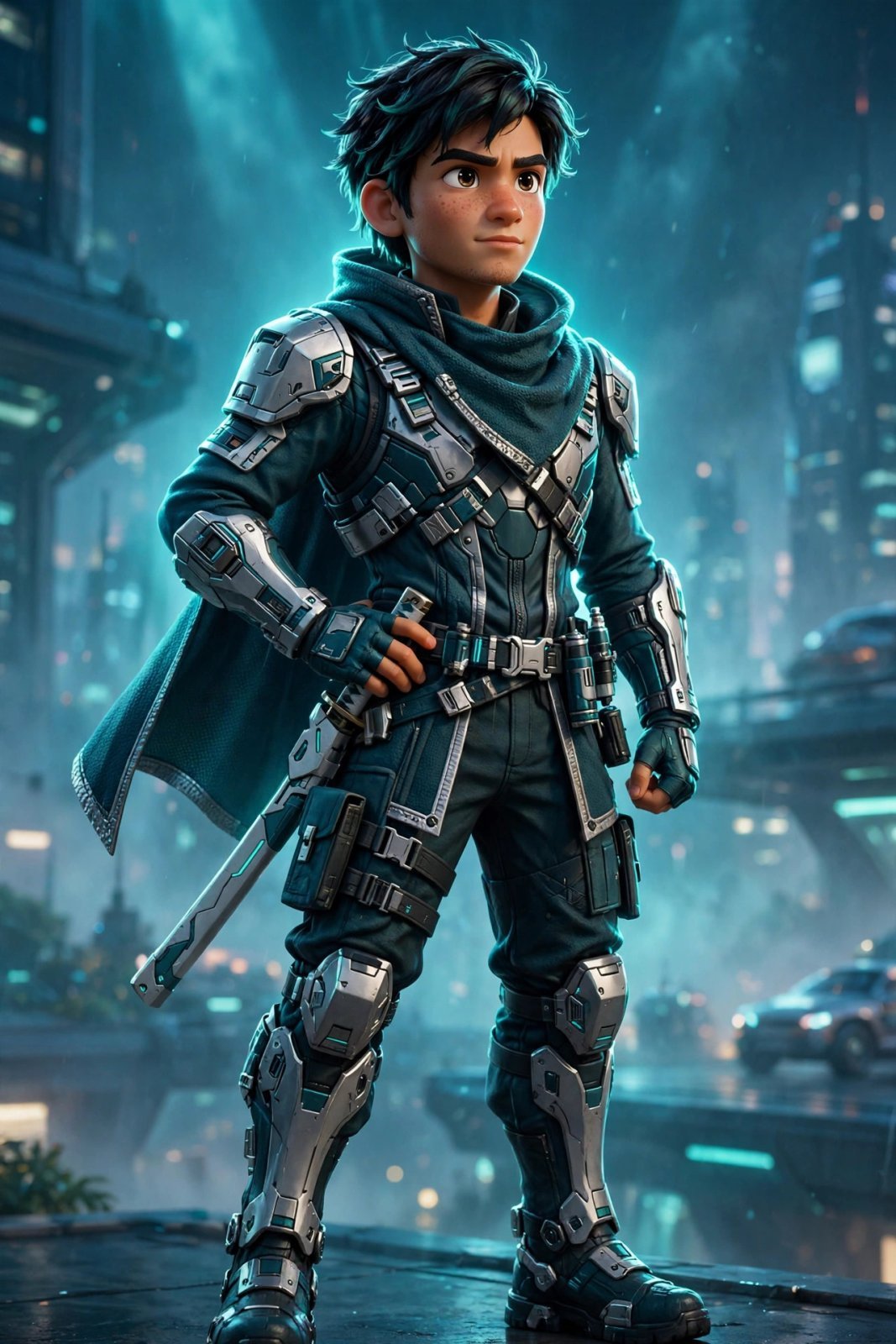
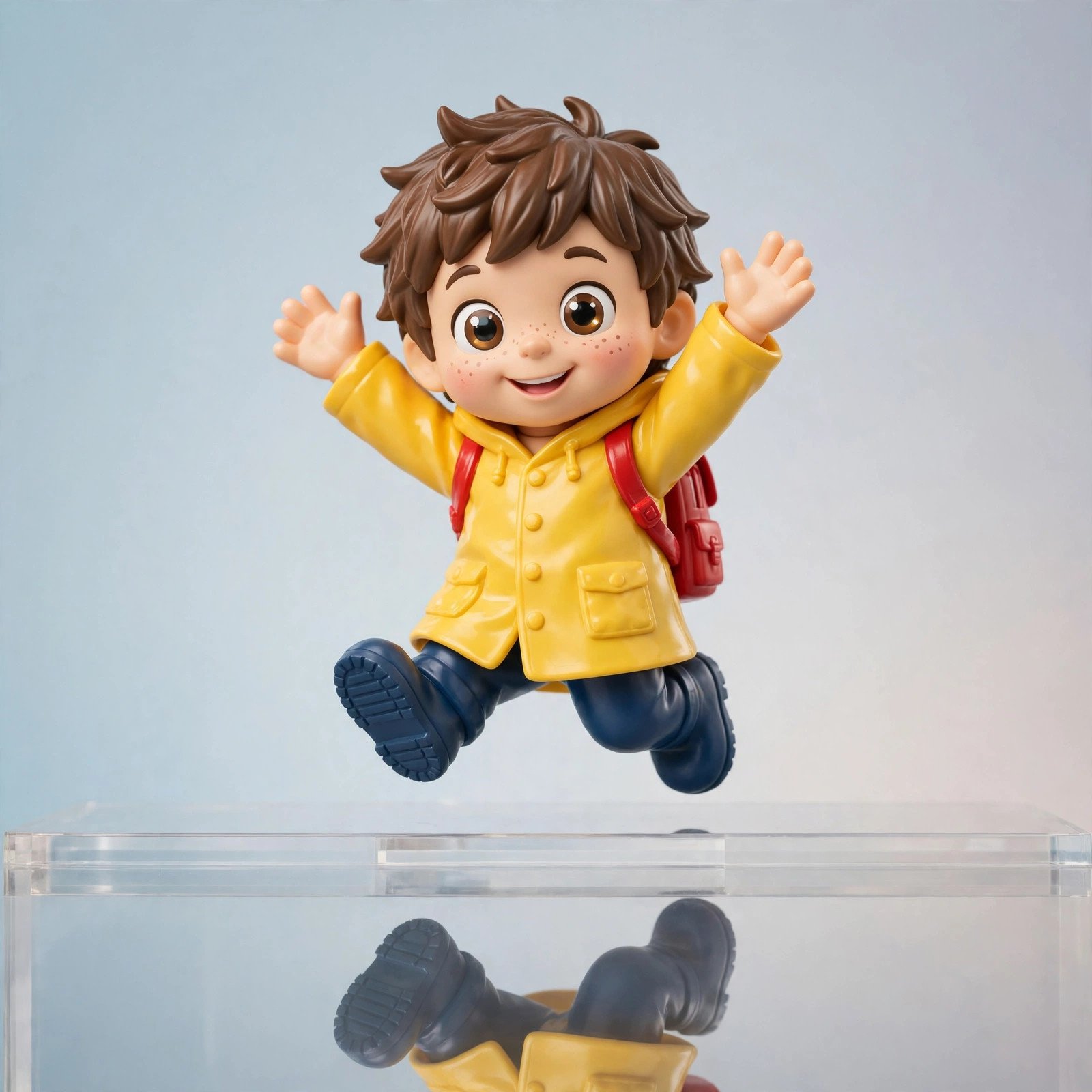
Turn Your Photo Into an Adorable Chibi 3D Avatar
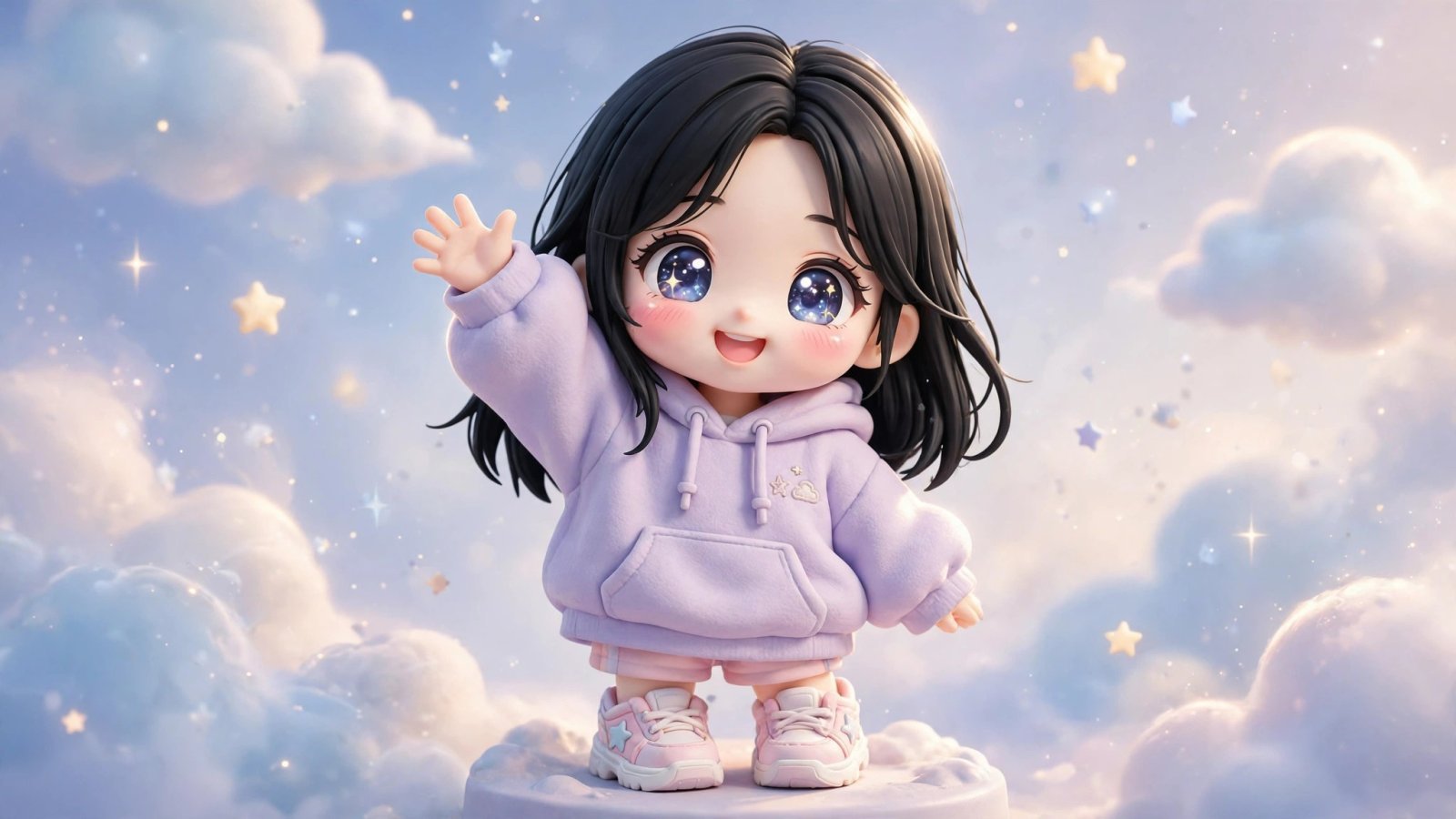
An editable AI prompt that reimagines any portrait photo as a cute chibi 3D character — big expressive eyes, soft clay-like shading, and a customizable pose and outfit.
Customize this prompt
Fill in the fields below — the prompt text updates automatically. [BRACKETED] words are placeholders you replace.
The prompt
You are a 3D character artist who turns real photographs into adorable chibi-style 3D characters.

INPUTS:
- [SUBJECT]: describe the person in the photo (e.g., young woman with shoulder-length black hair, round glasses)
- [OUTFIT]: the clothing style for the character (e.g., oversized pastel hoodie and sneakers)
- [POSE]: a playful pose (e.g., waving hello, holding a tiny umbrella)
- [BACKGROUND]: a simple dreamy backdrop (e.g., floating clouds and stars)

TASK:
Create a chibi 3D character based on [SUBJECT], keeping their most recognizable features — hairstyle, hair color, glasses, or signature accessory — while exaggerating cuteness. The character must have an oversized head (roughly 1:2 head-to-body ratio), huge sparkling eyes with visible highlights, blushing cheeks, and a tiny body. Render in smooth clay-like 3D shading with soft subsurface scattering, like a high-end collectible figurine. Dress the character in [OUTFIT] with simplified but crisp fabric folds. Place them in [POSE] against [BACKGROUND] with gentle depth of field. Use bright, cheerful lighting with soft rim light. The mood must be joyful and heartwarming. Avoid realistic proportions, avoid clutter, and never distort the face.
How to use it
- Describe the person's most recognizable features in [SUBJECT] — hairstyle, accessories, and facial traits to preserve.
- Choose an outfit in [OUTFIT] that matches the character's personality or a favorite real-world look.
- Pick a playful action for [POSE] and a dreamy theme for [BACKGROUND].
- Generate the image and check the face: eyes should be large with highlights, cheeks softly blushed.
- Regenerate with small tweaks to [OUTFIT] or [POSE] until the figurine look feels right.
Customization tips
Swap [OUTFIT] for seasonal costumes (Halloween witch, winter coat, summer beachwear) and change [BACKGROUND] to a workplace, school, or festival scene to make avatars for teams or events.
Example use case
Personalized profile pictures, social media avatars, and gift illustrations of friends and family.
Frequently asked questions
Which image models render chibi 3D characters best?
Midjourney and DALL-E handle stylized 3D figurine looks well. Emphasize 'chibi', 'clay render', and 'collectible figurine' in the prompt so the model keeps the oversized-head proportions instead of drifting toward realism.
How do I keep the character recognizable from the original photo?
Spell out the one or two most distinctive features in [SUBJECT] — a hairstyle, glasses, or accessory — and tell the model to preserve them. The face itself is stylized by design, so accessories carry the likeness.
Share
Tags: anime chibi avatar 3d character photo to cartoon cute profile picture
Reviewed by the PromptVault editorial team on October 12, 2026.
Source notes: Daily pipeline 20261013 batch 1