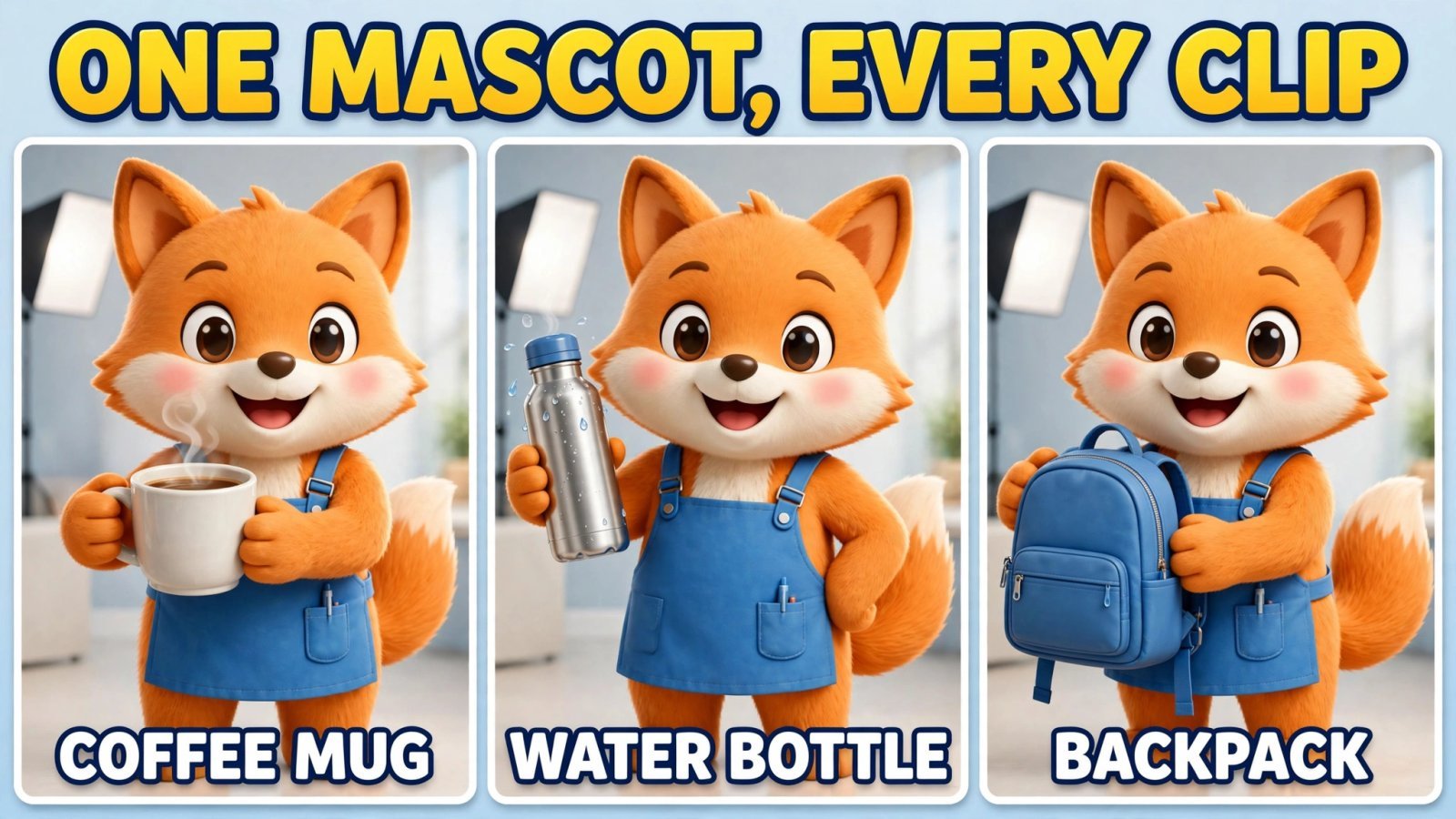
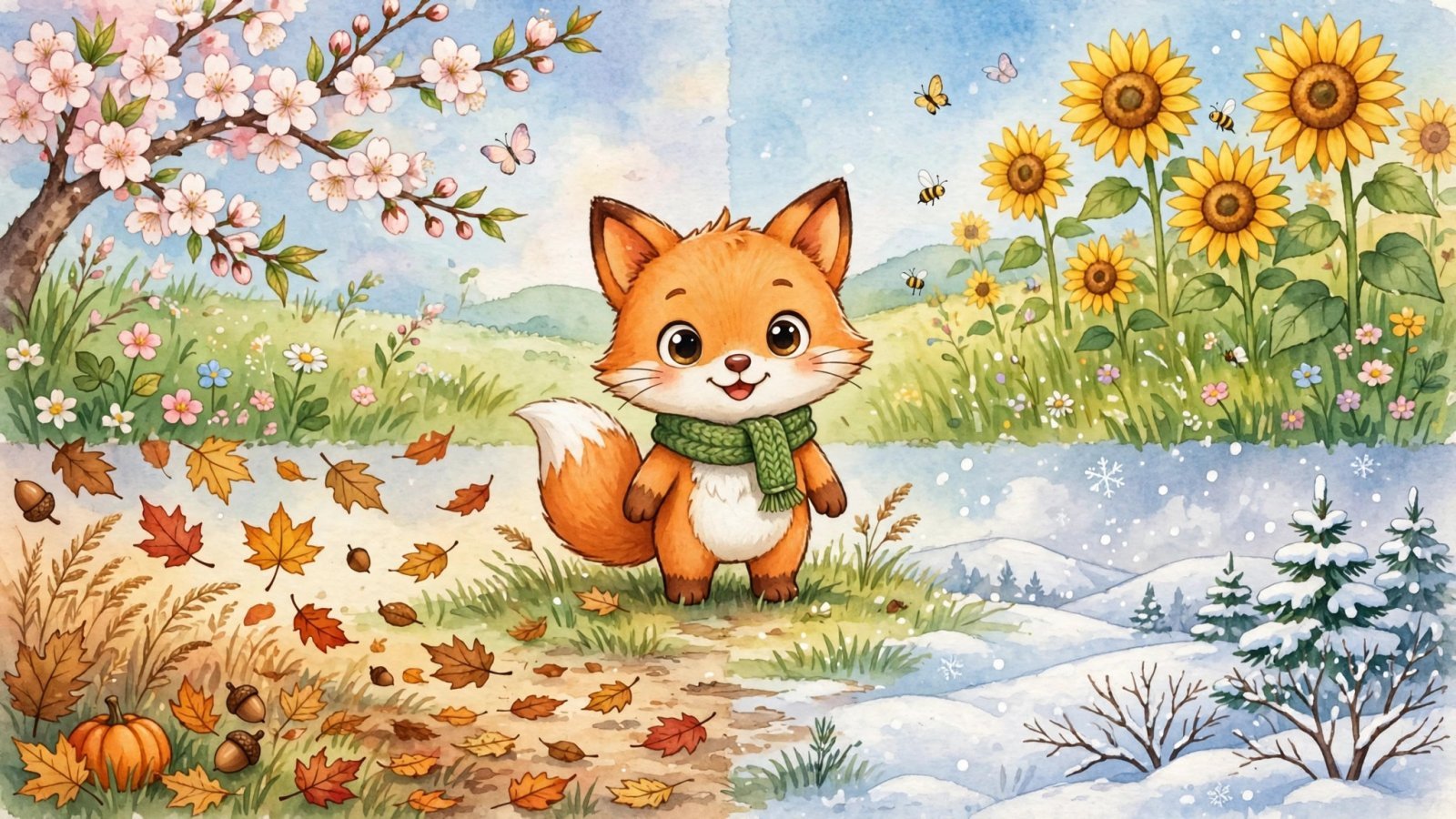
Your brand mascot never changes face: an on-model character series
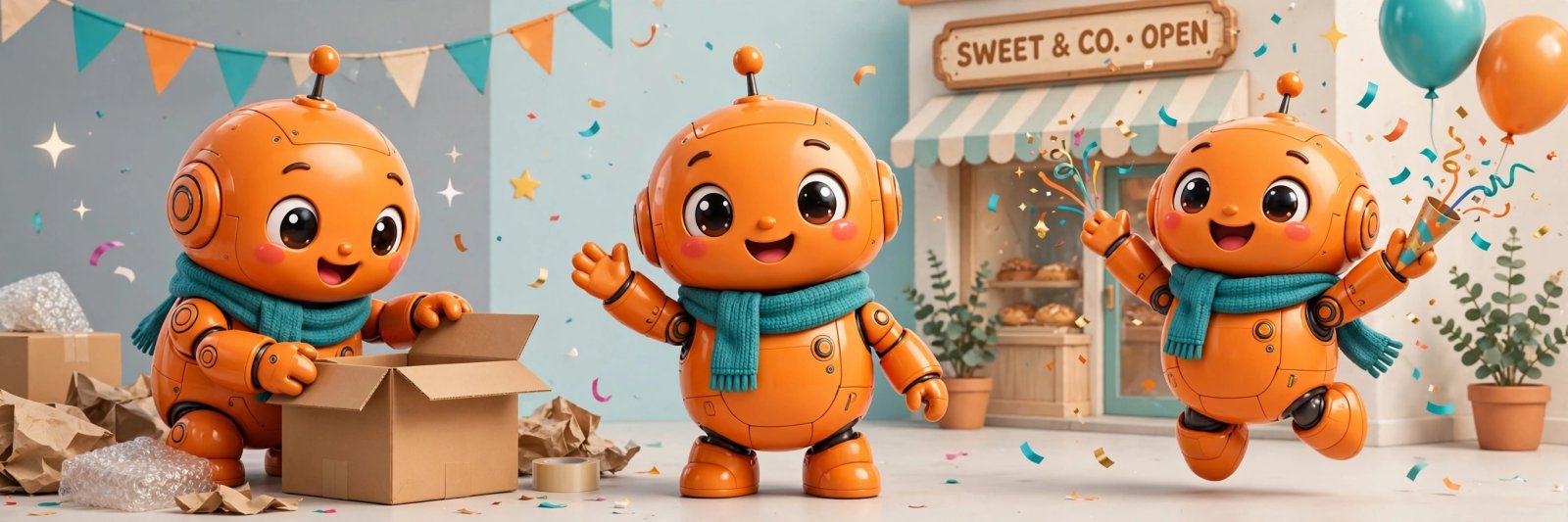
Build a short video series around one brand mascot that looks exactly the same in every clip, from unboxing to celebration.
Customize this prompt
Fill in the fields below — the prompt text updates automatically. [BRACKETED] words are placeholders you replace.
The prompt
Create a video series starring one brand mascot that stays perfectly on-model in every scene. The mascot is [MASCOT_DESCRIPTION], with [MASCOT_COLOURS], [MASCOT_OUTFIT] and [MASCOT_PERSONALITY]. Scene one: the mascot [SCENE_ONE_ACTION] in [SETTING_ONE]. Scene two: the mascot [SCENE_TWO_ACTION] in [SETTING_TWO]. Scene three: the mascot [SCENE_THREE_ACTION] in [SETTING_THREE]. Keep the mascot's proportions, colours, face and outfit identical in every clip, and keep [BRAND_STYLE] consistent so the series reads as one campaign. End each clip with [BRAND_SIGN_OFF].
How to use it
- Write a mascot sheet: shape, colours, face, outfit and personality.
- Plan three short scenes that show the mascot's job or joke.
- Generate scene one and keep it as the reference.
- Generate scenes two and three with the identical mascot sheet.
- Check all three side by side before adding your brand sign-off.
Customization tips
Swap in your mascot, brand colours and scenes; keep the mascot sheet word for word.
Example use case
Brands and creators making a mascot-led social video campaign.
Frequently asked questions
How many scenes should a mascot series have?
Three short scenes is a good start: an introduction, a moment of action, and a payoff. Add more once the mascot is stable.
What if my mascot is a real product, not a character?
Treat the product the same way: describe its exact colour, shape, label and size in every prompt so it never changes between clips.
Share
Tags: brand mascot consistent character video series brand video mascot campaign
Reviewed by the PromptVault editorial team on November 15, 2026.
Source notes: Daily pipeline 20261115 batch 5