Animate a Blacksmith Forge Photo Into a Working Scene
Turn a still photo of a blacksmith's forge into a living clip: hammer strikes, flying sparks and glowing metal, step by step.
Customize this prompt
Fill in the fields below — the prompt text updates automatically. [BRACKETED] words are placeholders you replace.
The prompt
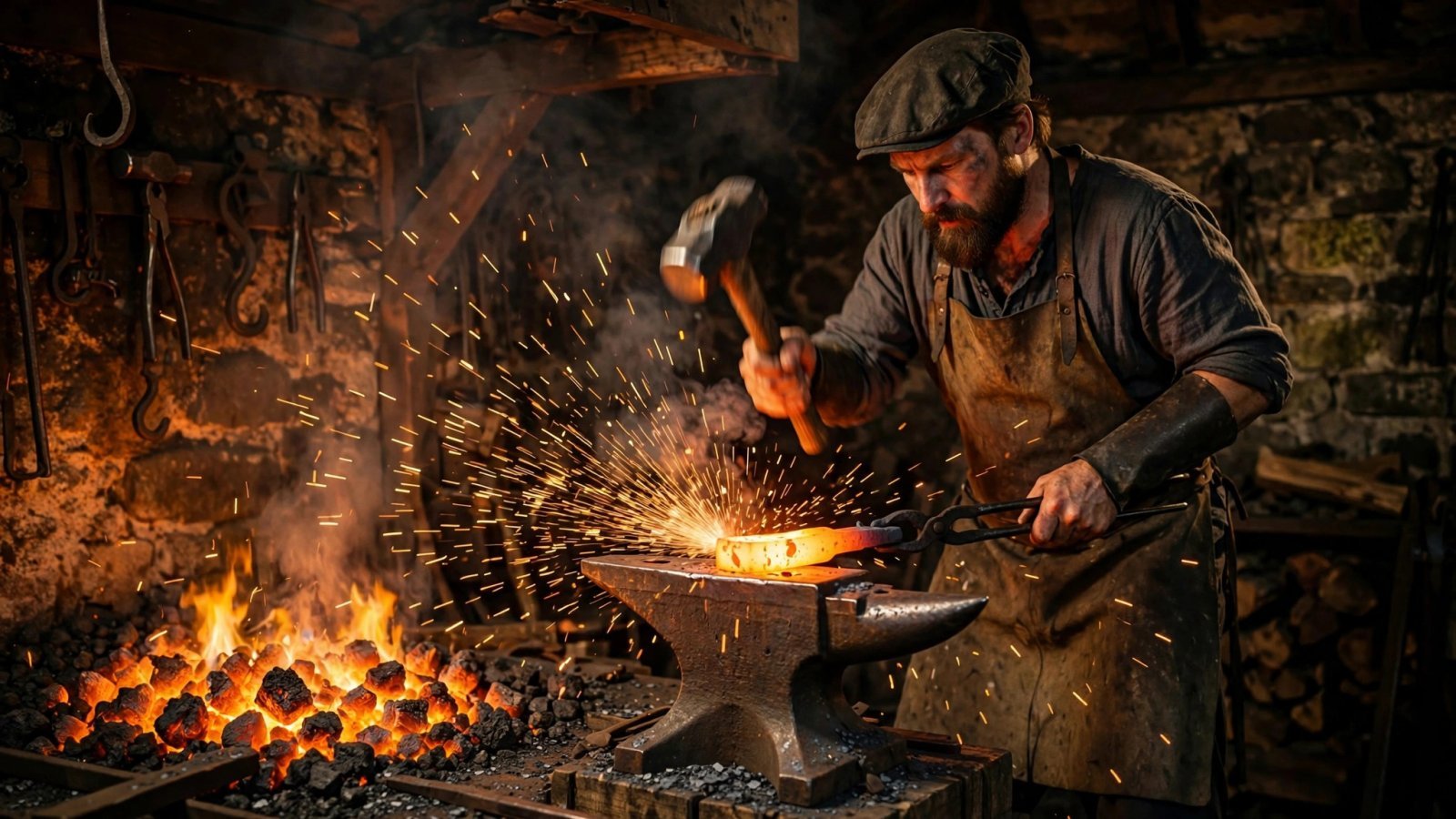
Using the uploaded photo of [FORGE_DESCRIPTION], animate it into a [DURATION]-second video where the forge comes alive. The blacksmith raises the hammer and strikes the glowing workpiece on the anvil, sparks flying outward in slow arcs, while the bellows breathe and the coals pulse orange. Keep the photo's composition, tools and lighting exactly as they are, adding only natural motion: the hammer swing, the spark spray, the flicker of firelight on the walls, and a thin curl of smoke rising from the quench barrel. End the clip with the blacksmith holding the finished piece up to inspect it in the warm forge light.
How to use it
- Upload a sharp photo of [FORGE_DESCRIPTION] with the anvil, hammer and forge clearly visible.
- Ask for hammer strikes with sparks, breathing bellows and pulsing coals, without moving the camera.
- Keep the composition and lighting of the original photo untouched throughout the clip.
- End on the blacksmith inspecting the finished piece in warm firelight.
Customization tips
Change [FORGE_DESCRIPTION] and [DURATION] to match your own workshop photo and clip length.
Example use case
Craftspeople and museums animating heritage workshop photos for social video.
Frequently asked questions
Why does the anvil warp in my result?
Add 'keep the composition and objects fixed, add only natural motion' and use a short duration so the model has less room to drift.
Can I use a painting instead of a photo?
Yes, the same prompt works for an illustration, but expect softer, more painterly motion.
Share
Tags: image to video blacksmith forge photo animation craft video
Reviewed by the PromptVault editorial team on October 31, 2026.
Source notes: Daily pipeline 20261031 batch 5